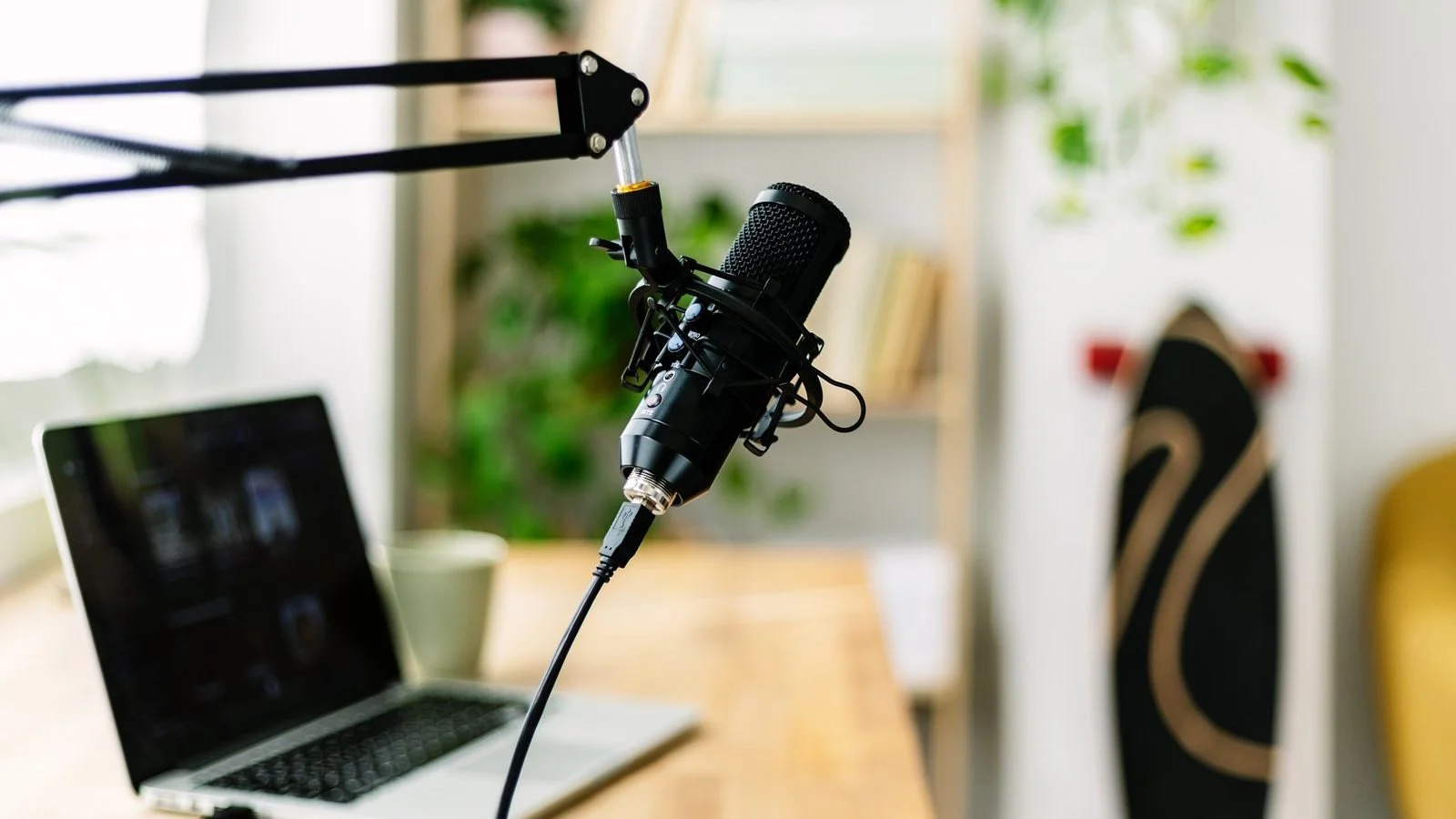
When you shop for a podcast, streaming or voice-over microphone, one question comes up straight away: USB or XLR? USB microphones plug directly into a computer and are ready in seconds, while XLR microphones need an audio interface but offer more flexibility and room to grow. Here’s how the two compare, which type suits which creator, and why a hybrid USB/XLR mic is often the smartest first buy.
Prices were checked at the end of October 2026 and change often, especially around Black Friday and Cyber Monday.
What is a USB microphone?
A USB microphone has everything it needs built in: the microphone capsule, a preamp and a converter that turns your voice into digital audio. You plug it into a computer, select it in your recording or streaming app, and you’re done. Most models also include a headphone jack for listening to yourself without delay, and a volume or gain knob on the body.
USB mics are the simplest way to sound better than a laptop or webcam microphone, and they work with Macs, Windows PCs and many tablets. If you’re still choosing a computer for recording and editing, our MacBook Air vs MacBook Pro comparison explains which one suits creative work.
What is an XLR microphone?
XLR is the professional standard used in studios, radio and live sound. An XLR microphone only outputs an analog signal through a three-pin cable, so you need an audio interface or mixer to power it, amplify the signal and convert it into digital audio for your computer.
That extra box adds cost and a little complexity, but it also gives you better preamps, physical controls, the option to connect several microphones and the freedom to upgrade the microphone or the interface separately. Condenser XLR mics also need 48V phantom power, which almost every interface provides.
USB vs XLR: the key differences
Setup: USB is plug and play, while XLR needs an interface and a cable.
Cost: a good USB mic costs $75–$150, while an XLR setup usually starts at around $200 once you add an interface.
Sound quality: at the same price, the difference is smaller than many people think. XLR pulls ahead at higher budgets, thanks to better microphones and preamps.
Flexibility: you can swap an XLR mic or interface independently, while a USB mic is a closed system.
Multiple people: recording two or more mics on one computer is easy with a multi-input XLR interface and awkward with several USB mics.
Portability: a single USB mic is easier to pack for travel or plug into a tablet.
Dynamic vs condenser: the choice that matters just as much
Whether a mic is USB or XLR, the capsule type has a big effect on how you sound in a normal room. Dynamic microphones pick up mostly what’s directly in front of them, so they handle echoey rooms, keyboard noise and street sounds well. Condenser microphones capture more detail and a brighter sound, but they also pick up much more of the room around you.
For podcasts, streaming and voice-overs in an untreated bedroom or office, a dynamic mic is usually the better choice. Condensers shine in quiet, treated rooms, for singing, acoustic instruments and ASMR.
When a USB microphone makes sense
Choose USB if you record alone, want the quickest setup or move between a desk and a laptop. The Blue Yeti is a popular all-rounder at about $100, with several pickup patterns for solo recording or interviews, though as a condenser it does pick up room noise. For a dynamic option, the Audio-Technica ATR2100x-USB costs about $76 and also has an XLR output.
Many USB-C microphones work with iPads too, which makes a tablet a surprisingly capable recording setup. If you’re considering one, our ranking of the best tablets shows which models are worth buying.
When XLR is worth it
XLR makes sense if you record two or more people, plan to grow into a proper studio or want the best possible sound. A classic setup is the Shure SM7B at about $439, a broadcast-standard dynamic mic, paired with an interface such as the Focusrite Scarlett Solo 4th Gen at about $160.
Keep in mind that the SM7B is a quiet microphone that needs plenty of gain. Modern interfaces handle it better than older models, but some creators add an inline booster to get a clean, loud signal.
Hybrid USB/XLR microphones: the best of both
For most creators, the smartest first buy is a microphone with both USB and XLR outputs. You can plug it straight into a computer today and move to an interface later without replacing the mic. The Samson Q2U is a budget favorite at about $80, and the Shure MV7+ is a premium dynamic mic with USB-C and XLR outputs for about $299.
Which should you buy?
If you record alone and want simplicity, start with a USB or hybrid dynamic microphone. It’s cheaper, easier and sounds great in a normal room. Move to XLR when you need to record several people at once, want more control over your sound or are ready to build a proper studio setup. And whichever you choose, put the mic close to your mouth, around a hand’s width away, because placement improves sound more than any upgrade.
