Best External SSDs in 2026 – Which Memory Should You Choose!
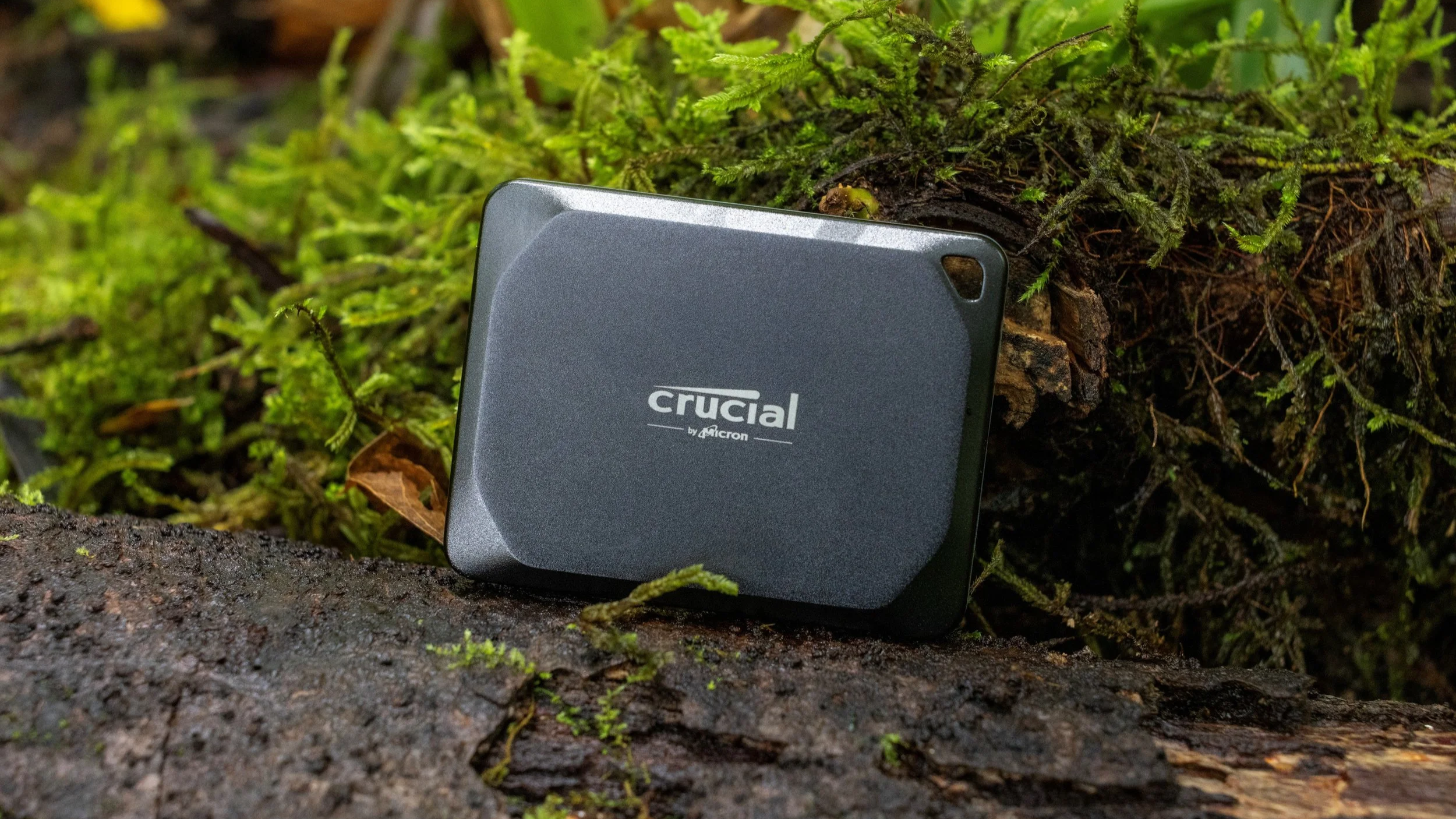
A good external SSD is one of the easiest ways to add fast storage to a laptop, desktop, smartphone or gaming setup. Modern portable SSDs can transfer files at several gigabytes per second, survive drops and bad weather, and hold multiple terabytes of photos, games and 4K video.
But advertised speed isn't everything. Your computer needs the right USB or Thunderbolt port to reach those numbers, and a 6,700 MB/s professional drive would be spectacular overkill for someone who just wants to back up vacation photos.
Here are the best external SSDs in 2026, from compact everyday drives to seriously fast storage for professional video work.
Best external SSDs in 2026
| Rank | Model | Best for | Rating |
|---|---|---|---|
| 1 | Crucial X10 | Best overall | 10/10 |
| 2 | Samsung T9 | Best premium all-rounder | 9.9/10 |
| 3 | Crucial X10 Pro | Best for creators | 9.8/10 |
| 4 | LaCie Rugged SSD Pro5 | Best professional SSD | 9.7/10 |
| 5 | Samsung T7 Shield | Best rugged SSD | 9.6/10 |
| 6 | Kingston XS2000 | Best compact high-speed SSD | 9.4/10 |
| 7 | Kingston XS1000 | Best compact everyday SSD | 9.2/10 |
1. Crucial X10 – best external SSD overall
Rating: 10/10
Pros
Up to 2,100 MB/s read speed
Capacities from 1TB all the way to 8TB
IP65 dust and water resistance
Drop-resistant up to 3 meters
Extremely compact
Cons
Requires USB 3.2 Gen 2x2 to reach full speed
No hardware encryption
Very long writes can slow significantly after the cache fills
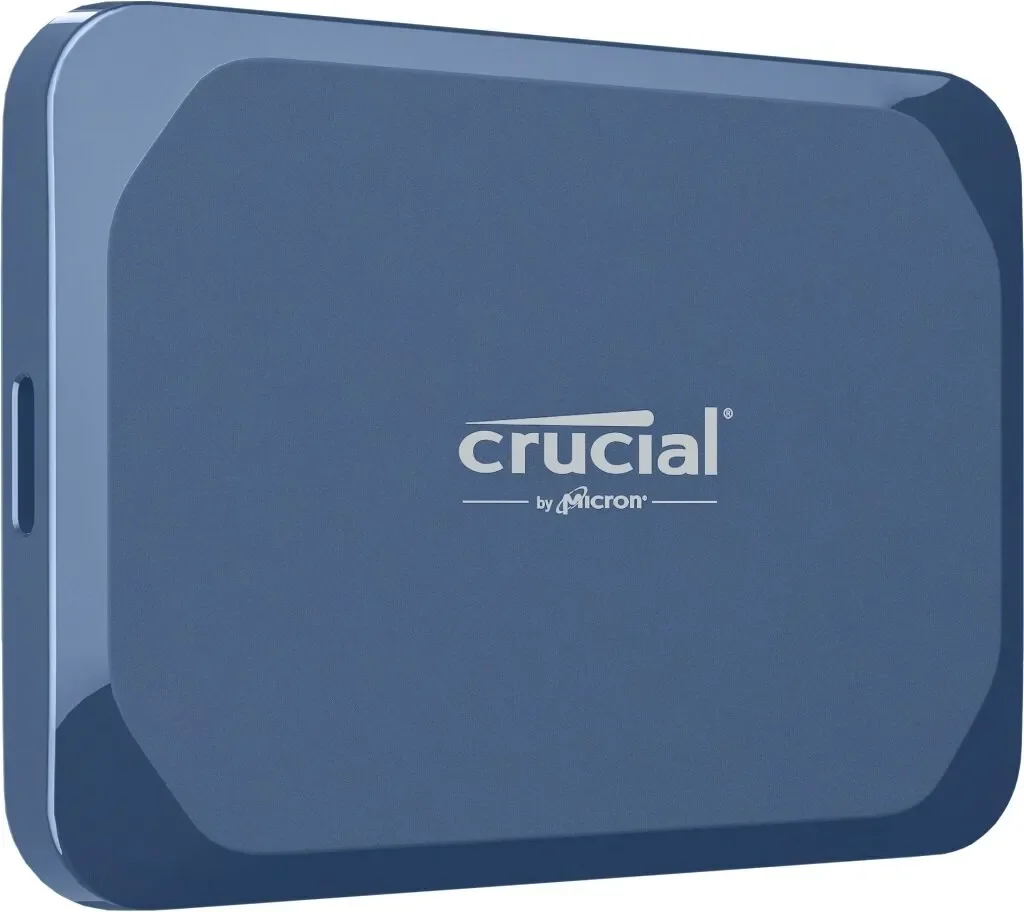
The Crucial X10 is my pick for the best external SSD for most people in 2026. It combines fast performance, excellent portability, strong durability and an unusually wide selection of capacities.
You can choose anything from 1TB to a huge 8TB, which is impressive for something small enough to disappear into a pocket. Crucial rates sequential reads at up to 2,100 MB/s, while the enclosure carries an IP65 rating and is designed to survive drops of up to three meters.
There are two catches. You need a USB 3.2 Gen 2x2 20Gbps port to get its full performance, and sustained write speeds can drop substantially during extremely large transfers once the drive's cache is exhausted.
For normal backups, photo libraries, games and everyday large-file transfers, though, the X10 hits the sweet spot.
2. Samsung T9 – best premium all-rounder
Rating: 9.9/10
Pros
Up to 2,000 MB/s read and write speeds
Excellent sustained performance
AES 256-bit hardware encryption
Drop-resistant up to 3 meters
1TB, 2TB and 4TB capacities
Five-year warranty
Cons
No official IP water/dust rating
Full speed requires USB 3.2 Gen 2x2
More expensive than many mainstream drives
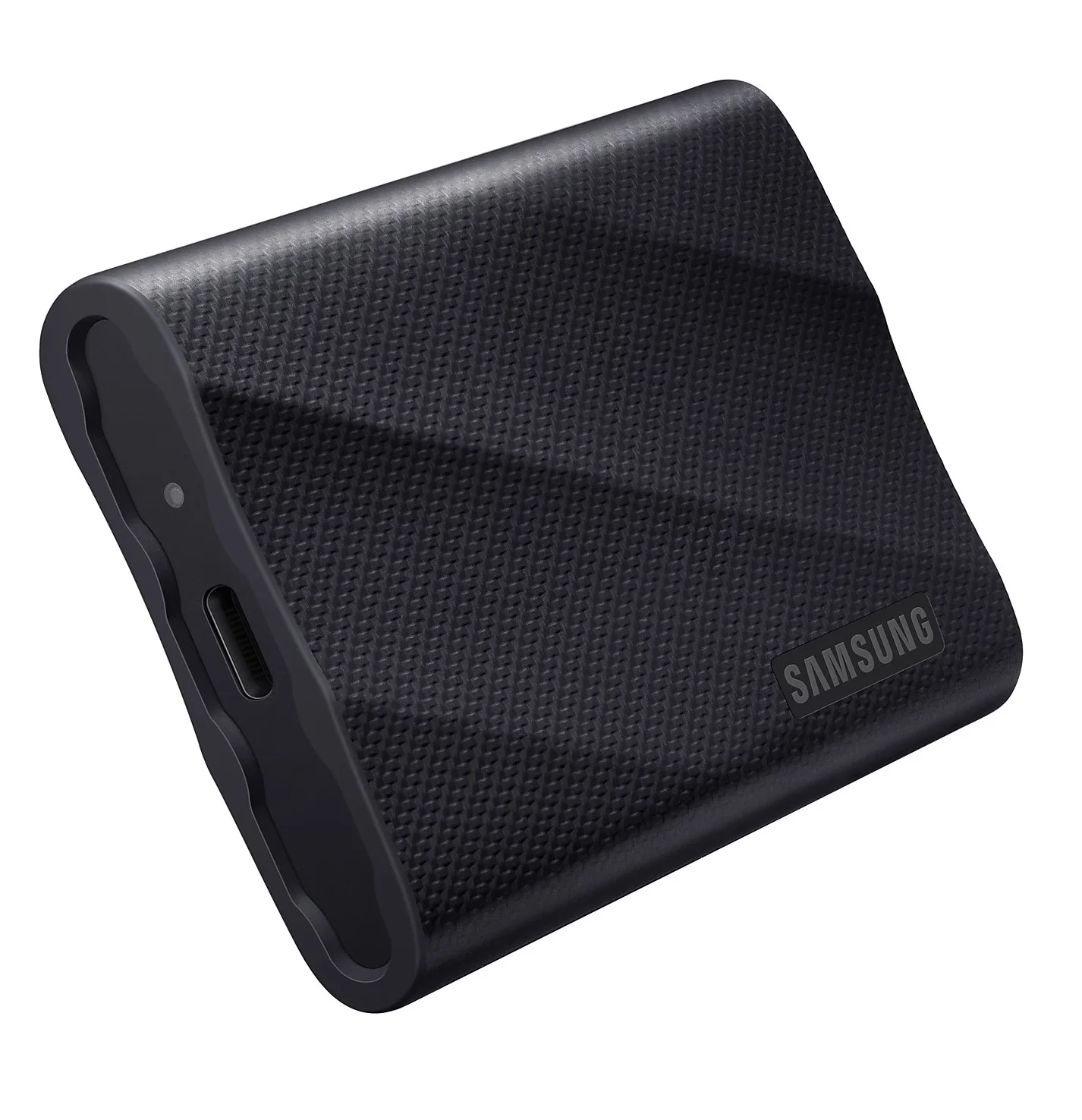
The Samsung T9 is the drive I'd choose if you want something slightly more premium than the Crucial X10. Samsung rates it for sequential speeds of up to 2,000 MB/s, with the 2TB version capable of up to 1,950 MB/s writes.
It uses USB 3.2 Gen 2x2, supports AES 256-bit hardware encryption and can withstand drops from up to three meters. Samsung also includes both USB-C-to-C and USB-C-to-A cables. It's particularly appealing for creators who regularly transfer large video projects because performance remains strong during sustained workloads.
The main downside is that Samsung doesn't give it an IP rating. So while it's physically tough, the T7 Shield below is the model I'd trust more around dust, rain and outdoor shoots.
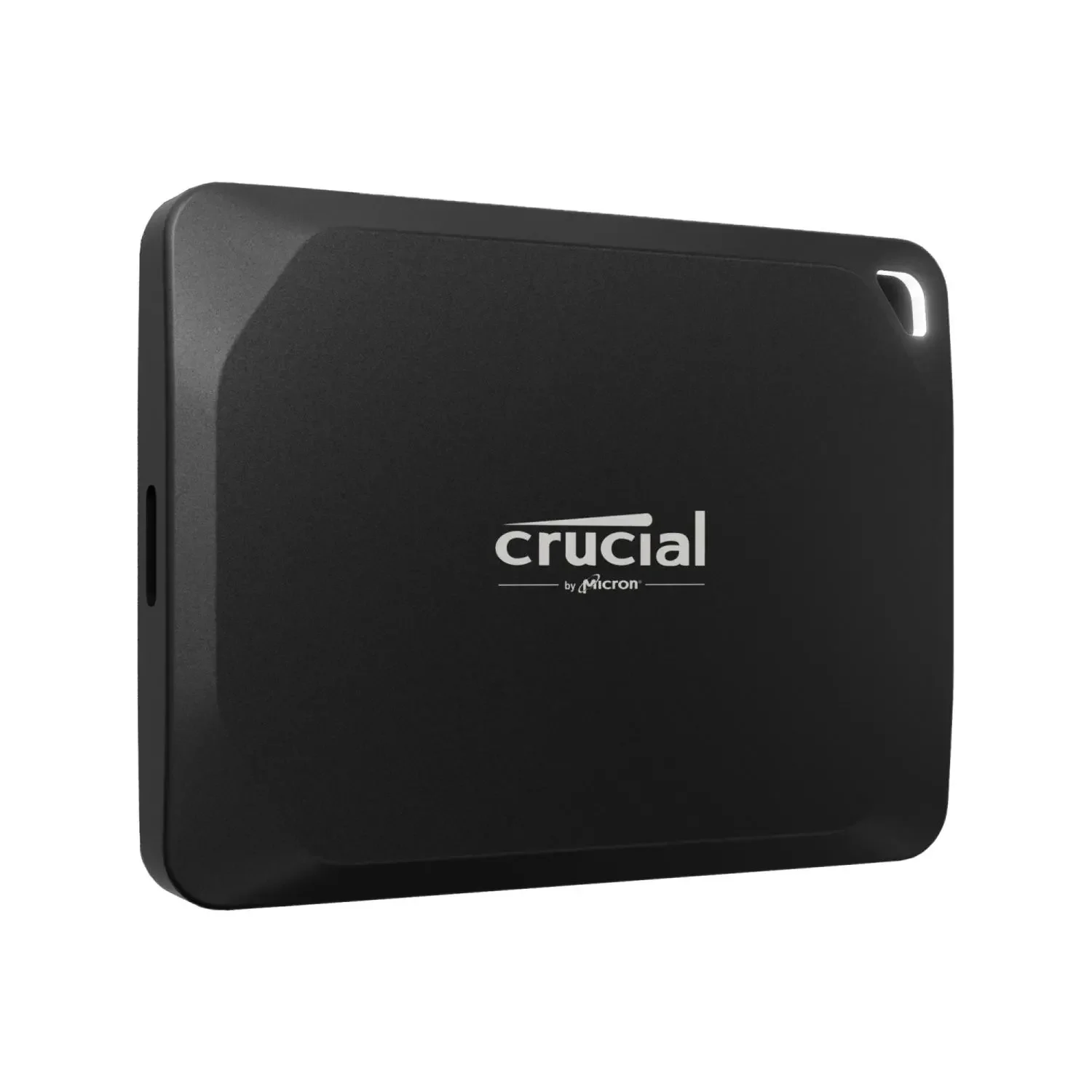
3. Crucial X10 Pro – best USB SSD for creators
Rating: 9.8/10
Pros
Up to 2,100 MB/s reads and 2,000 MB/s writes
Excellent sustained write performance
TLC NAND
AES 256-bit hardware encryption
IP55 dust and water resistance
Very small aluminum body
Cons
USB 3.2 Gen 2x2 support is required for full performance
Maximum capacity is 4TB
Overkill for basic backups
The Crucial X10 Pro may look similar to the regular X10, but it's aimed at more demanding users.
It offers up to 2,100 MB/s reads and 2,000 MB/s writes, uses TLC NAND, supports password protection with AES 256-bit hardware encryption and carries an IP55 rating.
More importantly, the X10 Pro performs particularly well during sustained transfers. Tom's Hardware found it could maintain roughly 1,750 MB/s writes for more than 11 minutes in an intensive sustained-write test before slowing—and even then it remained extremely fast.
That's exactly the kind of behavior that matters when you're moving hundreds of gigabytes of video rather than a folder containing six PDFs and a photo of your dog.
For photographers, videographers and other creators using compatible 20Gbps USB hardware, it's one of the best portable USB SSDs available.
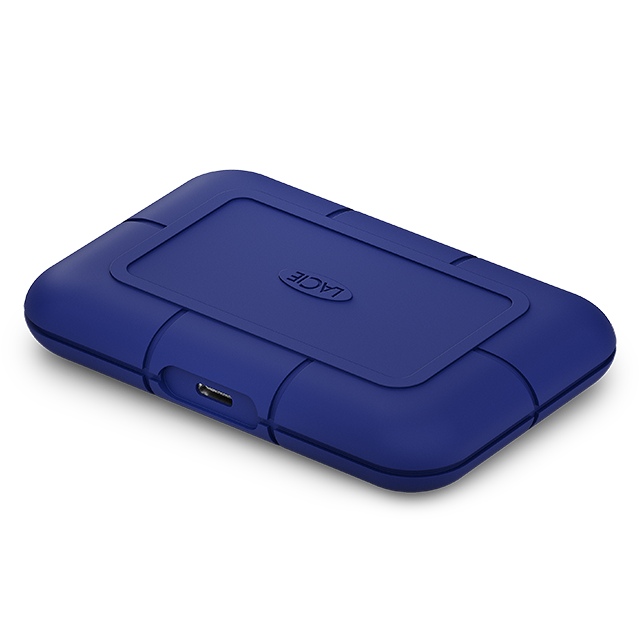
4. LaCie Rugged SSD Pro5 – best professional external SSD
Rating: 9.7/10
Pros
Up to 6,700 MB/s read speeds
Up to 5,300 MB/s write speeds
Thunderbolt 5
IP68 dust and water resistance
Excellent for 6K and 8K video editing
Extremely rugged construction
Cons
Very expensive
Complete overkill for most people
Requires the right Thunderbolt hardware to exploit its performance
Then things get slightly ridiculous. The LaCie Rugged SSD Pro5 uses Thunderbolt 5 and can reach up to 6,700 MB/s reads and 5,300 MB/s writes while its cache is available. LaCie specifically designed it for demanding creative workloads such as real-time multi-stream 6K and 8K video editing.
It's also genuinely rugged. The drive carries an IP68 rating, can survive drops from up to three meters and is designed to withstand the pressure of a two-ton vehicle.
If you're a professional editor moving enormous RAW video files between Thunderbolt 5 machines, this kind of performance can save real time.
If you're backing up photos from a smartphone, congratulations: you've just purchased a Formula 1 car for the grocery run.
Compatibility also matters. Thunderbolt 5 delivers the best results, while older Thunderbolt, USB4 and USB implementations can significantly limit performance.
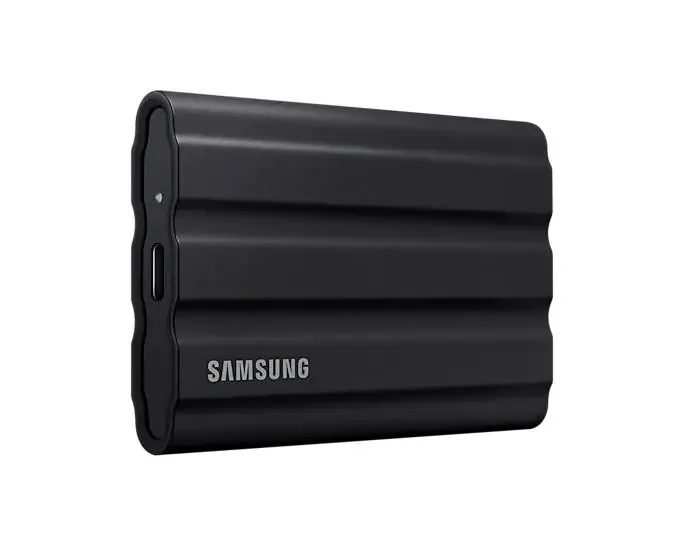
5. Samsung T7 Shield – best rugged SSD
Rating: 9.6/10
Pros
IP65 dust and water resistance
Drop-resistant up to 3 meters
Up to 1,050/1,000 MB/s read/write speeds
AES 256-bit hardware encryption
Available up to 4TB
Excellent compatibility
Cons
Roughly half the peak speed of the T9
Heavier than ultra-compact rivals
The Samsung T7 Shield isn't the fastest SSD here, but speed isn't why I'd buy one. Samsung rates it for up to 1,050 MB/s reads and 1,000 MB/s writes, which is already fast enough for backups, large photo libraries and most external-storage workloads.
The real attraction is its durability. It carries an IP65 rating for dust and water resistance and can withstand drops from up to three meters. Hardware AES 256-bit encryption is also included. Current capacities range from 1TB to 4TB.
This is the SSD I'd choose for travel, outdoor photography or any situation where the drive is going to spend more time in a backpack than on a desk. It's not glamorous. It just has a significantly better chance of surviving your lifestyle.
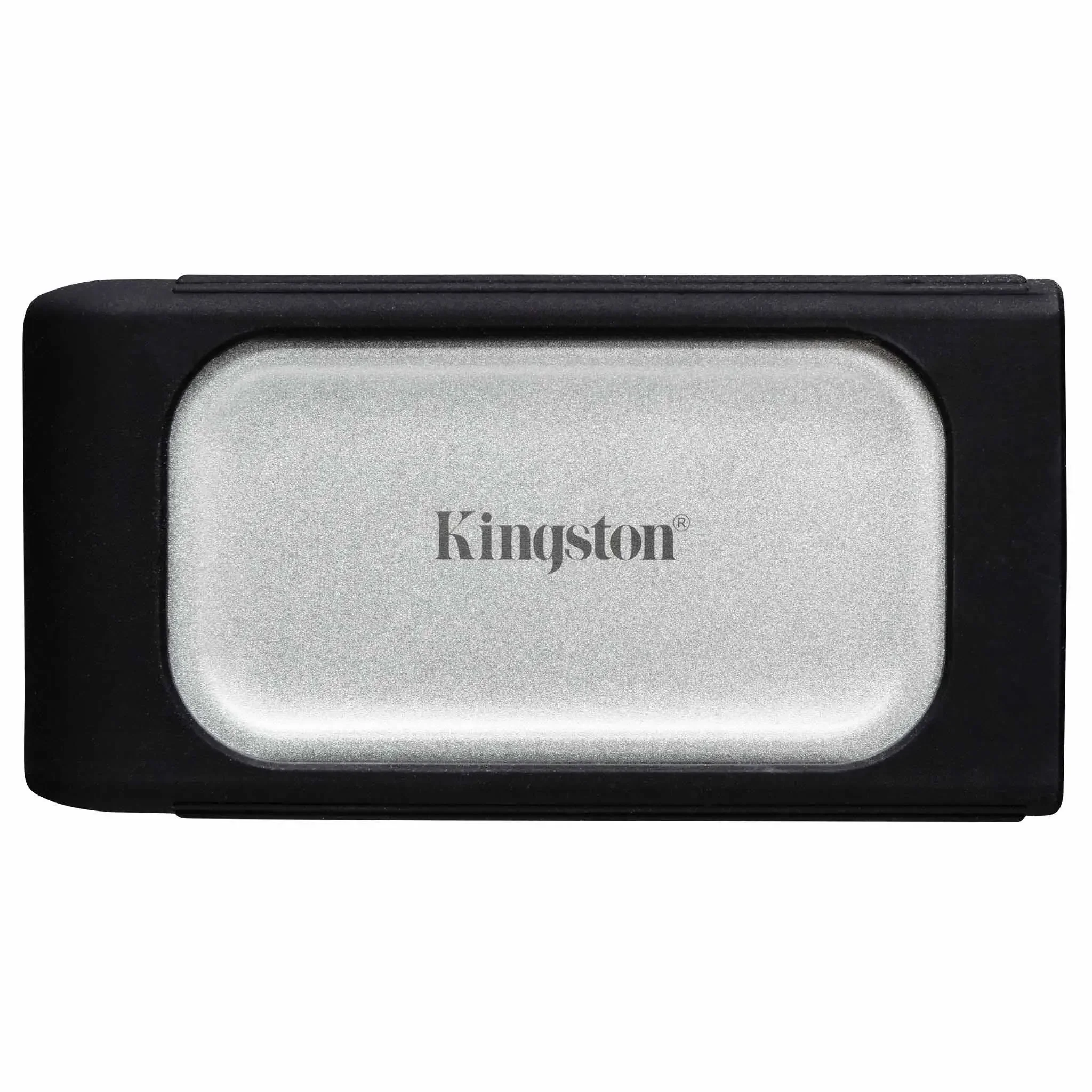
6. Kingston XS2000 – best ultra-compact high-speed SSD
Rating: 9.4/10
Pros
Up to 2,000 MB/s reads and writes
Weighs only 28.9g
Up to 4TB capacity
IP55 rating with rugged sleeve
USB-C
Five-year warranty
Cons
Needs USB 3.2 Gen 2x2 for full speed
Macs typically can't exploit its full 20Gbps performance
No hardware encryption
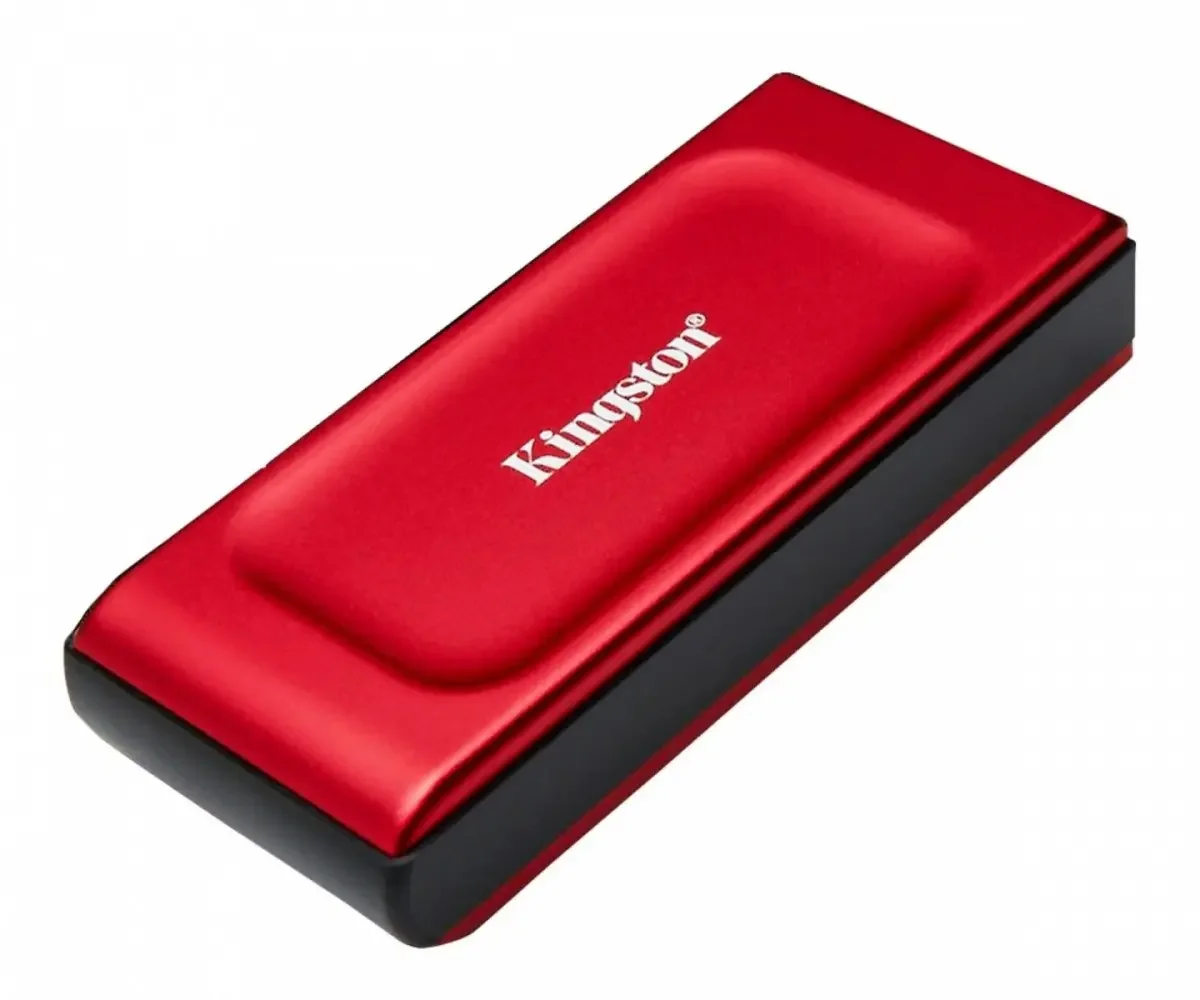
The Kingston XS2000 delivers remarkably high performance for something this small.
It weighs just 28.9 grams, yet supports up to 2,000 MB/s reads and writes, comes in capacities ranging from 500GB to 4TB and includes a removable protective sleeve. With the sleeve fitted, it carries an IP55 rating and is designed to survive drops of around 1.8 meters.
It's an especially good fit for photographers and creators who want a drive they can genuinely carry everywhere. There is one particularly important warning for Mac users.
Kingston confirms that Macs are compatible with the XS2000, but because Macs generally don't provide the USB 3.2 Gen 2x2 interface the drive needs, you may not see its advertised 2,000 MB/s performance.
So yes, the connector fits. USB naming has simply decided that wasn't confusing enough.
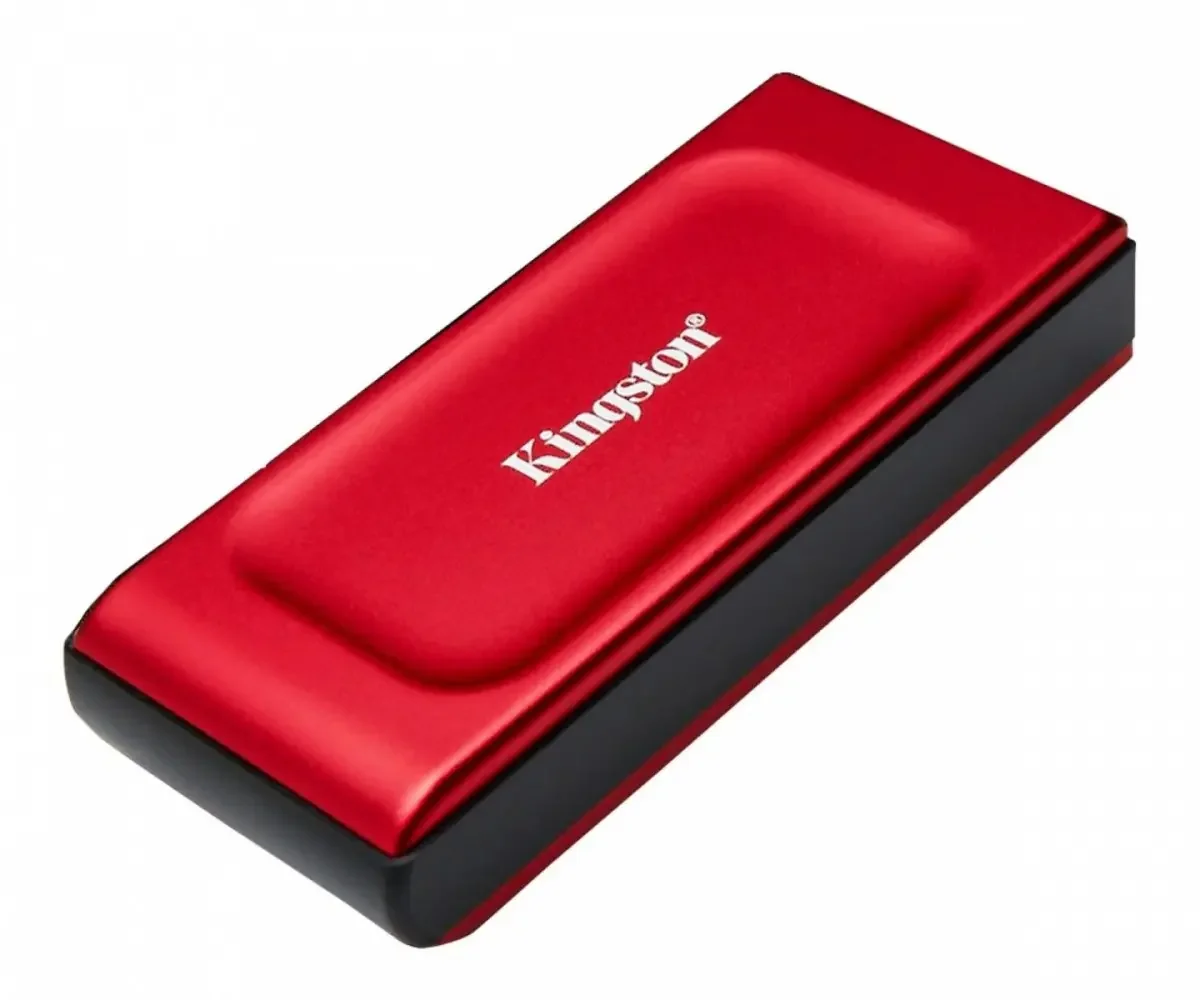
7. Kingston XS1000 – best compact everyday SSD
Rating: 9.2/10
Pros
Up to 1,050 MB/s reads and 1,000 MB/s writes
Tiny and lightweight
Only 28.7g
USB-C and USB-A support
Five-year warranty
Easy choice for backups and everyday storage
Cons
No IP rating
No hardware encryption
Maximum capacity of 2TB
Half the peak speed of faster Gen 2x2 drives
The Kingston XS1000 proves that most people don't actually need a 6GB/s external drive.
It offers up to 1,050 MB/s reads and 1,000 MB/s writes, weighs only 28.7 grams and comes in 1TB and 2TB capacities. Kingston includes a USB-A cable and USB-C adapter, making it easy to use across newer and older devices.
For normal photo backups, documents, laptop storage or transferring files between computers, around 1GB/s is already very fast.
The XS1000 lacks the ruggedness of the XS2000 and the hardware encryption of Samsung's drives, but it's simple, tiny and practical. Sometimes that's all an external SSD needs to be.
Which external SSD should you buy?
For most people, I'd choose the Crucial X10. It's compact, fast, rugged and available in unusually large capacities, including 6TB and 8TB. If you want stronger security features and premium build quality, the Samsung T9 is my alternative.
For heavy creative workloads, the Crucial X10 Pro offers better sustained write performance, while professionals with Thunderbolt 5 hardware can step up to the extraordinarily fast LaCie Rugged SSD Pro5.
The Samsung T7 Shield is my pick for travel and outdoor work, while Kingston's XS2000 and XS1000 are excellent choices when portability is the priority.
How we chose the best external SSDs
Peak transfer speed matters, but it isn't enough to determine the ranking.
I considered:
real-world and sustained performance;
interface and device compatibility;
capacity options;
physical size and weight;
durability;
water and dust resistance;
encryption and security;
warranty;
value;
how useful the drive actually is for its intended buyer.
A drive advertising 2,000 MB/s isn't automatically better than one limited to 1,000 MB/s. If your laptop only supports a 10Gbps connection, both may perform at roughly the same interface limit.
That's why choosing the right connection standard matters almost as much as choosing the SSD.
What should you look for when buying an external SSD?
Speed and interface
External SSD performance depends heavily on the interface.
You'll commonly encounter:
USB 3.2 Gen 2 – 10Gbps
Commonly used by portable SSDs offering around 1,000 MB/s.
USB 3.2 Gen 2x2 – 20Gbps
Used by drives such as the Samsung T9, Crucial X10 and Kingston XS2000, allowing speeds around 2,000 MB/s.
USB4 / Thunderbolt
Higher-bandwidth standards that can support substantially faster external drives.
Don't assume that because two devices use USB-C connectors, they offer the same speed.
USB-C describes the connector.
What happens behind that connector is where USB has hidden the exciting paperwork.
Capacity
For basic documents and photos, 1TB is the sweet spot for many buyers.
Choose 2TB if you store:
lots of photos;
4K video;
large games;
creative projects.
Consider 4TB or more for serious media libraries and professional work. Buying slightly more storage than you currently need is usually sensible.
External SSDs have a tendency to become full shortly after you confidently announce that you'll never need more space.
Durability
If the drive stays on your desk, ruggedness isn't essential.
If you travel with it, look for:
drop resistance;
an IP dust/water rating;
a protective enclosure.
Models such as the Samsung T7 Shield and LaCie Rugged SSD Pro5 are specifically designed for tougher environments.
Encryption
If you carry confidential files, hardware encryption is worth considering.
The Samsung T9, Samsung T7 Shield and Crucial X10 Pro support AES 256-bit hardware encryption, giving them an advantage over simpler portable drives.
Best external SSDs 2026 – FAQ
What is the best external SSD?
For most buyers, my pick is the Crucial X10 because it combines fast performance, a small IP65-rated enclosure and capacities of up to 8TB. The Samsung T9 is the better option if hardware encryption and premium build quality matter more.
Is an external SSD better than an HDD?
For everyday portable use, yes. An SSD is much faster, quieter and more resistant to physical shock because it has no moving mechanical parts. External HDDs still make sense when you need a huge amount of storage as cheaply as possible. For a drive you carry around regularly, I'd choose an SSD.
How much external SSD storage do I need?
500GB: basic file transfers and smaller backups.
1TB: good for most people.
2TB: better for games, photography and 4K video.
4TB+: large media libraries and professional creative work.
If you're unsure between two capacities and the price difference is reasonable, I'd generally buy the larger one.
Can I use an external SSD for gaming?
Yes, but console rules vary. External SSDs work very well for PC gaming and can significantly outperform hard drives. On consoles, check whether the system allows you to play current-generation games directly from USB storage or only store them there. An SSD doesn't get to negotiate with Sony or Microsoft.
What external SSD is best for a MacBook?
For normal backups and Time Machine, a good USB-C SSD such as the Samsung T7 Shield is already fast enough for most users. If you need professional-level performance, choose a USB4 or Thunderbolt drive that matches the ports on your Mac.
Be careful with USB 3.2 Gen 2x2 drives such as the Kingston XS2000. Kingston itself notes that Macs generally won't reach the drive's advertised 2,000 MB/s speed because they don't expose the required Gen 2x2 protocol. For a Thunderbolt 5 Mac used for professional video editing, the LaCie Rugged SSD Pro5 is the high-end option.
Do I need to format an external SSD?
Sometimes. For use across Windows and macOS, exFAT is usually the most convenient format. For a Mac-only drive, APFS is generally the better choice. For Windows-only use, NTFS is commonly used. Game consoles may require their own formatting process. Formatting erases the existing data on the drive, so check what's already stored there before clicking buttons enthusiastically.
Can I connect an external SSD directly to a smartphone?
Often, yes. Modern USB-C smartphones can work with many external SSDs, provided the phone supports external storage and can supply enough power to the drive. This is particularly useful for transferring photos and large video files or recording high-bitrate video directly to external storage on supported phones.
Best external SSDs 2026 – final verdict
The external SSD market now covers everything from tiny 1GB/s backup drives to Thunderbolt 5 storage fast enough for professional 8K editing.
For most buyers, Crucial X10 is the best overall choice.
Samsung T9 is the premium alternative.
Crucial X10 Pro is better suited to demanding creators.
Samsung T7 Shield is the one I'd take on the road.
And LaCie Rugged SSD Pro5 is what you buy when “portable storage” has somehow become part of your professional video-production budget.
The most important thing is matching the drive to the ports you actually have. There's little point paying for 2,000 or 6,700 MB/s storage if your computer can only talk to it at 1,000.