iPhone Air Review: Is Apple’s Thinnest iPhone the Future of Smartphones?
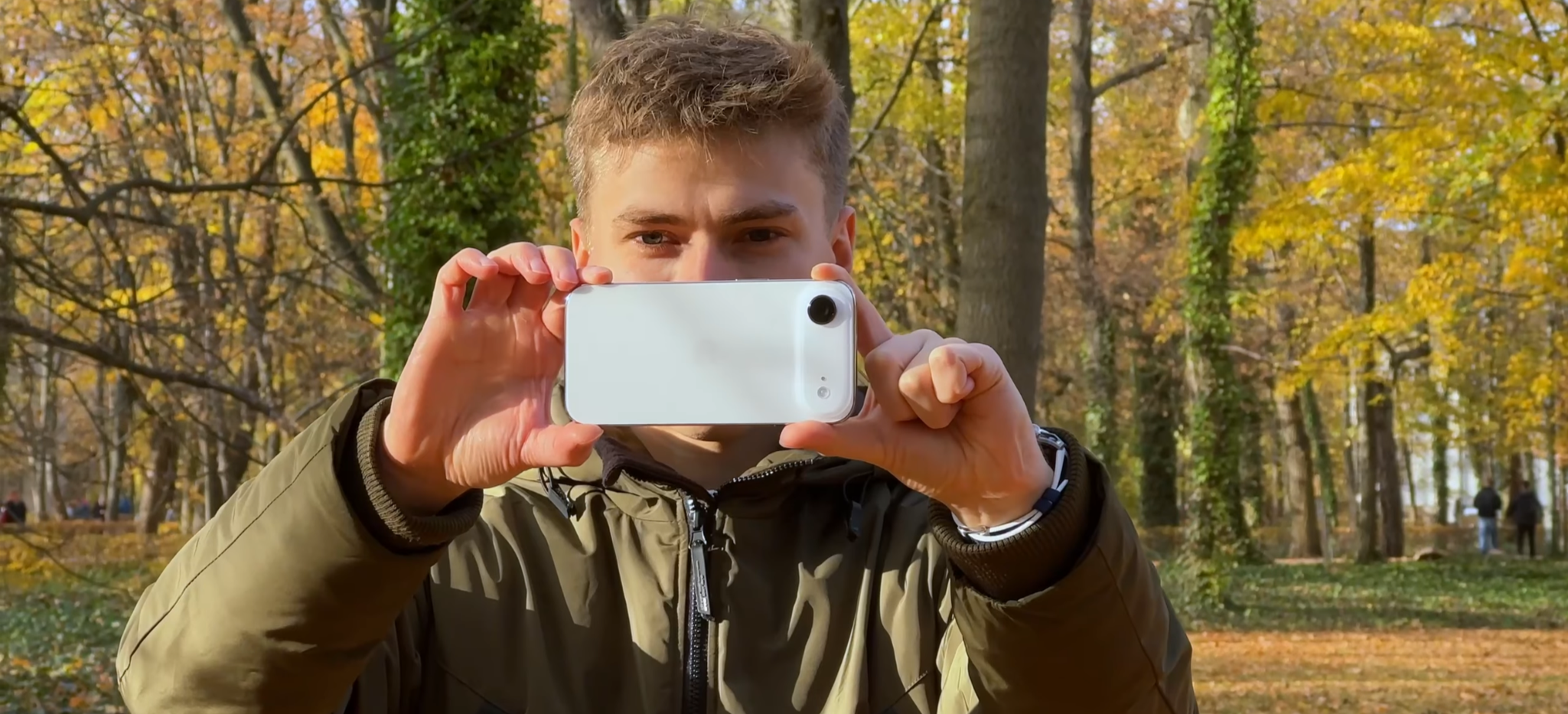
Apple is pushing the limits of smartphone design once again. The iPhone Air is the thinnest iPhone ever made, surprisingly durable, and — according to some — one of the best-looking iPhones Apple has ever created. Of course, an ambitious design like this comes with compromises. After two weeks of intensive testing, though, I’ve found that the iPhone Air has something special about it — something you won’t find on a spec sheet.
Table of Contents
Design and ergonomics — is this the future of smartphones?
Display and speakers
Cameras and video recording
Performance and connectivity — eSIM only
Software — iOS 26 and Liquid Glass
Battery life and charging
Verdict — who is the iPhone Air for?
Design and ergonomics — is this the future of smartphones?
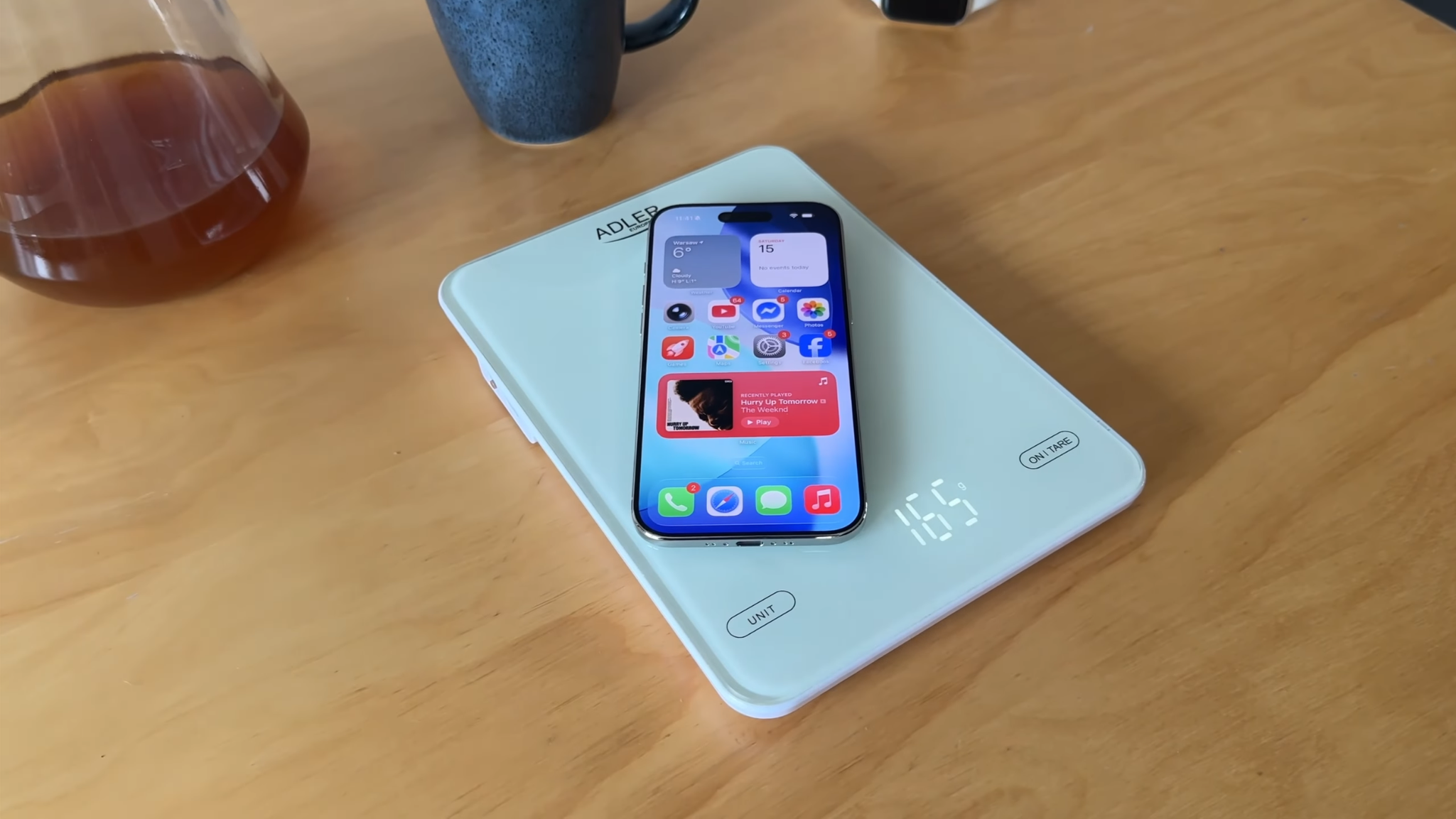
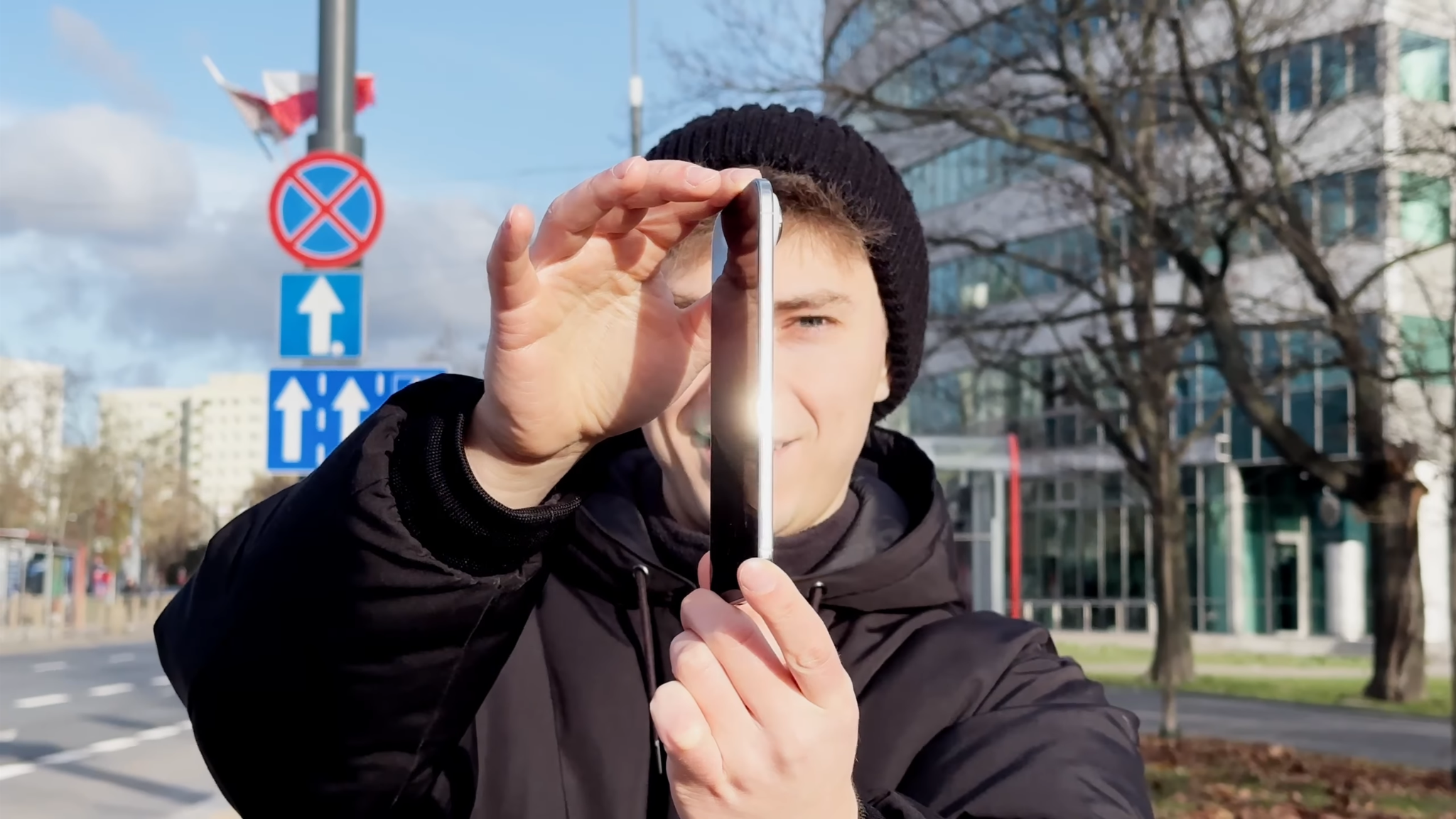
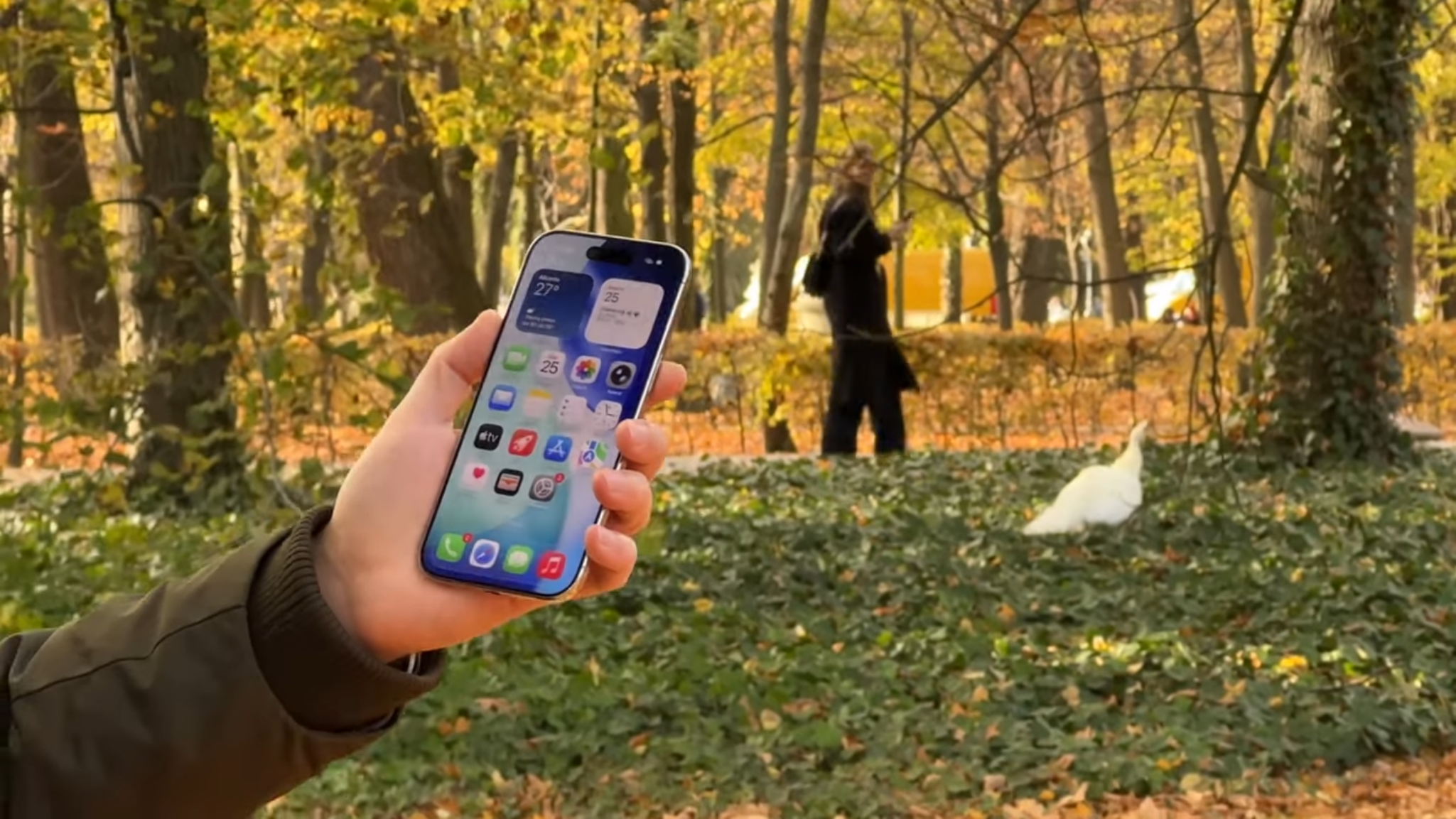
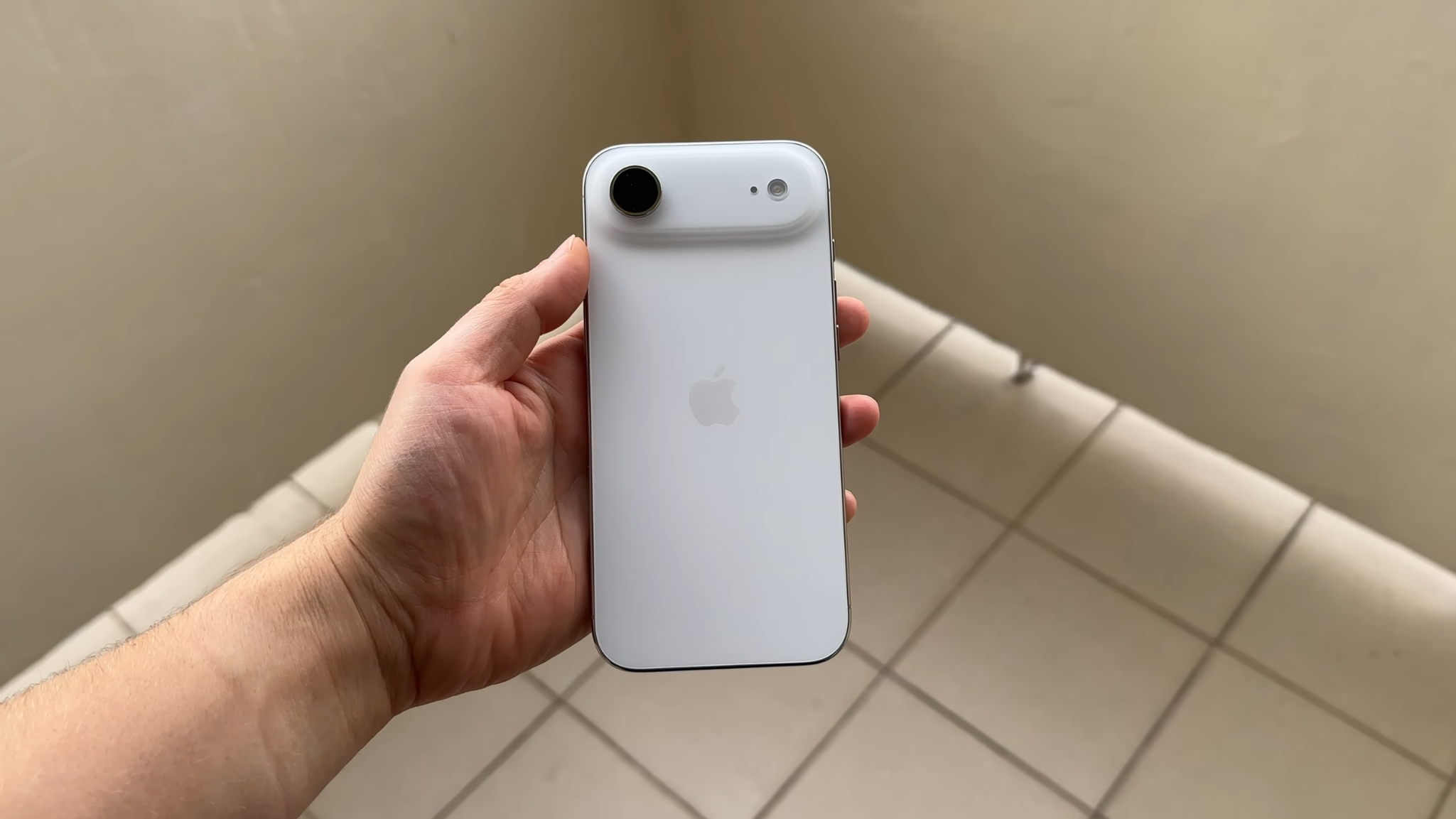
Let’s start with the design, because the iPhone Air feels genuinely different. At just 5.66mm thick and 165 grams, it makes even the iPhone 17 and iPhone 17 Pro feel surprisingly bulky by comparison. What’s even more impressive is that despite having a 6.5-inch display, it’s only slightly heavier than the tiny iPhone 12 mini.
The ergonomics are outstanding. That ultra-thin body makes the Air incredibly satisfying to use every day, and the novelty didn’t wear off even after spending more time with it. Visually, it combines polished edges with a matte glass back. The Grade 5 polished titanium frame looks fantastic, although it attracts fingerprints almost immediately.
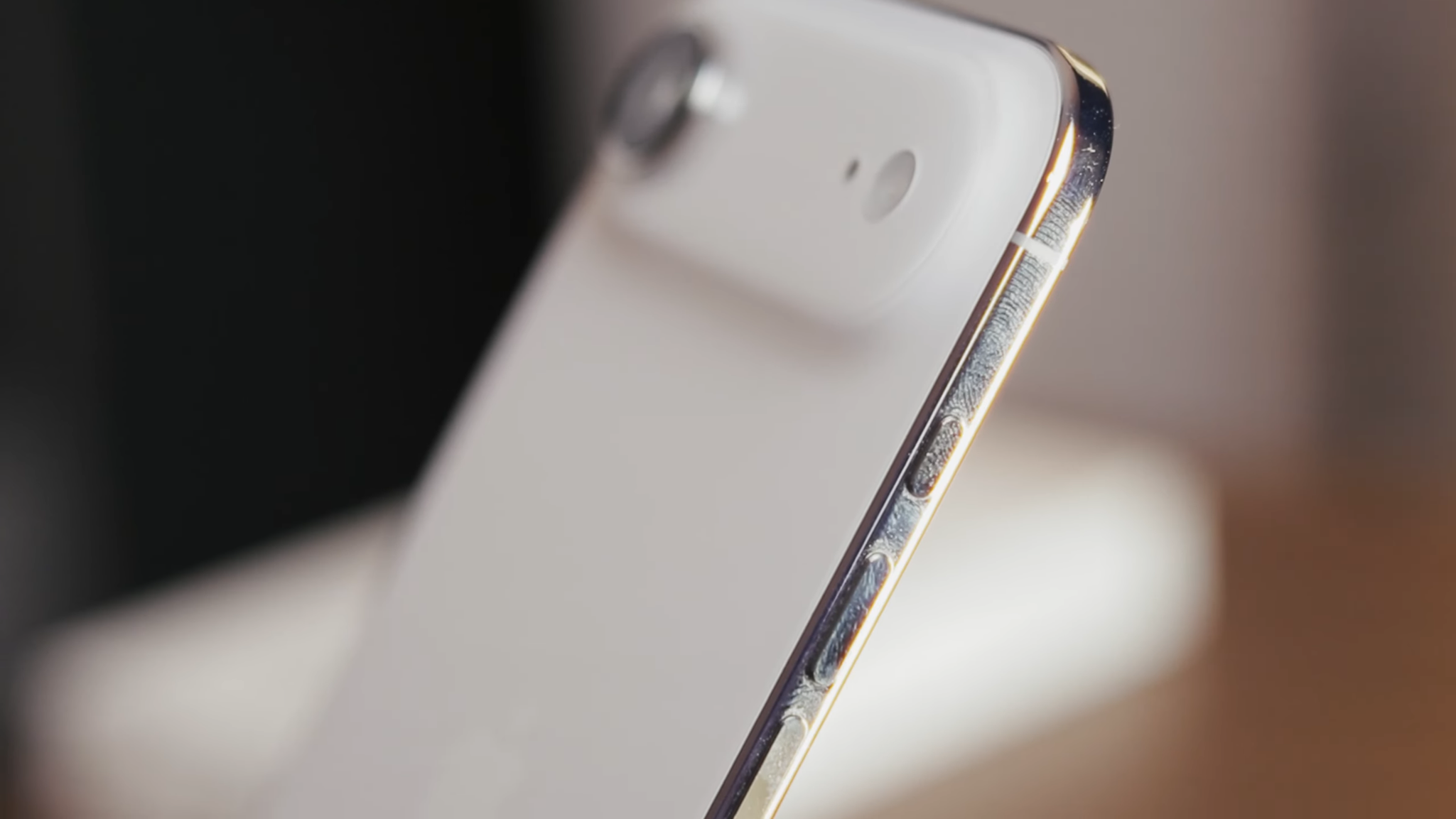
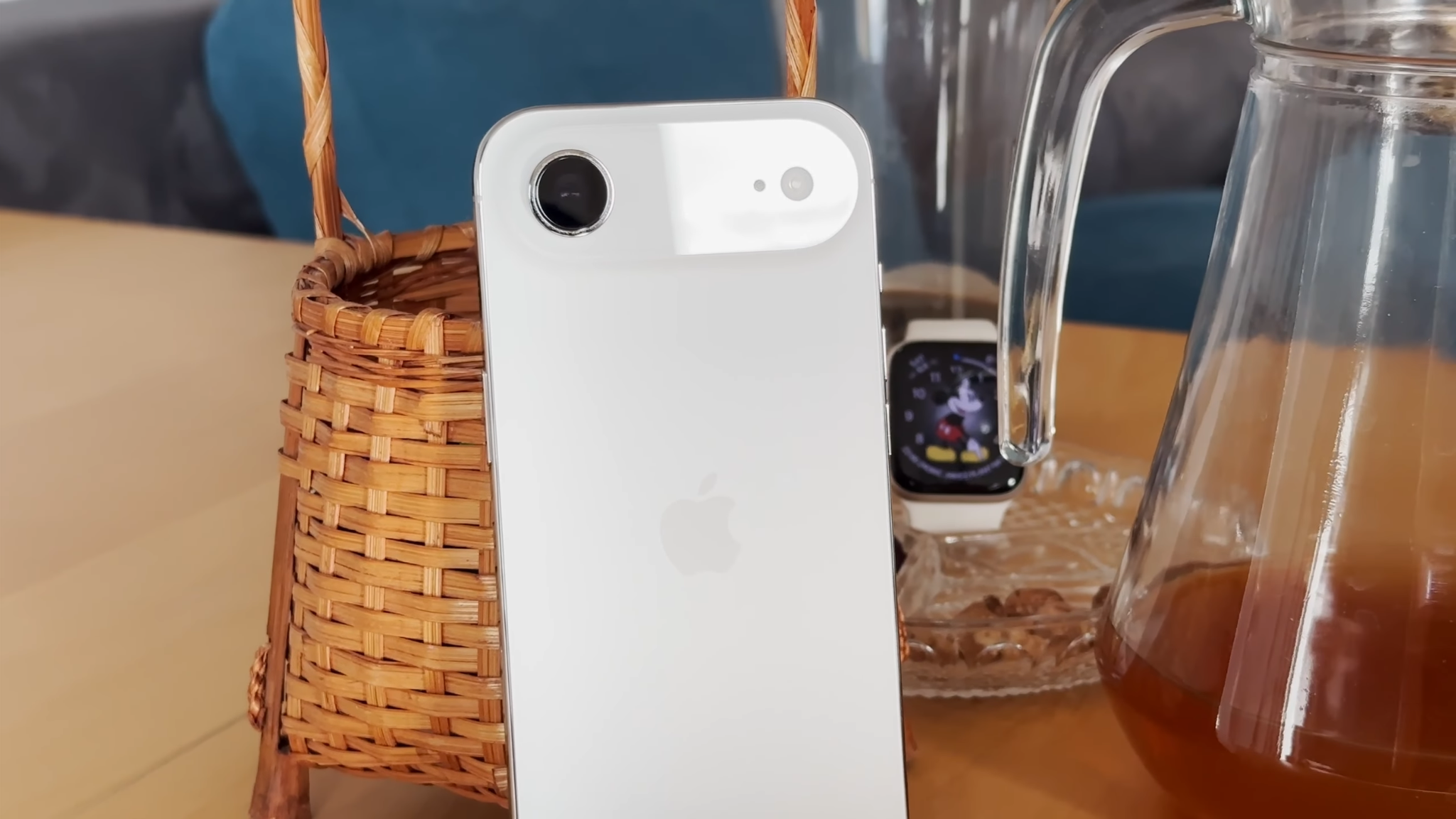
My review unit came in Cloud White, which is elegant and genuinely beautiful. The iPhone Air is also available in Sky Blue, Light Gold, and Space Black. I also prefer the minimalist camera bump on the Air to the much more prominent design used on the iPhone 17 Pro. Perhaps the biggest surprise is how durable the iPhone Air feels.
I used it every day without a phone case — because putting a bulky case around a phone this thin almost feels criminal — and I still haven’t noticed any scratches. The display uses Ceramic Shield 2, which Apple says offers three times better scratch resistance than previous generations.

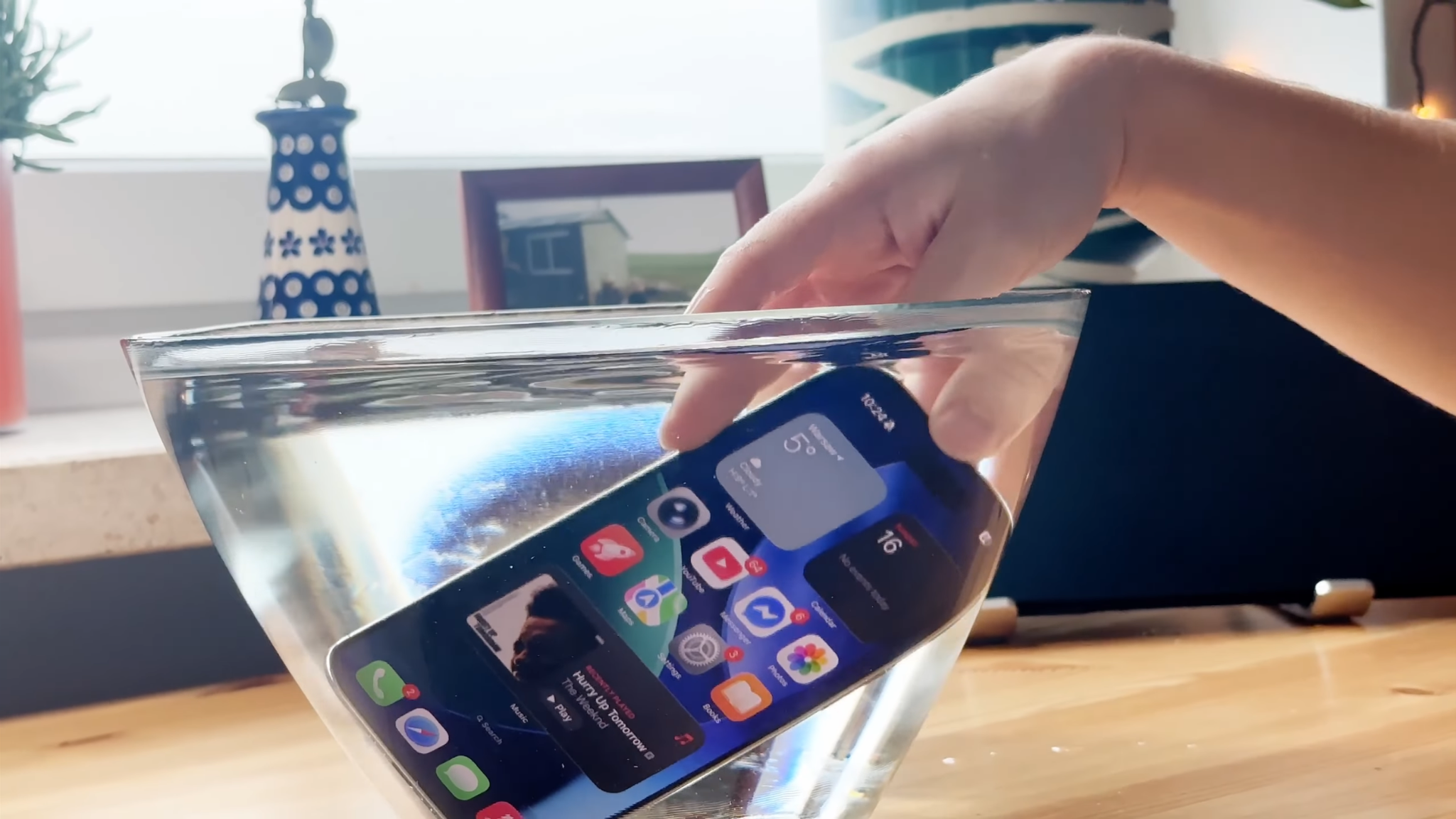
You also get an IP68 rating for water and dust resistance, so the ultra-thin design doesn’t mean Apple has sacrificed basic durability.
Display and speakers
The display is one of the iPhone Air’s biggest strengths.
It uses a 6.5-inch OLED panel with specifications similar to the rest of the flagship iPhone 17 lineup. Colors cover the P3 color space, and factory calibration is excellent, as we’ve come to expect from Apple phones.
I found the screen useful not only for entertainment, but also for professional tasks, including editing photos, cutting short-form videos, and working on app and website designs.
Combined with a new anti-reflective coating and peak brightness of 3,000 nits, the display remains easy to read even in direct sunlight.
The way the screen physically blends into the body is impressive too. The bezels are extremely thin, while the slightly rounded edges help make the whole device feel softer and more refined.
ProMotion makes a big difference
ProMotion supports an adaptive refresh rate from 1Hz to 120Hz, making everything from scrolling through menus to gaming feel extremely smooth.
Dropping the refresh rate to 1Hz also helps reduce power consumption when displaying static content or using the Always-On Display.
That efficiency is one reason the iPhone Air can deliver up to 22 hours of video playback despite its remarkably thin body.
In everyday use, the hardware and software feel almost inseparable. The display doesn’t simply show iOS — it feels like it was designed around it.
The speaker is the biggest compromise
Unfortunately, audio is probably the clearest example of what Apple had to sacrifice to make the iPhone Air this thin. There’s no traditional stereo speaker setup.
Instead, the iPhone Air uses a single speaker at the top of the phone, where the earpiece is located. That’s a clear step backward compared with other current iPhones, which deliver fuller and more immersive stereo sound.
I frequently play music and videos directly through my phone at home, and the difference was immediately noticeable. The Air is quieter, bass is fairly weak, mids can sound somewhat flat, and the highs occasionally become a little harsh.
It’s still perfectly good for phone calls, podcasts, YouTube clips, and other short-form content.
But if you regularly watch movies or play games using the phone’s speakers, you’ll notice the downgrade. I increasingly found myself reaching for AirPods to get audio quality worthy of that excellent display.
Cameras and video recording
The iPhone Air has only two cameras in total — one on the back and one on the front.
That sounds almost shockingly minimalist by modern flagship standards, but both cameras are very good. What you lose compared with the other iPhones in the 17 lineup is versatility.
48MP Fusion camera
The rear camera uses the same 48MP Fusion sensor found in the iPhone 17.
It has an f/1.6 aperture and a 26mm equivalent focal length, making it an excellent everyday camera. Photos have natural-looking colors, strong dynamic range, and plenty of detail, which is exactly what you’d expect from a modern iPhone.
In practice, it’s also difficult to completely confuse the camera with challenging lighting. The bigger issue is what isn’t there.
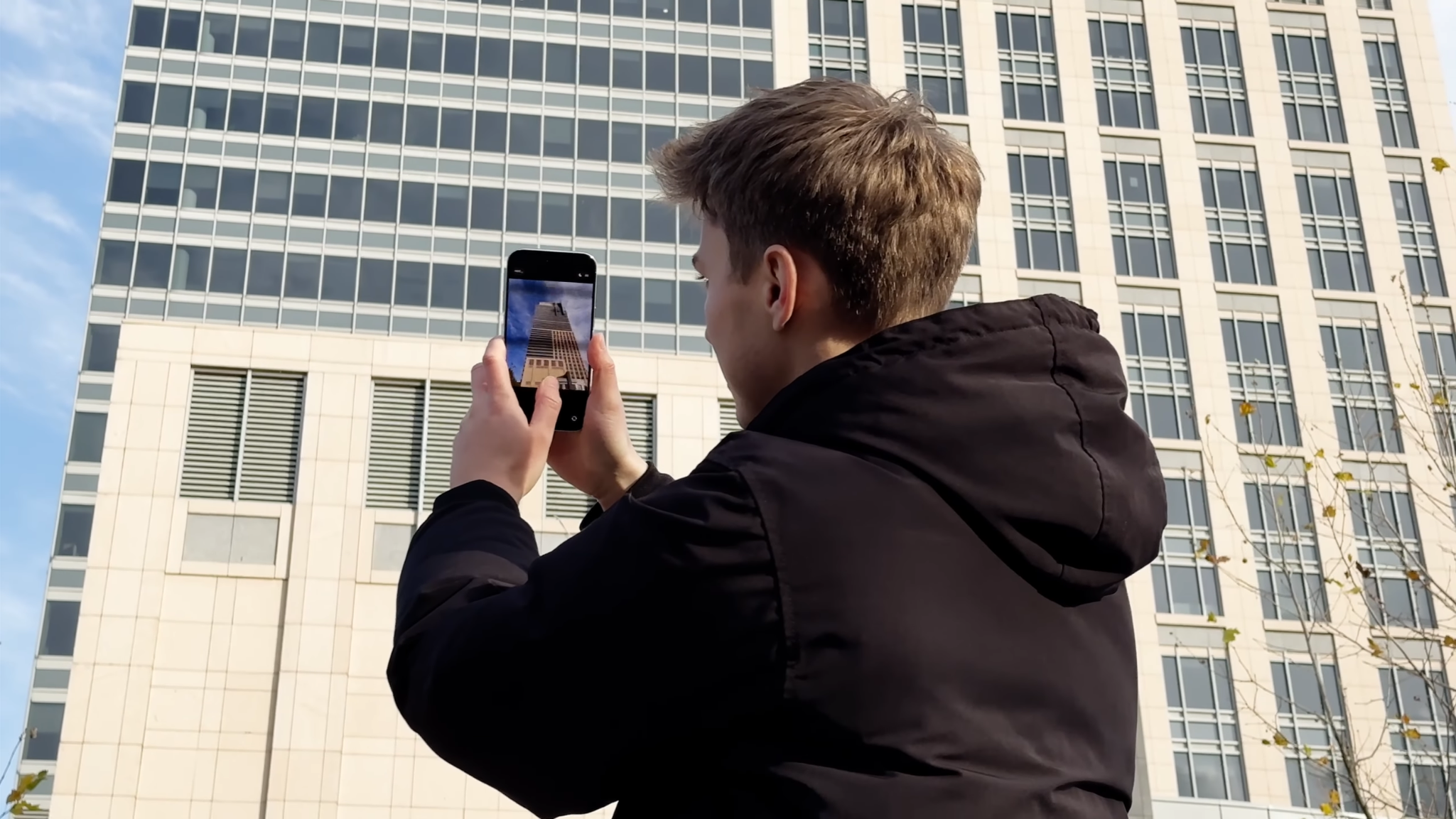
During travel in particular, I sometimes missed having an ultra-wide camera to capture buildings, landscapes, or more of a scene. There’s also no dedicated telephoto camera like you get on the Pro models.
Apple partially compensates with a 2x optical-quality zoom, which crops the central 12MP portion of the 48MP sensor.
It works surprisingly well. Photos remain sharp and natural-looking, but it still isn’t a replacement for a proper multi-camera system.
An excellent 18MP selfie camera
On the front, the iPhone Air gets the same 18MP camera found on the iPhone 17 and iPhone 17 Pro. And this is where Apple has done something genuinely clever.
The square sensor allows you to take both portrait and landscape-oriented photos or video without physically rotating the phone.
Combined with AI-powered Center Stage, the camera can automatically adjust framing and keep you in the center of the shot. It sounds like a small improvement, but it makes video calls and vlogging noticeably more convenient.
Technically, it’s an ultra-wide camera, so getting too close can slightly distort facial features or body proportions.
But in return, you get cleaner and more detailed selfies than on many competing phones, without excessive grain or the aggressive beauty processing that can make photos look unnatural. It’s one of the best selfie cameras I’ve used on a smartphone.









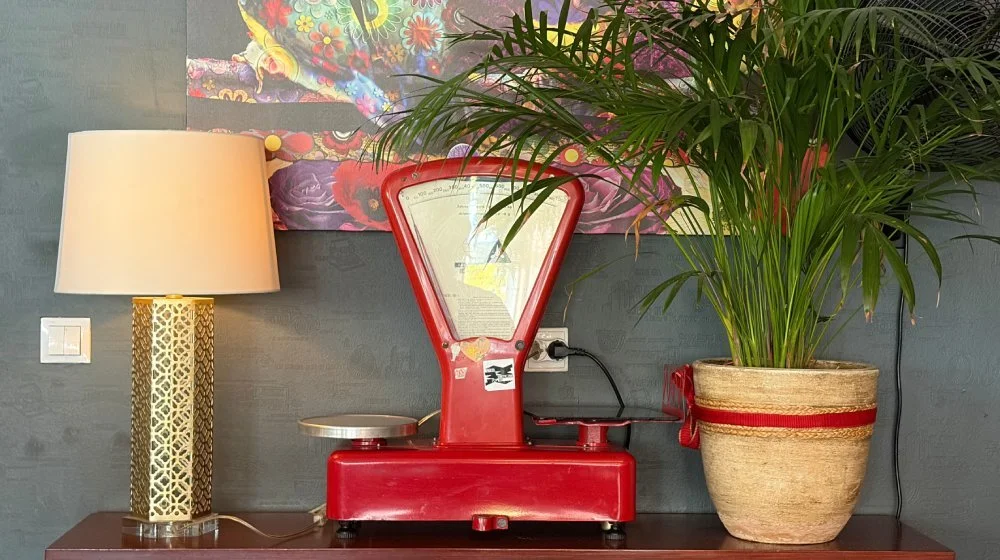





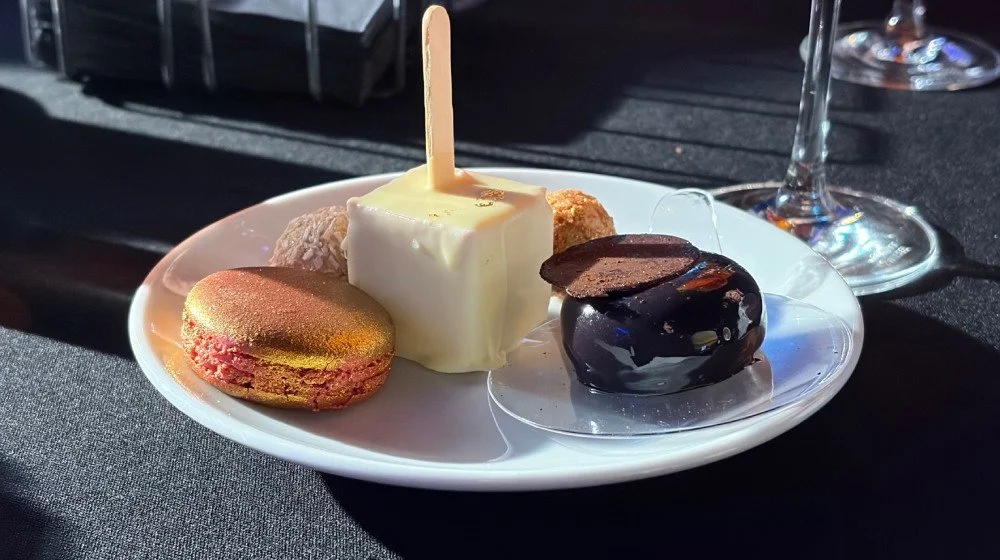

Video quality is great, but Pro features are missing
Video recording is similarly strong. The iPhone Air can record at up to 4K 60fps with excellent stabilization. Footage is smooth, detailed, and has the polished, slightly cinematic look iPhones are known for. But there are some surprising omissions.
You don’t get professional features such as ProRes recording, Log video and RAW photography. There’s also no Cinematic mode, despite that feature being available on cheaper iPhones for several generations.
That’s particularly surprising considering that the Air uses a version of the same A19 Pro chip found inside the iPhone 17 Pro.
Despite those limitations, the iPhone Air still takes excellent photos and videos.
It isn’t designed for professional content creators, but most users will get exactly what they expect from an iPhone camera: natural colors, reliable exposure, fast autofocus, and consistently good results.
Performance and connectivity — eSIM only
The iPhone Air is powered by the A19 Pro chip, closely related to the processor found in the iPhone 17 Pro, but with one fewer GPU core. In benchmarks, the difference isn’t huge.
CPU performance is close to the flagship model, while graphics tests show a reduction of around 13–25%.
It seems Apple deliberately reduced peak GPU performance to help control heat inside a phone that’s only 5.66mm thick.
Everyday performance is excellent
iOS 26 runs beautifully smoothly, and the 120Hz ProMotion display makes the phone feel even faster.
Browsing, productivity apps, social media, photo editing, and general everyday tasks are completely effortless.
Even demanding games run surprisingly well. NBA 2K26 and Worms Across Worlds launch quickly and maintain high frame rates.
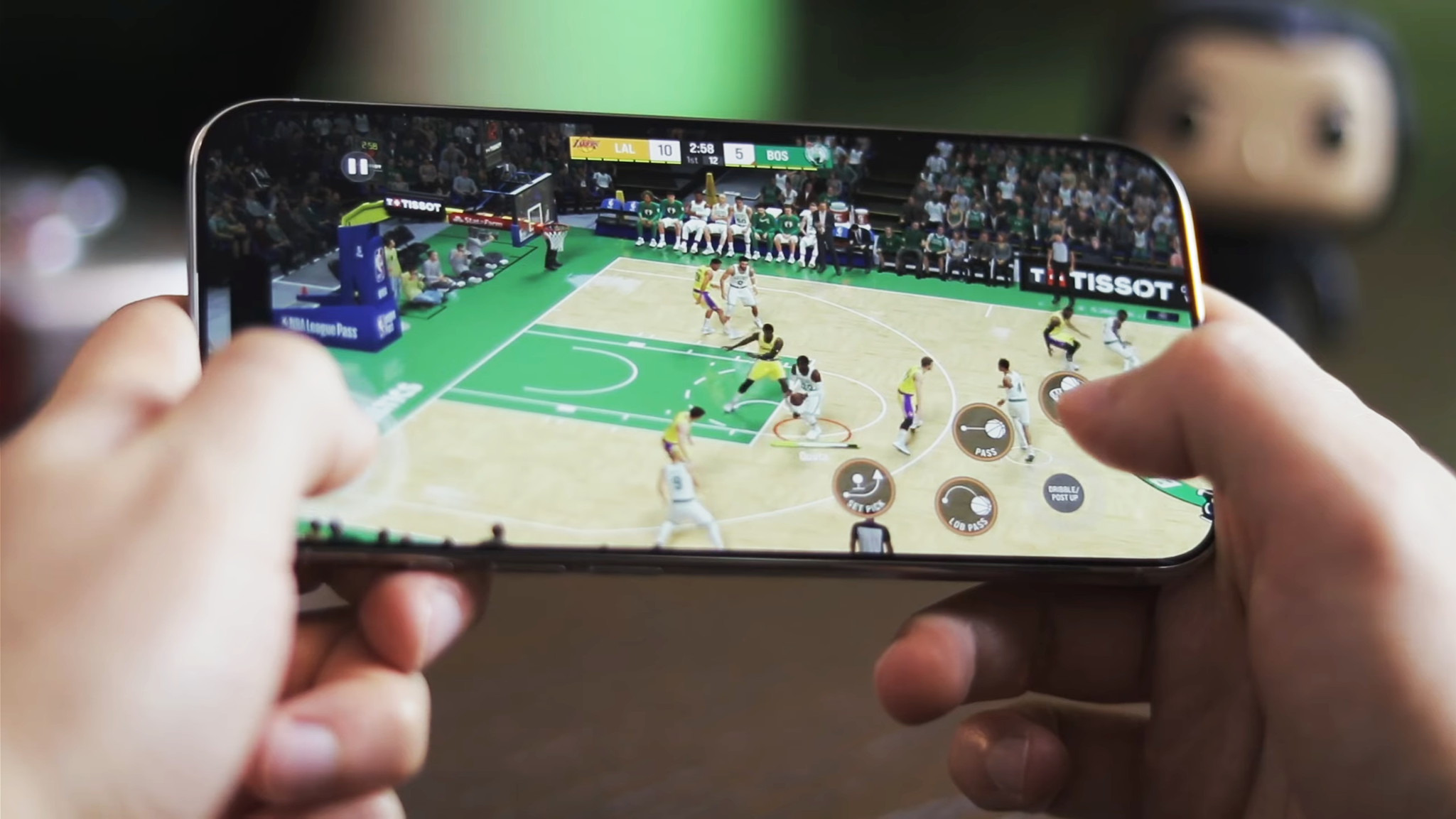
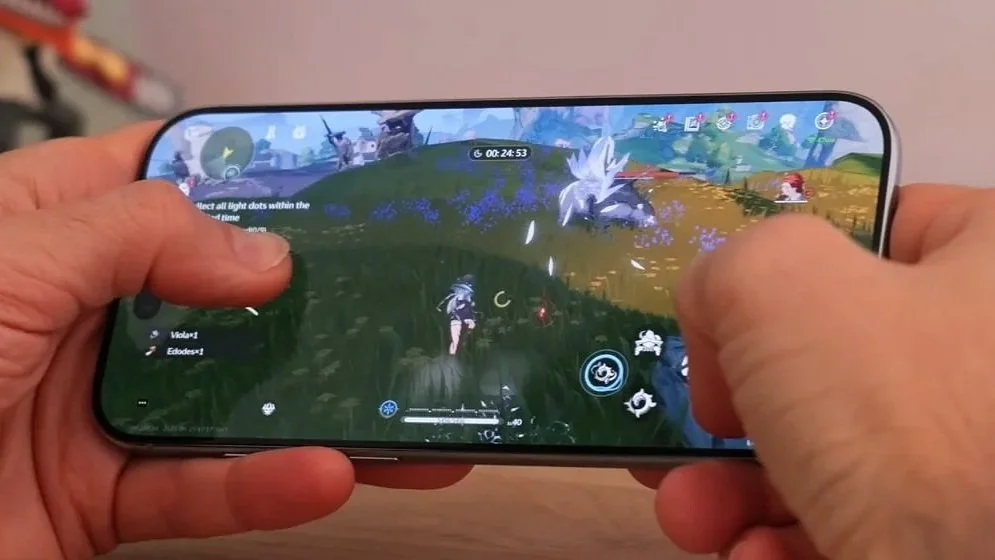
The most demanding titles, such as Genshin Impact or Call of Duty: Mobile, can lose some performance during longer gaming sessions.
Even then, the phone remains surprisingly cool considering its ultra-thin design.
Wi-Fi 7, 5G and Bluetooth 6
Connectivity is flagship-level. The iPhone Air uses the C1X modem with 5G support, providing stable connections and more than enough bandwidth for things like streaming 4K video.
Apple’s N1 networking chip and Wi-Fi 7 also delivered strong range during my testing. The phone maintained a stable connection throughout the apartment without the noticeable speed drops I’ve experienced with some older devices.
You also get Bluetooth 6, while AirDrop continues to make moving photos and videos between Apple devices almost effortless.
There’s no physical SIM card
One major change is the lack of a physical SIM card slot. The iPhone Air relies entirely on eSIM. That means you can’t simply remove a traditional SIM card from your previous smartphone and insert it into the Air.
For most users this shouldn’t be a major issue, since an increasing number of carriers support eSIM. Still, it’s worth checking compatibility with your carrier before buying.
The good news is that the iPhone Air can use two eSIMs simultaneously, making it easy to have separate personal and work numbers.
USB-C is surprisingly slow
There is one specification that feels noticeably less “Pro”: the USB-C port. Unlike Apple’s Pro models like the iPhone 18 Pro Max, the iPhone Air is limited to USB 2.0 transfer speeds.
For everyday use, that probably won’t matter. AirDrop and iCloud make wireless transfers extremely convenient.
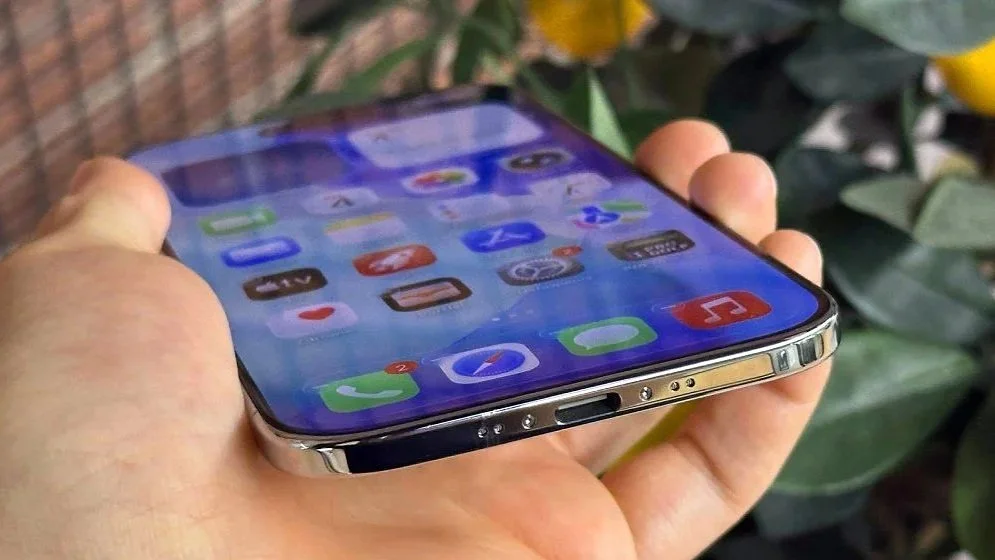
But if you frequently copy large 4K 60fps video files directly from your phone to a computer, the slower wired connection becomes noticeable.
It’s another reminder that the Air isn’t really built for professional workflows. Its priorities are mobility, design, and everyday convenience.
Software — iOS 26 and Liquid Glass
The iPhone Air ships with iOS 26, the operating system introduced alongside the iPhone 17 lineup. Its biggest visual change is Apple’s new Liquid Glass design language.
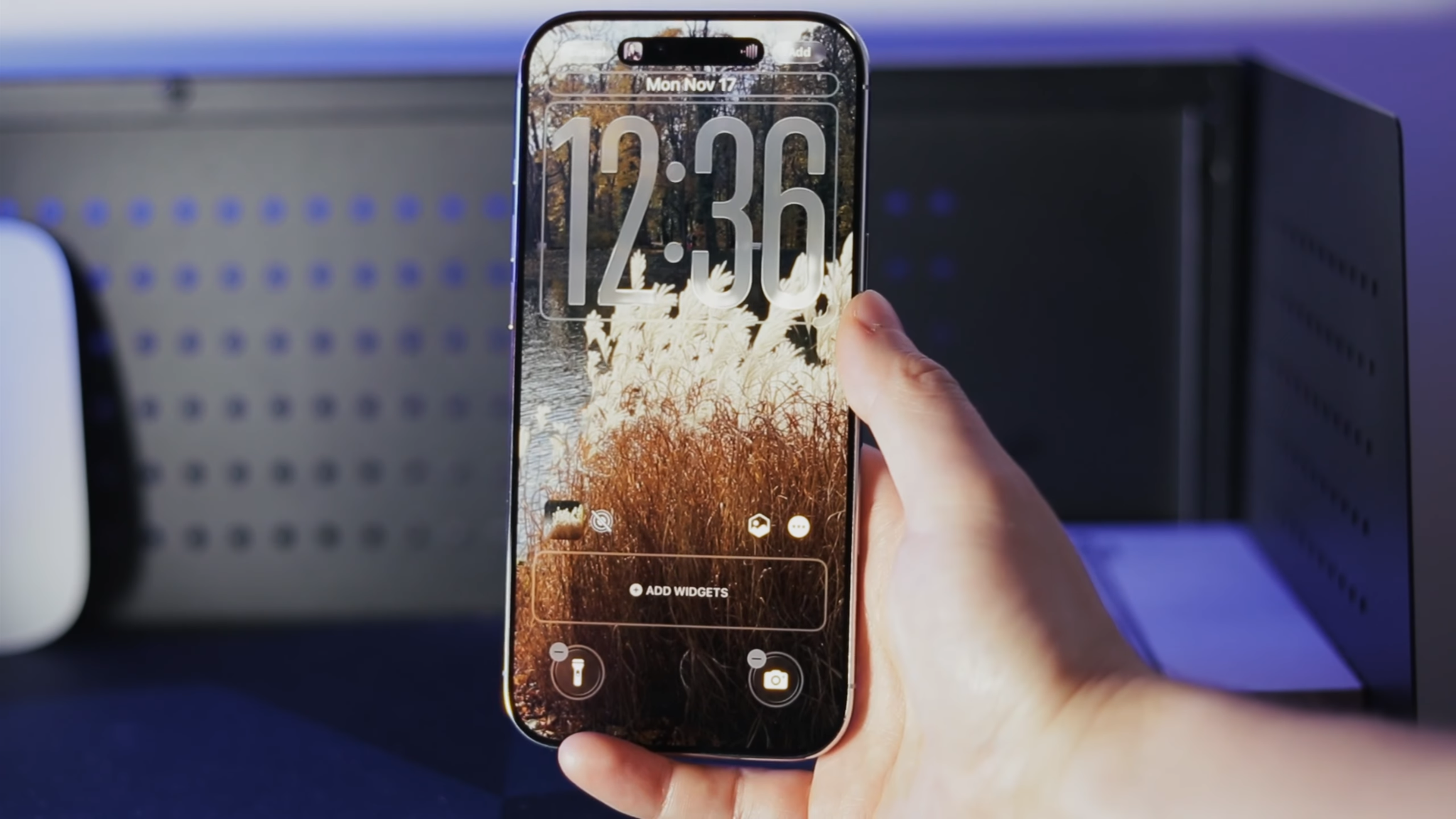
The translucent, glass-like interface suits the iPhone Air particularly well. The software feels light and modern, complementing the minimalist design and ultra-thin hardware.
Some of the most noticeable iOS 26 improvements include:
Redesigned Camera app: a cleaner interface makes it easier to switch modes and change recording settings.
Redesigned Photos app: content is organized more clearly, while AI tools can help you find specific photos more quickly.
Extremely smooth performance: the A19 Pro chip combined with ProMotion makes animations and navigation feel exceptionally responsive.
Apple Intelligence
Apple Intelligence is also an important part of iOS 26. It brings AI-powered features to areas such as writing, summaries, photo editing, and other system tools.
At the time of my original testing, however, some of the most advanced generative features were still limited by language and region.
For users with access to the full feature set, Apple Intelligence adds another layer of functionality to an already very polished operating system.
Battery life and charging
Considering how thin the iPhone Air is, battery life is a pleasant surprise. Apple completely redesigned the phone’s internal layout to maximize the amount of room available for the battery.
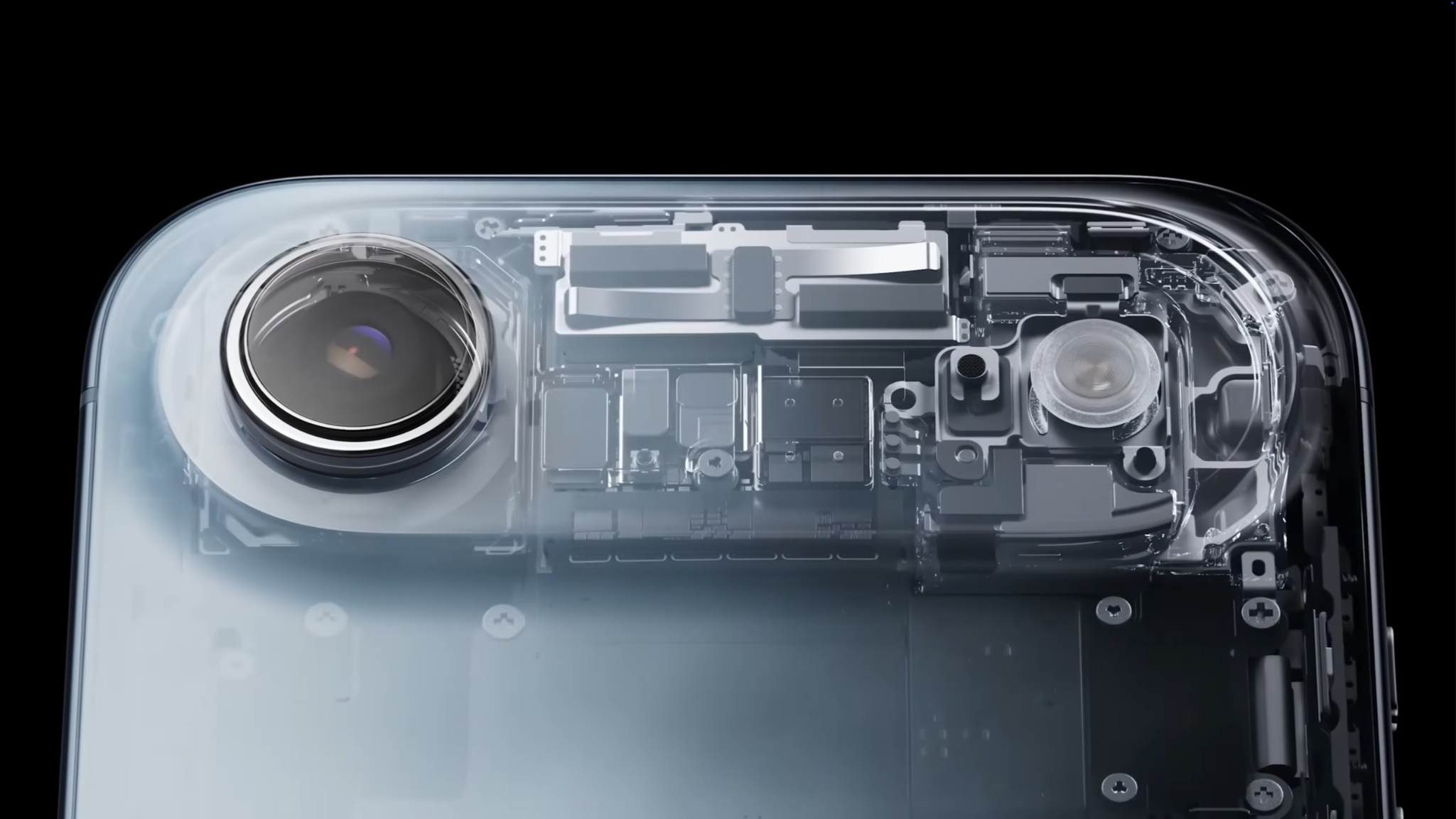
Many of the major components — including the processor and other electronics — are concentrated toward the top of the device, leaving much of the lower portion available for the battery. It’s an aggressive design choice, but it works.
How long does the iPhone Air battery last?
Battery life varies significantly depending on how you use the phone. Light use and video playback: Apple’s claimed 22 hours of video playback feels realistic. During long train journeys, with Airplane Mode enabled and downloaded movies playing locally, battery drain was impressively low.
Normal everyday use: this is where the Air surprised me most. I regularly managed slightly more than five hours of screen-on time, including some light gaming, while still ending the day with around 15% battery remaining.
Heavy use: demanding games, Bluetooth accessories, and maximum screen brightness drain the battery much faster. A few hours of intensive gaming can use around 40–50% of the battery.
So despite having an A19 Pro inside, the iPhone Air clearly isn’t designed for hours of sustained maximum-performance workloads. If you need more power, you can get the iPhone Air MagSafe Battery which is super slim and stylish, like the phone itself so it won’t add too much bulk to the back of it.
Charging could be faster
Charging is less impressive. Wired charging tops out at 20W, and a full charge takes around an hour and a half. The phone also supports MagSafe wireless charging at up to 20W. For most people, that won’t be a major issue.
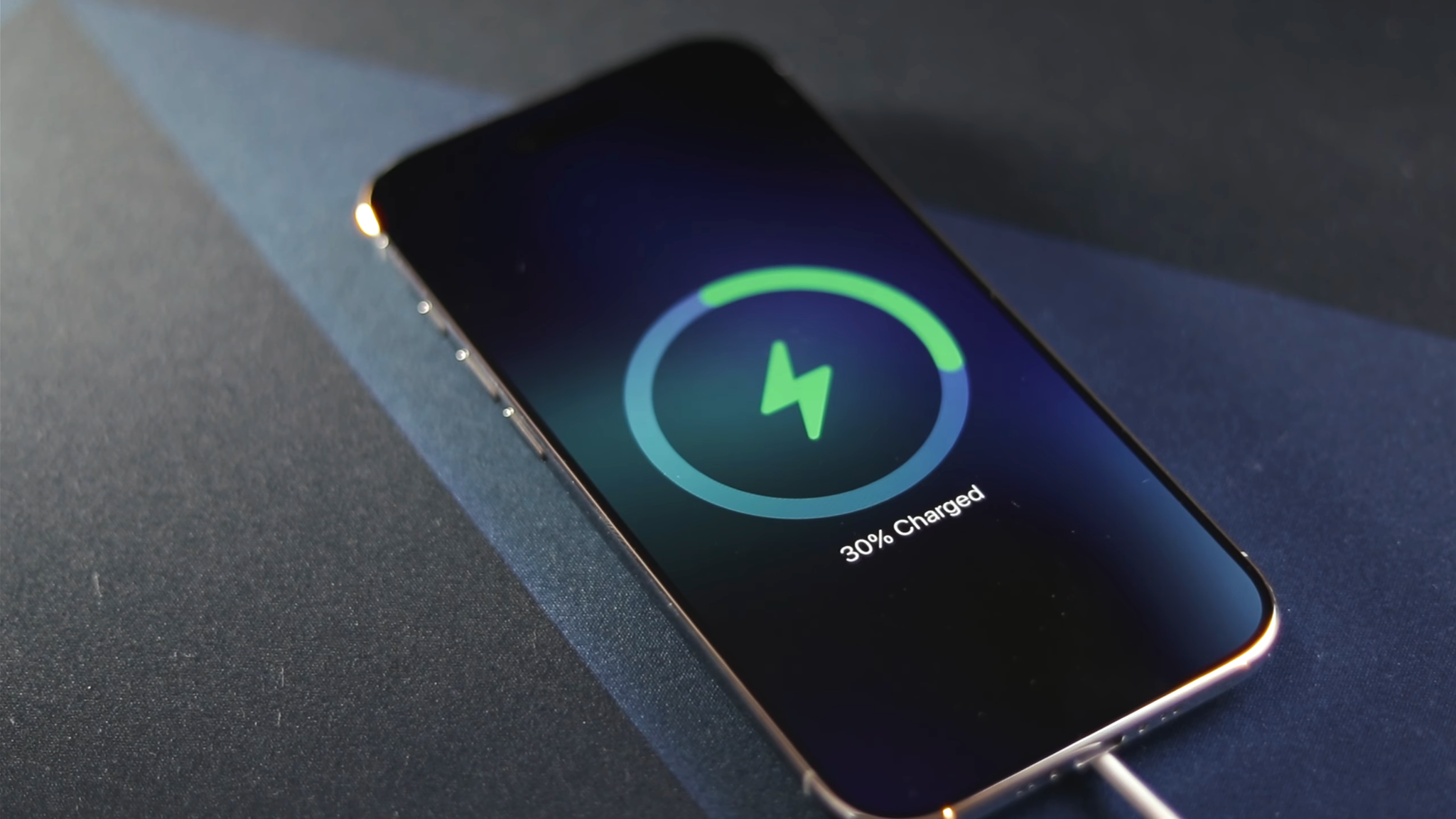
But if you’re coming from a smartphone with extremely fast charging like Xiaomi or OPPO, waiting 90 minutes for a full battery may feel painfully old-fashioned. If you usually charge your phone overnight or leave it on a charger while working at a desk, however, it’s unlikely to cause much frustration.
Verdict — who is the iPhone Air for?
Despite its compromises, the iPhone Air proves that Apple is still willing to experiment. This doesn’t feel like “just another iPhone.” It feels like Apple exploring a different direction — one where smartphones become thinner, lighter, and less intrusive without giving up flagship-level performance.
The iPhone Air makes the most sense for people who:
frequently work on the go and use their phone for notes, social media, and everyday photography;
value an excellent display, outstanding ergonomics, and distinctive design;
don’t need several rear cameras;
don’t care much about stereo speakers;
are comfortable using eSIM instead of a physical SIM card.
The trade-offs become more important if your priorities are professional photography, advanced video production, hours of demanding gaming, or other intensive workloads.
If you regularly shoot ProRes, want several focal lengths, or expect maximum sustained performance, a Pro model will make more sense. But that’s not really what the iPhone Air is trying to be.
The iPhone Air isn’t a phone for power users. It’s a phone for people who value the experience of using a device just as much as the numbers on its spec sheet.
And after living with it for two weeks, that surprisingly became one of the things I liked most about it. If you’re still deciding which Apple phone is right for you, check out our news about the latest iPhone 18 Pro and Pro Max models.