Android TV vs Google TV: What’s the Difference?
If you are considering a new TV and trying to understand the difference between Google TV and Android TV, this guide is for you. We compare their features, interface and everyday capabilities to help you choose the right platform. You will learn which option offers better personalisation, smart-home support and parental controls—and whether it makes more sense today to buy a modern Google TV model or a usually cheaper Android TV television.
Android TV in a nutshell
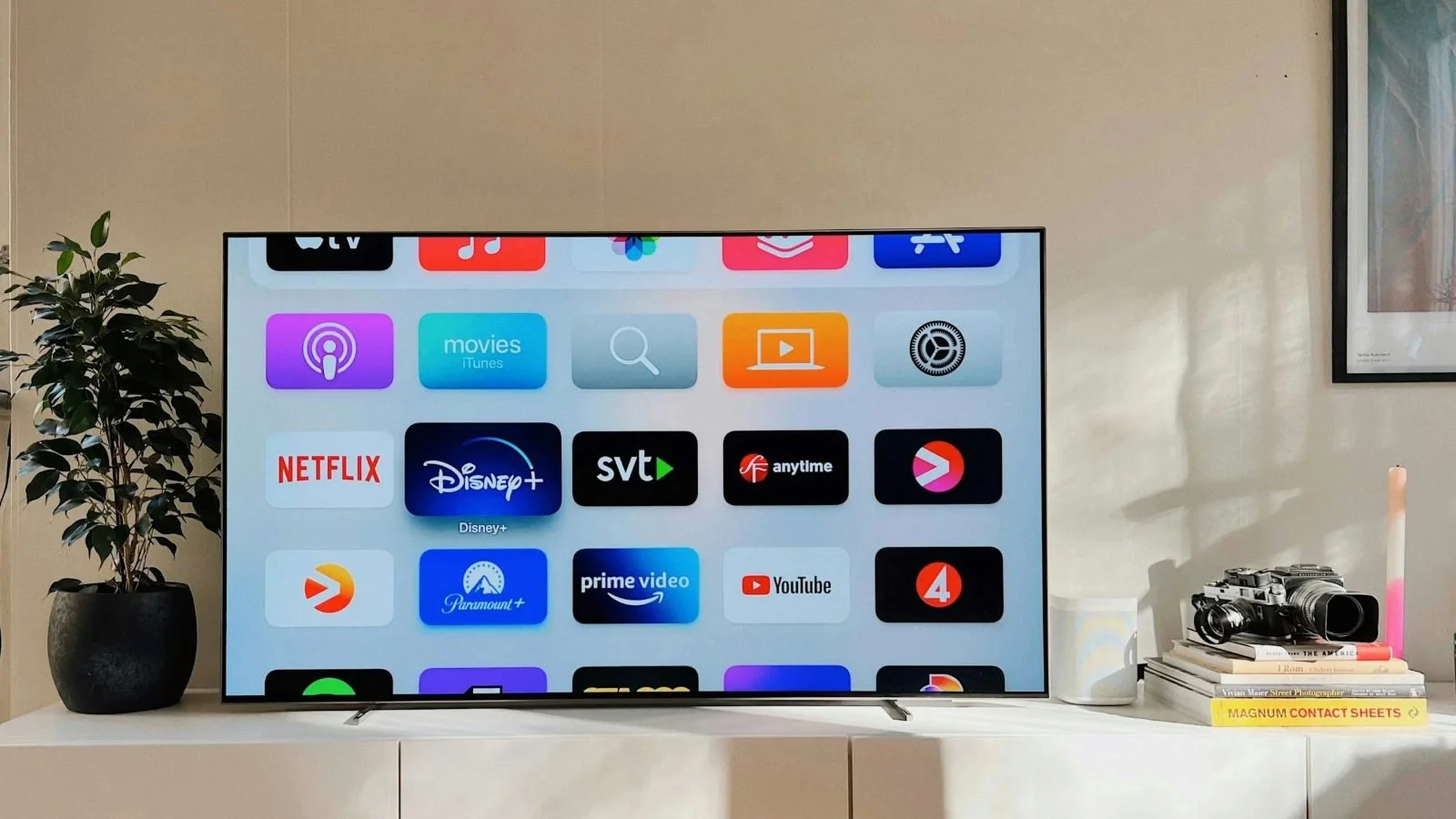
Android TV is an operating system developed by Google. It debuted in 2014 as a response to the growing demand for smart televisions. Because it is based on the Android platform familiar from smartphones, it is easy to use and offers access to a broad range of apps. Users can download apps and games from Google Play, turning the TV into a versatile entertainment hub. It supports popular streaming services such as Netflix, Amazon Prime Video, Disney+ and YouTube, so you can watch films, series and live broadcasts without an additional device.
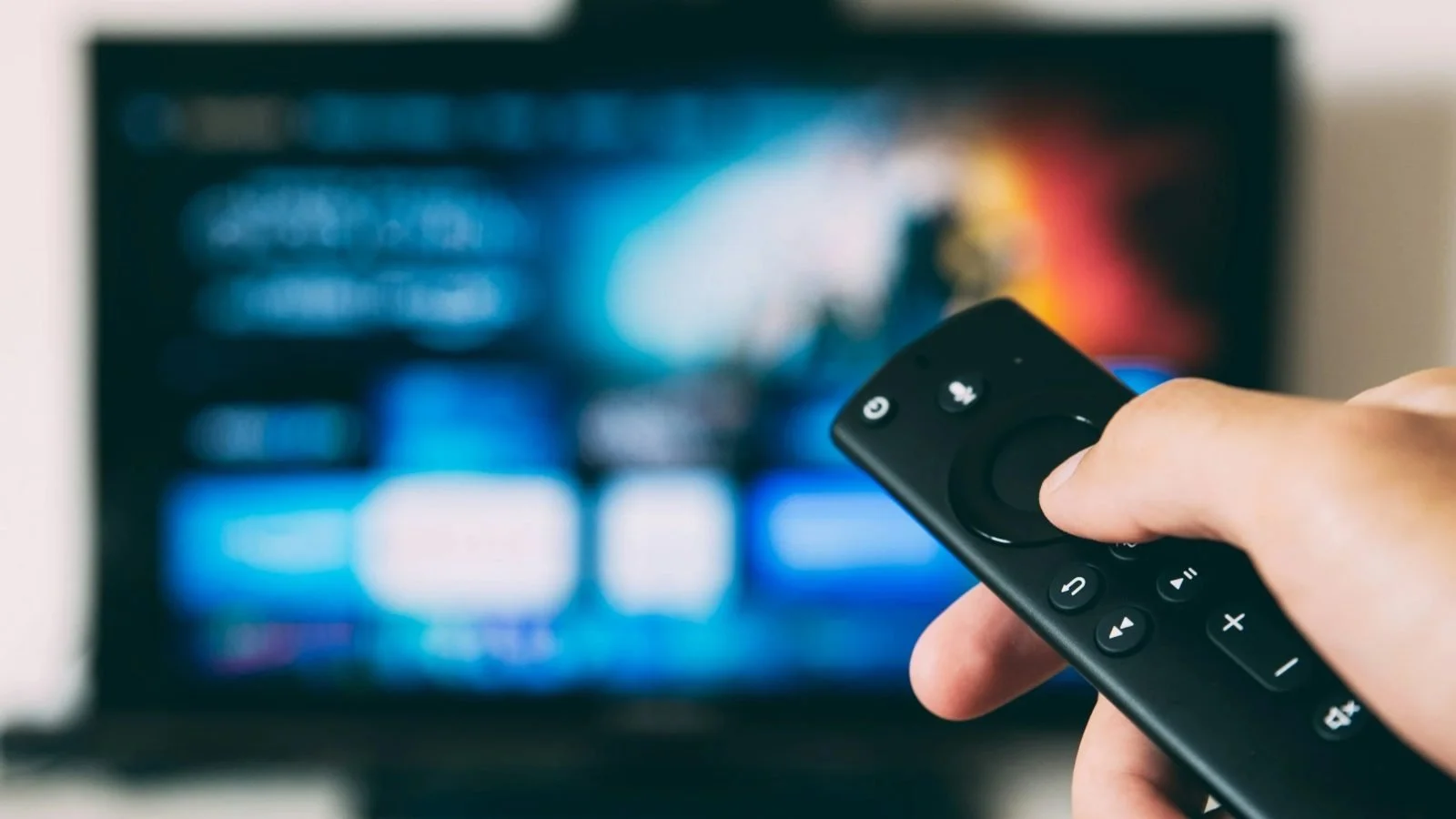
Using TVs with Android TV is straightforward. The home screen focuses on app tiles and recommendations supplied by installed services. A remote or voice control makes it easy to search for content, operate the TV and manage compatible smart-home devices. Android TV also supports Google Cast, allowing you to send media from a phone or tablet to the television.
How to set up Android TV
Connect the device: if Android TV is built into the television, connect the TV to power. If you are using a separate media player, connect it to the TV or monitor with an HDMI cable.
Pair the remote: turn on the TV, select the correct HDMI input if necessary, and follow the on-screen instructions.
Complete setup: use quick setup with an Android phone, or choose the on-TV setup, connect to Wi-Fi and sign in to your Google Account with the remote.
What is Google TV?
Google TV launched in 2020 as the next-generation experience built on Android TV. Technically, it still uses the same underlying platform, but it provides a redesigned interface focused on content discovery, personalisation and ease of use. It also offers deeper integration with smart-home devices and more extensive parental controls. Today it is available in many new TVs and streaming players, including Google TV Streamer, which has replaced Chromecast with Google TV in Google’s current hardware line-up.
TVs with Google TV deliver a content-first experience. The home screen brings together recommendations from different services, so you can discover films, series and programmes without opening each app separately. Personal profiles can keep recommendations and watchlists separate for different household members.
Google TV also provides a home panel for compatible devices. You can control smart lighting, thermostats, cameras and other connected products from the TV. The virtual remote in the Google TV mobile app remains a convenient alternative to the physical remote.
In the current generation of Google TV, Gemini is gradually taking over many voice and discovery functions previously associated with Google Assistant. Depending on the device, language and region, Gemini can help users find content conversationally, answer questions, control selected TV settings and smart-home devices, and generate visual content for the screen. Availability still varies by market and model.
How to set up Google TV
You need a Google Account and, for the quickest setup, the Google Home app. After switching on the device and pairing the remote, choose your language and region. You can then scan the QR code with the app and follow the instructions, or select the on-TV setup option, connect to Wi-Fi and sign in manually with the remote.
Main similarities between Android TV and Google TV
Both platforms are developed by Google and provide access to streaming, apps and games. Depending on the television or player, they can support 4K, HDR formats and Dolby Atmos. They share the same broad Android TV app ecosystem, support voice search, smart-home controls and casting through Google Cast and other streaming media players. In practice, picture and sound quality depend more on the specific TV or media player than on the interface itself.
How Google TV differs from Android TV
User interface and content discovery: Android TV is primarily app-centred, with a clear grid of installed services. Google TV is content-centred and combines recommendations from multiple providers on one home screen.
Home panel: compatible Google TV devices can act as a smart-home dashboard for lighting, thermostats, security cameras and video doorbells. Voice support increasingly uses Gemini on newer devices, although functionality depends on hardware and region.
Personal profiles and parental controls: Google TV supports individual profiles and children’s profiles with approved apps, content restrictions, screen-time limits and bedtime settings. Some features are not available in every region or on every model.
Gemini-powered discovery: on supported Google TV devices, Gemini can respond to more natural, conversational requests, clarify what you want to watch and provide richer information about films, series, news and sports. Rollout and supported languages vary.
AI-created ambient visuals: selected Google TV devices can turn an idle television into a personalised gallery, including AI-generated screensavers. Standard Android TV devices generally offer a more conventional ambient experience.
Google Photos: compatible Google TV devices can display albums and photo memories as screensavers. Voice-based photo retrieval depends on device capabilities, account settings and market availability.
Sports and live content: Google TV can surface live events and personalised sports recommendations in dedicated areas, but the exact experience and available services vary by country.
Will Android TV devices be updated to Google TV?
In most cases, an Android TV device will not be fully converted into Google TV through an update. Some manufacturers have refreshed the Android TV home screen or added selected Google TV-style features, but the device usually remains Android TV. Update policies depend on the manufacturer, model and market, so check the support period before buying.
Is Android TV still worth buying?
Google TV is now Google’s main consumer-facing smart-TV experience and is the better choice if you want newer discovery tools, personal profiles, broader smart-home controls and access to Gemini features on supported hardware. Android TV models can still be attractive when they are meaningfully cheaper, offer the apps you need and come with a credible update policy.
If modern features and ongoing platform development matter most, choose a TV with Google TV. If you want a simpler interface or a lower price, Android TV can still be a sensible option. Both platforms provide solid entertainment features, so the final decision should also take into account panel quality, performance, available ports, update support and your budget. To help you compare specific models, see our OLED TV ranking.
Google TV vs Android TV – comparison table
| Category | Google TV | Android TV |
|---|---|---|
| Interface | More modern, focused on recommending films, series and programmes from different apps | Simpler, focused on quick access to installed apps |
| Recommendations | Highly personalised | Usually less extensive |
| User profiles | Separate household profiles with their own recommendations, watchlists and settings | Less personalisation; depends on system version, TV model and apps |
| Children’s profiles | Dedicated child profile with app selection, screen-time limits, bedtime settings and content restrictions | Parental controls depend on system version, manufacturer and apps; less integrated with the home screen |
| Apps | Google Play apps for smart TVs | Google Play apps for smart TVs |
| Voice control | Google Assistant, plus Gemini features on selected devices | Google Assistant, depending on the device |
| Smart home | Home Panel on selected devices for compatible Google Home lights, cameras and thermostats | Mainly through Google Assistant, apps and model-dependent features |
| Ambient mode | Google Photos and, on selected devices, AI-generated screensavers | Available, but options depend on the device and manufacturer |
| Best for | People who use several streaming services | People who prefer a simple, app-based layout |
| Biggest advantage | Convenient recommendations and content organisation | Ease of use |
FAQ
Is Google TV the same as Android TV?
No. Google TV is a newer interface and way of organising content built on Android TV. The two systems are closely related, but Google TV places greater emphasis on recommendations, profiles, and searching for content across multiple apps.
Does Google TV have the same apps as Android TV?
For the most part, yes. Both systems use Google’s app ecosystem for smart TVs. However, the availability of a particular app may depend on the TV model, region, and support from the app developer.
Is Google TV faster than Android TV?
You cannot judge performance from the name of the system alone. Speed depends on the processor, memory, the manufacturer’s optimisation, and the age of the TV. A good Android TV can run more smoothly than a less powerful Google TV model.
Is it worth paying extra for a TV with Google TV?
It is worth it if you want a more modern home screen, recommendations, user profiles, and convenient content search. It may not be worth paying extra if a cheaper Android TV has clearly better picture quality.
Is Android TV still worth considering?
Yes, Android TV is still worth considering, especially if you are looking for a simple smart TV system at an attractive price. Before buying, however, check whether the model supports the apps you need and whether the manufacturer provides updates.
Are Gemini features available on every Google TV?
No. Gemini features are available only on selected devices, in selected countries and languages, and with the appropriate system version. Before buying, check the specifications of the particular model and the manufacturer’s information.