How to Charge a Laptop Without a Charger
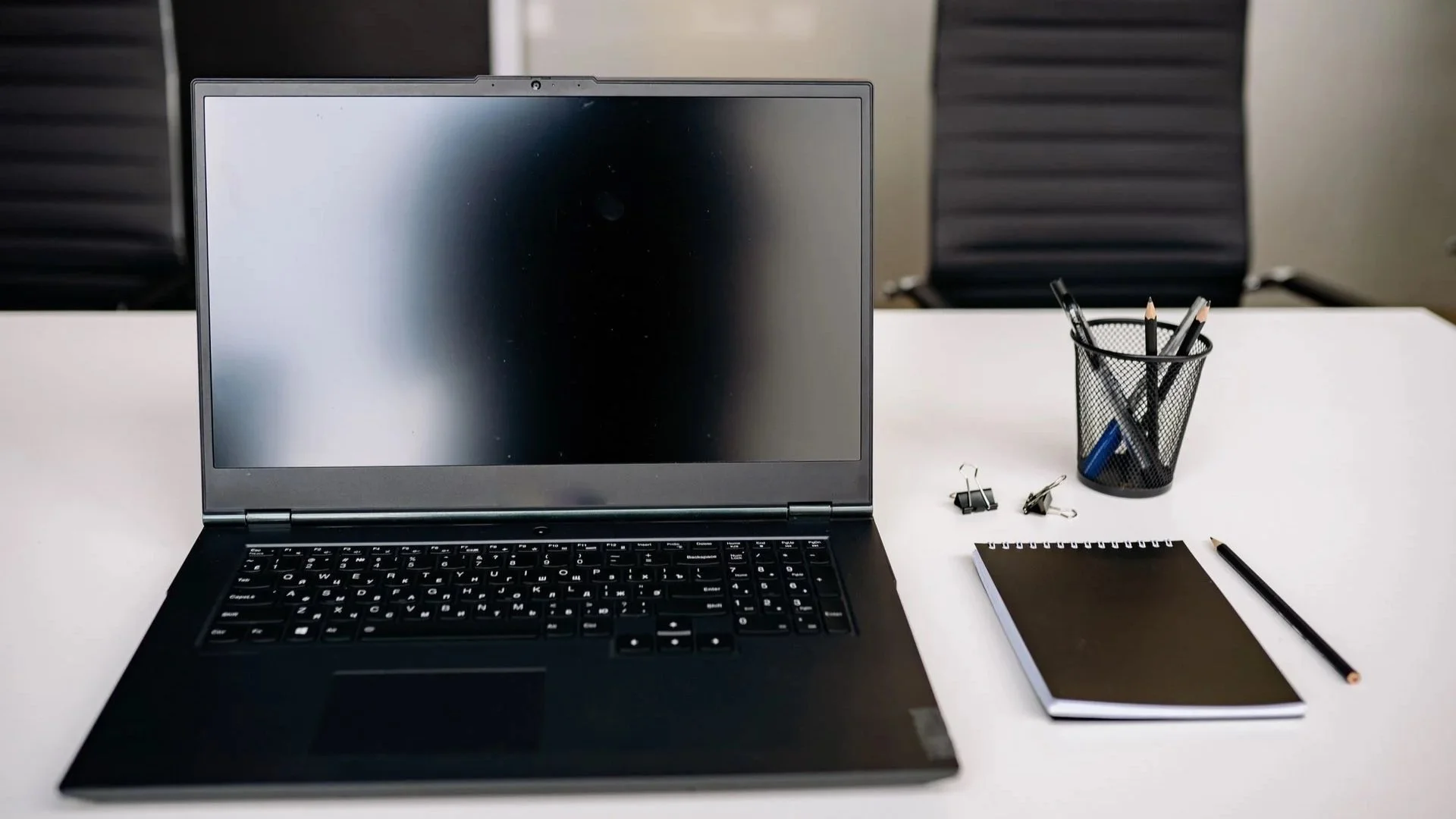
A dead laptop battery and no charger nearby is never ideal—especially when you're traveling, working away from home or heading into an important meeting. Fortunately, many modern laptops can be charged in other ways, most commonly through USB-C or a sufficiently powerful power bank.
The important part is compatibility. Not every USB-C port accepts power, not every power bank can provide enough wattage, and the cable between them matters too.
In this guide, we'll explain how to safely charge a laptop without its original charger, how powerful your power bank should be and what to do when the laptop refuses to charge.
Table of Contents
- Key things to know
- Can you charge a laptop without its original charger
- How to check whether your laptop can charge through USB-C
- How to charge a laptop with a power bank
- What kind of power bank do you need for a laptop
- How much power should a laptop power bank provide
- Which cable do you need to charge a laptop
- What if your laptop won't charge from a power bank
- Can you charge a laptop with a phone charger
- Can you charge a laptop in a car
- Can a portable power station charge a laptop
- What shouldn't you do when charging a laptop without its charger
- How to save battery when you don't have a charger
- Final thoughts
- FAQ
Key things to know
Before connecting the first USB-C cable you find, there are a few important things to remember:
You can charge many laptops without their original charger, but you still need a compatible power source.
A USB-C Power Delivery power bank is usually the most convenient alternative.
Not every USB-C port on a laptop supports charging.
A laptop power bank generally needs at least 45W, and 65W or more is a safer target for many computers.
More demanding laptops may require 100W or more.
The USB-C cable matters too and needs to support the required charging power.
Avoid random adapters and power supplies with unclear specifications.
The connector fitting into the port is only the beginning of the compatibility story.
Can you charge a laptop without its original charger
Yes, in many cases. But you can't necessarily charge every laptop with every power source. The biggest question is what charging port your laptop uses and whether it supports USB-C Power Delivery.
If the laptop can receive power through USB-C, you may be able to use:
a USB-C PD power bank;
another compatible USB-C wall charger;
a monitor with USB-C Power Delivery;
a USB-C docking station.
This is one of the biggest advantages of modern USB-C laptops. You aren't necessarily tied to one specific power adapter. Older laptops can be more complicated.
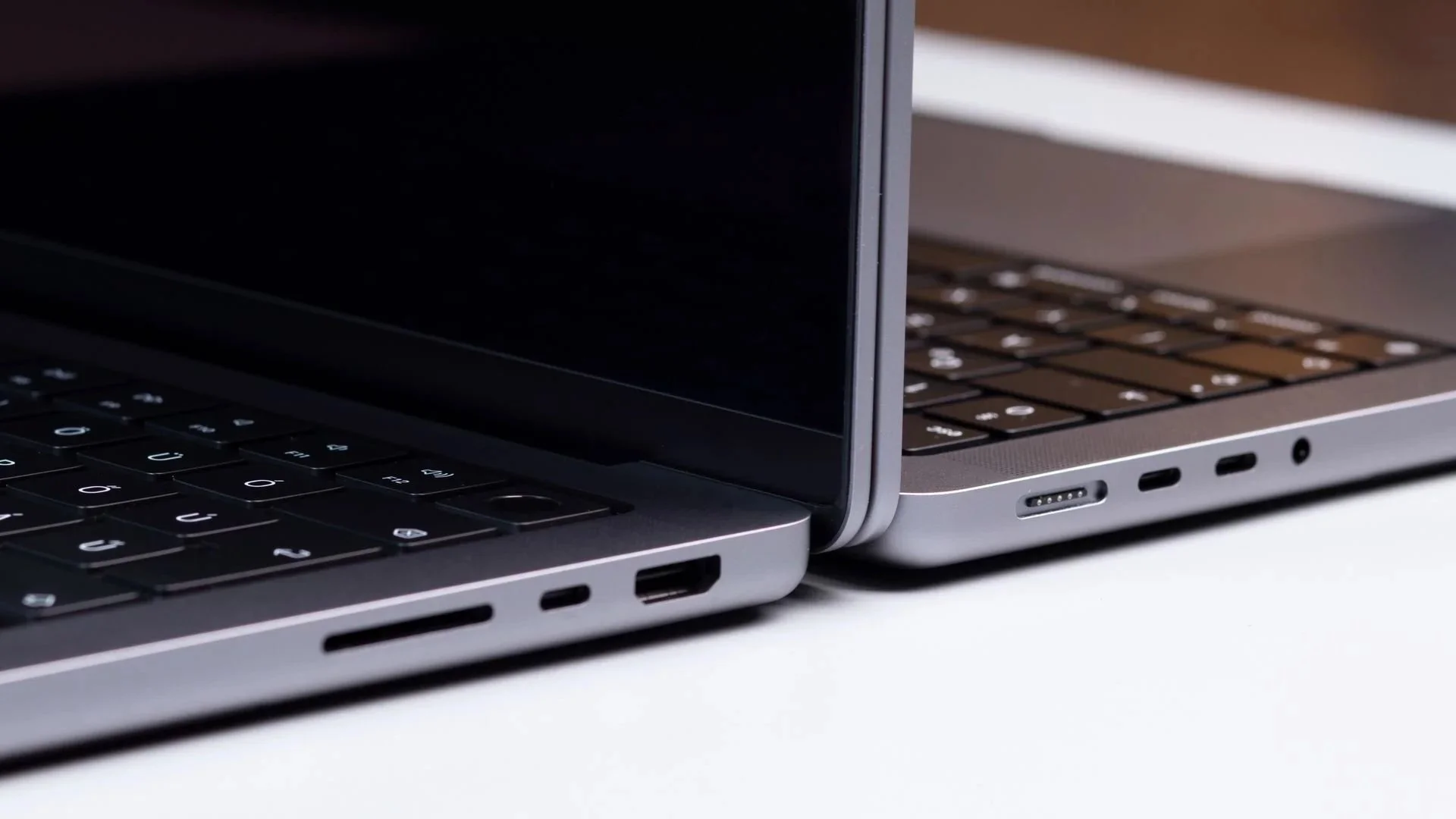
If your computer uses a round barrel connector or a proprietary charging port, you'll usually need a compatible power supply, car adapter, portable power station or properly designed adapter.
And this is where caution becomes particularly important. A plug physically fitting into your laptop doesn't mean its voltage, current and power specifications are correct.
How to check whether your laptop can charge through USB-C
Seeing a USB-C port on your laptop doesn't automatically mean you can charge through it.
USB-C describes the connector itself. The port may support:
data transfer;
video output;
accessories;
charging;
or a combination of those features.
Before trying to charge your laptop through USB-C, check:
whether there's a charging, battery or power symbol near the port;
whether the specifications mention USB-C Power Delivery, USB-C charging or PD;
the wattage of the laptop's original charger, such as 45W, 65W, 90W or 100W;
whether the manual identifies a specific USB-C port for charging.
Some laptops have multiple USB-C ports but accept charging through only one of them.
What about gaming laptops?
Gaming laptops deserve special attention. Some gaming models can receive power over USB-C, but often at significantly lower wattage than their main AC adapter provides.
For example, USB-C charging may be perfectly adequate for:
browsing;
office work;
watching video;
light productivity.
But during gaming, rendering or another demanding workload, the laptop may consume more power than the USB-C source can provide. In that situation, a power bank may only slow down the rate at which the battery drains instead of actually increasing the battery percentage.
That doesn't necessarily mean anything is wrong. The laptop is simply using more power than you're supplying.
How to charge a laptop with a power bank
A power bank is one of the most practical ways to charge a laptop when you don't have access to a wall outlet.
But a typical small phone power bank may not be powerful enough.
You'll usually need a model with a sufficiently powerful USB-C Power Delivery output.
How to connect a power bank to your laptop
Follow these steps:
Check that the laptop supports charging through USB-C.
Check the wattage of its original charger.
Choose a power bank with a USB-C PD output close to the laptop's power requirements.
Use a USB-C to USB-C cable capable of carrying the required wattage.
Connect the cable to the USB-C PD output on the power bank.
Connect the other end to the laptop's USB-C charging port.
Check whether the operating system recognizes external power.
Reduce screen brightness and close demanding applications if you want the laptop to charge more effectively.
If the laptop is under heavy load, it may continue drawing more power than the power bank can supply.
Closing demanding programs can make a surprisingly large difference.
What kind of power bank do you need for a laptop
Not every power bank is suitable for laptops. Smaller power banks designed primarily for smartphones often have insufficient output power.
They may work brilliantly with:
phones;
wireless earbuds;
smartwatches;
tablets;
and still do absolutely nothing when connected to your notebook.
Start with power output
Output power is the most important specification. For a lightweight office laptop or ultrabook, a 45W or 65W power bank may be sufficient. For more demanding ultrabooks, larger laptops and some MacBook Pro models, 100W is a better target.
Gaming laptops are more complicated because their original adapters can provide considerably more power than a typical USB-C power bank. Even when USB-C charging is supported, it may be intended primarily for lighter workloads.
Capacity matters too
Power tells you how quickly the power bank can deliver energy. Capacity tells you roughly how much energy it can store. For emergency charging, a power bank of around 20,000mAh can be useful. If you regularly spend long periods away from an outlet, 25,000–30,000mAh may be more practical.
Just remember that mAh doesn't translate directly into extra laptop runtime. Power conversion creates losses, so you won't get every theoretical unit of stored energy into the laptop battery.
How much power should a laptop power bank provide
The easiest place to start is your laptop's original charger. If it came with a 65W charger, look for a power bank capable of delivering around 65W through a single compatible USB-C port. If the original charger provides 100W, a 100W power bank is the more appropriate choice.
Using a significantly weaker power source may result in:
slower charging;
a “slow charger” warning;
the battery percentage remaining unchanged;
the battery continuing to drain more slowly;
no charging at all.
| Power output | Suitable for | What to know |
|---|---|---|
| 30W | Tablets, small devices and some very lightweight laptops | Usually too little for a typical laptop |
| 45W | Lightweight ultrabooks and basic office laptops | Charging may be slower while the laptop is in use |
| 65W | Most office laptops and ultrabooks | A useful all-round power level for many laptops |
| 100W | More powerful ultrabooks, larger laptops and some MacBook Pro models | A better option for computers with higher power requirements |
| 140W or more | Selected high-performance laptops with USB-C Power Delivery | Requires a compatible laptop, power bank and high-power USB-C cable |
More isn't automatically better, though. A 140W power bank only makes sense if your laptop and cable can actually take advantage of that output.
Which cable do you need to charge a laptop from a power bank
The cable is just as important as the power bank. For laptop charging, you'll usually want a USB-C to USB-C cable. A USB-A to USB-C cable generally won't provide the power required by a modern laptop.
Before using a cable, check its maximum supported power rating. Common ratings include:
60W;
100W;
240W.
If your power bank is powerful enough but your laptop still isn't charging correctly, the cable may be the bottleneck. That can be particularly confusing because two USB-C cables can look almost identical while having very different capabilities.
When dealing with higher charging power, avoid extremely cheap cables with no clear specifications.
What if your laptop won't charge from a power bank
If nothing happens when you connect the power bank, don't immediately assume one of the devices is broken. The problem is often compatibility.
Check the following:
Does the laptop actually support USB-C charging?
Are you using the correct USB-C port on the laptop?
Are you connected to the USB-C PD/output port on the power bank?
Can the power bank provide enough power?
Does the cable support the required wattage?
Does the power bank have enough remaining charge?
Is either device overheating?
Is the laptop currently under a very heavy workload?
Try connecting the power source while the laptop is idle or turned off. If it begins charging then but struggles while you're working, insufficient power output is a likely explanation.
“Slow charger” warning
Some operating systems display a warning when a connected charger provides less power than recommended. That doesn't necessarily mean charging has completely failed.
It may simply mean the laptop will:
charge more slowly;
charge only while idle;
or continue losing battery under heavy load.
Can you charge a laptop with a phone charger
Sometimes. A modern USB-C phone charger with USB Power Delivery may also charge a compatible laptop. The problem is power. Many phone chargers provide around 20–30W, which is below what a typical laptop expects.
With a low-power phone charger, your laptop may:
charge extremely slowly;
maintain approximately the same battery level;
continue draining while connected;
refuse to charge altogether.
A higher-power phone charger is a different story. If you have a 45W, 65W or more powerful USB-C PD charger and your laptop accepts that power profile, it may work perfectly well. Again, wattage and charging standards matter more than whether “phone charger” or “laptop charger” is printed on the box.
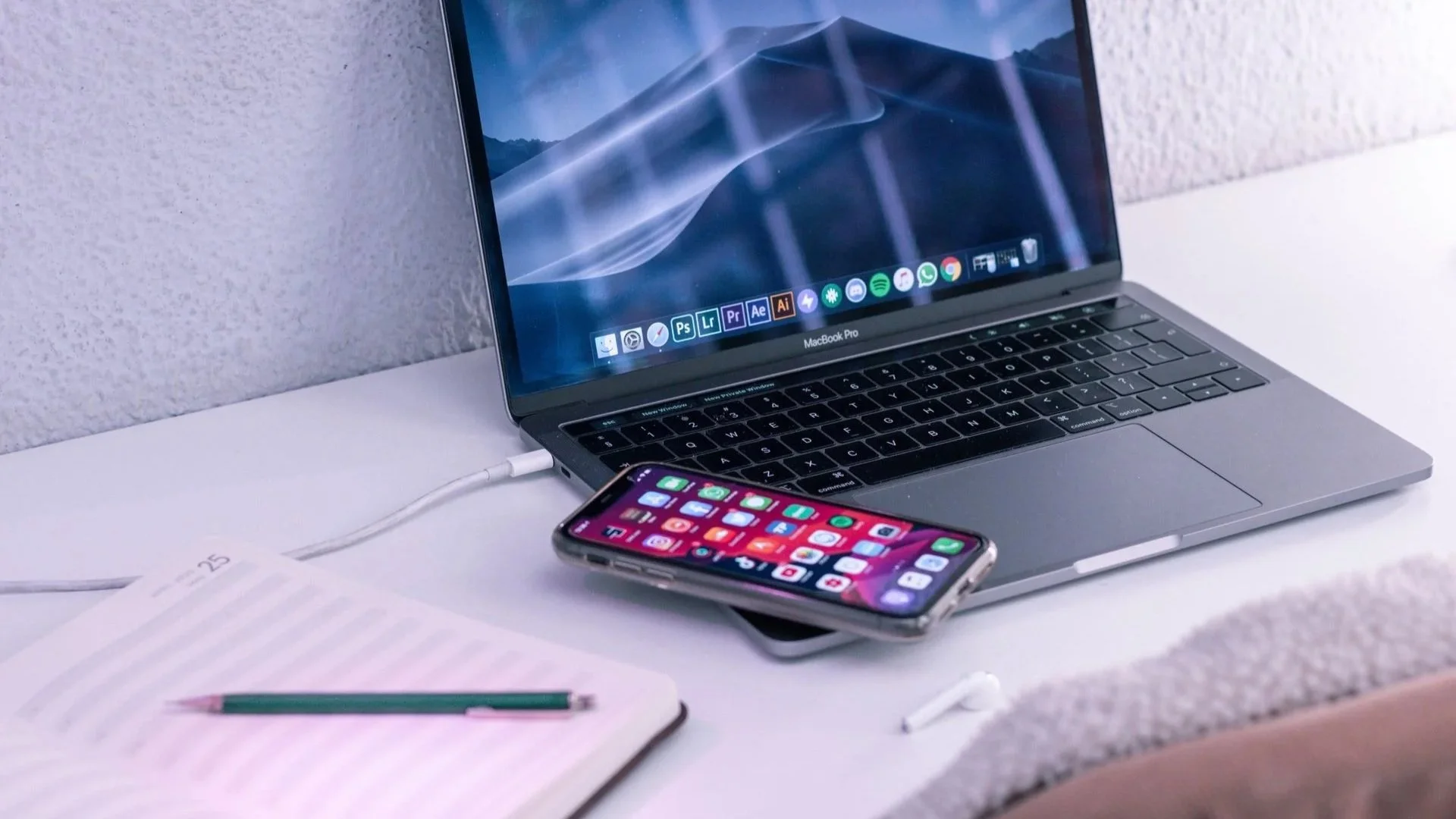
But definitely avoid improvised adapters. Don't try to convert a low-power phone charger into a charger for an old barrel-port laptop using an unknown adapter. The physical connection is only one requirement. You also need the correct electrical parameters.
Can you charge a laptop in a car
Yes. The most convenient approach for modern laptops is a USB-C Power Delivery car charger with sufficient output power. As with a wall charger or power bank, match its wattage to your laptop.
A 20W car charger may be perfectly good for an iPhone but not particularly helpful to a laptop that expects 65W. For older laptops, there are also car chargers with interchangeable barrel connectors.
If you use one of these, make sure:
the connector is correct;
the voltage matches;
the power output is sufficient;
the adapter is designed for the laptop.
Also remember that charging a laptop for a long period with the car engine switched off can drain the vehicle's 12V battery. Replacing one dead battery with another is not much of an upgrade.
Can a portable power station charge a laptop
Yes. A portable power station can be a particularly useful option for:
camping;
road trips;
working outside;
remote locations;
emergency backup power.
Think of it as a much larger power bank.
Many power stations provide:
AC outlets;
USB-C Power Delivery;
USB-A ports;
sometimes 12V outputs.
If the power station has a standard AC outlet, you can simply connect the laptop's regular charger. Alternatively, if its USB-C output provides enough power, you may be able to charge the laptop directly.
Power station vs. power bank
A power station is:
larger;
heavier;
more expensive;
but it also stores considerably more energy.
It can potentially power not just your laptop but also:
a monitor;
router;
lights;
camera equipment;
other electronics.
For everyday commuting, a laptop power bank is usually more convenient. For a weekend away from electricity, a power station makes much more sense.
What shouldn't you do when charging a laptop without its charger
The most important rule is simple: don't experiment with random power adapters. A connector fitting is not enough.
You also need to consider voltage, current, wattage, charging protocol and polarity on certain older connectors.
Avoid:
cheap adapters with no clear specifications;
power supplies with unknown electrical parameters;
damaged cables;
power banks that become excessively hot;
connecting power to USB-C ports that don't support charging;
ignoring persistent low-power warnings.
If you're not sure whether an accessory is compatible, check the laptop's specifications before connecting it.
How to save battery when you don't have a charger
Sometimes the best way to solve a charging problem is simply to delay it. If your power bank has limited capacity—or you don't have an alternative power source at all—reduce the laptop's energy consumption.
Lower screen brightness
The display is often one of the biggest power consumers in a laptop.
Reducing brightness can noticeably extend runtime.
Turn on battery saver
Windows, macOS and other operating systems include power-saving modes designed to reduce background activity and performance when battery life matters more than maximum speed.
Use them.
Close demanding applications
Close anything you don't need, especially:
games;
video editors;
3D software;
unnecessary browser tabs;
other CPU- or GPU-intensive applications.
Those 47 browser tabs will forgive you eventually.
Disconnect unnecessary accessories
USB devices consume power too.
Disconnect external drives, controllers and other peripherals if you're not actively using them.
Disable wireless connections you don't need
If you're working offline, turning off:
Wi-Fi;
Bluetooth;
can reduce power consumption further.
Reduce background activity
Cloud synchronization and other background services can consume both network and processing resources.
Pause them temporarily if necessary.
Use sleep mode
If you're taking a break, don't leave the laptop running at full power.
Put it to sleep.
A few small changes can significantly extend the time before you actually need another charger.
How to charge a laptop without a charger – final thoughts
You can often charge a modern laptop without its original power adapter. For most USB-C laptops, the easiest solution is a USB-C Power Delivery power bank or another compatible USB-C charger.
But three things need to line up:
the laptop must support USB-C charging;
the power source must provide enough wattage;
the cable must support that wattage.
For many everyday laptops, 65W is a useful starting point. More demanding machines may require 100W or more, while some gaming laptops still need their original high-power adapters to reach full performance.

If you frequently travel or work away from outlets, a suitable laptop power bank can be one of the most useful accessories you carry. Just choose it based on power, capacity and compatibility—not capacity alone.
FAQ
Can you charge a laptop with a power bank?
Yes, provided the laptop supports USB-C Power Delivery charging and the power bank can provide sufficient output power.
How do you connect a power bank to a laptop?
In most cases, use a USB-C to USB-C cable. Connect one end to a compatible USB-C PD output on the power bank and the other to the laptop's USB-C charging port. Then check whether the operating system recognizes external power.
What power bank should I buy for a laptop?
For a lightweight laptop, look for at least 45–65W of USB-C Power Delivery output. For more demanding laptops, 100W or more may be more appropriate. Capacity matters too. Around 20,000mAh can work for emergency charging, while 25,000–30,000mAh gives you more useful energy on longer trips.
Can a phone charger charge a laptop?
Sometimes. A sufficiently powerful USB-C Power Delivery phone charger can also charge a compatible laptop. However, many phone chargers provide only 20–30W, which may be too little for a typical notebook.
Can every laptop charge through USB-C?
No. A laptop needs to specifically support power input through USB-C. The presence of a USB-C connector by itself doesn't guarantee that the port can charge the computer.
Is a 65W power bank enough for a laptop?
For many office laptops and ultrabooks, yes. But the best way to check is to compare the power bank's output with the wattage of the laptop's original power adapter.
Can a 30W power bank charge a laptop?
Some very lightweight laptops may accept 30W, but it's generally below the recommended level for a typical notebook. Even if charging starts, it may be very slow.
Can I use a 100W power bank with a 65W laptop?
If the devices use compatible USB Power Delivery standards, the laptop should request only the power it supports. The fact that the power bank is capable of providing more power doesn't mean the laptop is forced to consume all of it.
