How to Charge Your Phone Properly and Make the Battery Last Longer
Charging your phone is something most of us do every day—sometimes more than once. But if you want the battery to stay healthy for as long as possible, a few charging habits are better than others.
Modern smartphones are much smarter about battery management than older devices, so you don't need to obsess over every percentage point. Still, avoiding excessive heat, repeated deep discharges and unnecessarily long periods at 100% can help slow battery degradation.
So should you charge from 20% to 80%? Is fast charging bad for the battery? Can you use your phone while it's charging? And is it actually safe to leave it plugged in overnight? Here's what you need to know.
How should you charge a modern smartphone
Most modern smartphones use lithium-ion or lithium-polymer batteries, and they don't need the same charging routines that older rechargeable batteries did. You don't need to wait until your phone is completely dead before plugging it in.
In fact, regularly draining the battery to 0% is generally something worth avoiding. A practical rule is to keep the battery somewhere around 20% to 80% when it's convenient. That doesn't mean something terrible happens the moment your phone reaches 81%.
The idea is simply that lithium-ion batteries generally experience less stress when they spend less time at extremely low or extremely high states of charge.
Do you have to stop charging at 80%
No. Charging your phone to 100% occasionally is perfectly normal and sometimes necessary. If you're going on a long trip, spending a day away from a charger or simply need maximum battery life, charge it fully.
Battery longevity is about habits over months and years, not treating 80% like an emergency stop button.
Still, if you spend most days near a charger, regularly stopping somewhere around 80–90% can reduce the amount of time the battery spends fully charged. That's why more smartphones now include charging limits and battery protection settings.
Avoid regularly draining the battery to 0%
Deep discharge places additional stress on a lithium-ion battery. Modern smartphones normally shut down before the battery reaches a truly dangerous voltage, so a single trip to 0% isn't going to destroy it.
But repeatedly running the phone until it switches itself off isn't ideal if your goal is maximum long-term battery health. A better habit is simply to plug it in before it reaches that point.
Short charging sessions are fine
You also don't need to wait for a nearly empty battery before charging. Lithium-ion batteries are perfectly happy with partial charging sessions.
Charging from 35% to 70%, unplugging the phone and topping it up again later isn't harmful. There is no requirement to complete a neat 0–100% cycle every time. Thankfully, batteries don't grade your charging technique.
The most important factor: heat
If there's one thing worth paying attention to, it's temperature. Excessive heat is one of the biggest contributors to battery degradation.
Try not to:
charge your phone in direct sunlight;
leave it charging inside a hot car;
cover it with blankets or pillows;
run demanding games while it's already getting hot during charging.
If the phone becomes unusually hot, give it a chance to cool down.
Good phone charging habits
For everyday use, these are sensible guidelines:
avoid regularly draining the battery to 0%;
charge whenever it's convenient rather than waiting for the battery to become critically low;
keep the battery roughly between 20% and 80–90% when practical;
don't worry about occasionally charging to 100%;
use battery optimization or charging-limit features if your phone provides them;
avoid excessive heat;
use a reputable charger and compatible cable.
There's no need to micromanage your phone every five minutes. The goal is simply to avoid the habits that create unnecessary stress.
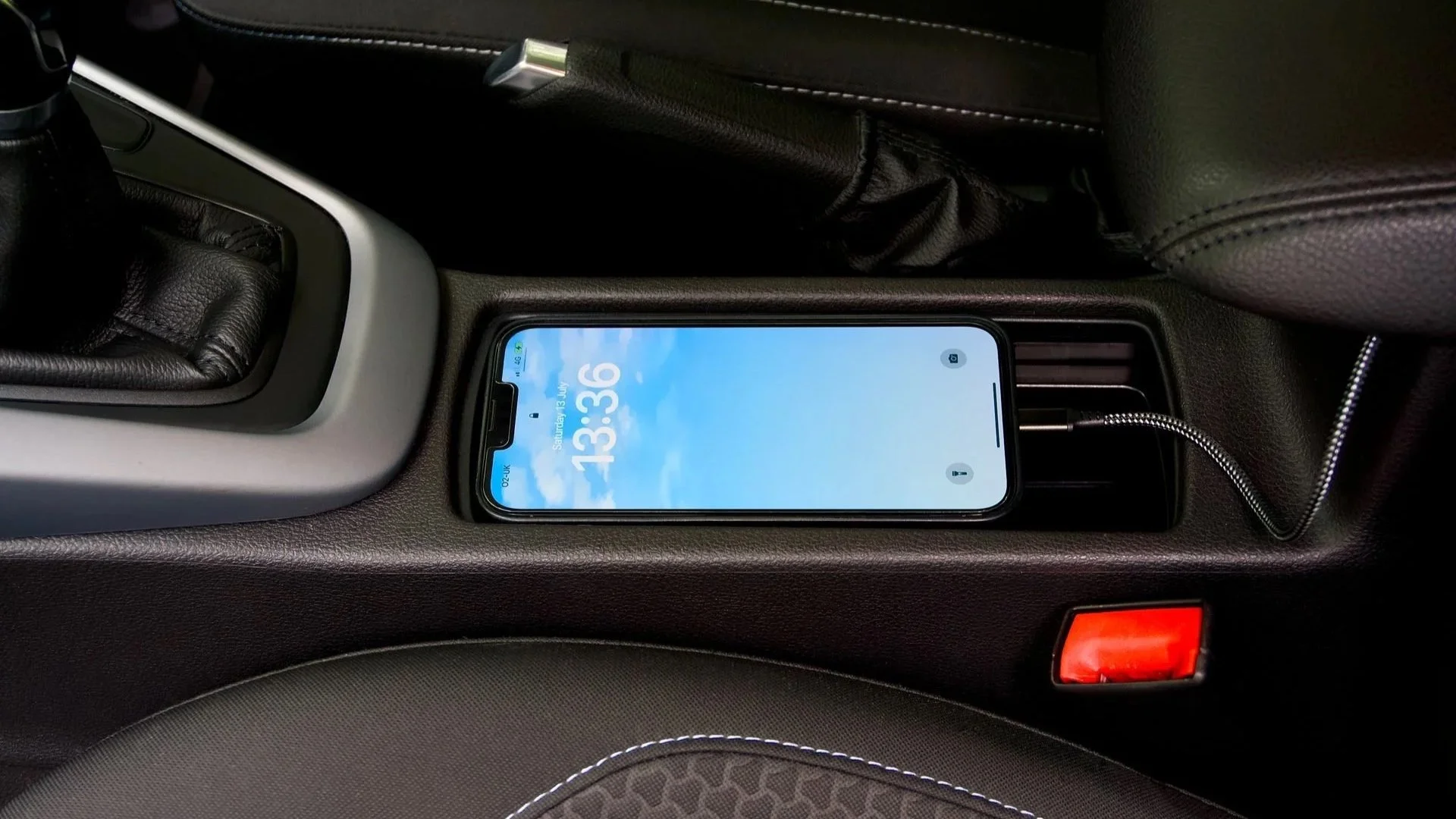
How to charge an iPhone without damaging the battery
The basic battery-health rules are the same whether you use an iPhone or Android phone. Avoid excessive heat, repeated deep discharges and unnecessarily keeping the battery fully charged for long periods. Apple also provides software features that manage charging automatically.
Optimized Battery Charging
On supported iPhones, Optimized Battery Charging learns your charging routine and can delay charging beyond around 80% until closer to the time it expects you'll need the phone.
For example, if you regularly plug your iPhone in before going to sleep and unplug it around 7 a.m., the phone can spend less of the night sitting at 100%. This reduces the amount of time the battery remains completely full.
Newer iPhones also offer additional battery-management options, including configurable charging limits on supported models. If battery longevity matters to you, these features are worth using.
Do you need an Apple charger
Not necessarily. You can safely charge an iPhone with a good-quality compatible third-party USB-C charger. The important thing is that the charger and cable comply with the appropriate standards and provide the power profile your phone expects.
You don't need the Apple logo on every charging brick in your house. 😉
Can you use your phone while charging
Yes. Using your phone while it charges isn't inherently dangerous, assuming the battery, charger and cable are in good condition. The main issue is heat. Using the phone consumes energy while the charger is trying to refill the battery, so charging may take longer.
Light tasks such as:
browsing the web;
checking messages;
listening to music;
reading email;
are unlikely to cause a problem. More demanding activities are different.
Gaming while charging
Nowadays you don’t need a portable gaming console to put hours into titles such as Resident Evil or Fortnite. You can do it comfortably on this little rectangle you carry with you from the second you wake up, to the moment you go to sleep watching Reels.
And gaming can put a heavy load on the processor and GPU. Fast charging also generates heat. Combine the two and you can end up with a phone that's considerably warmer than it would be during either activity alone.
The same applies to demanding applications such as:
extended video recording;
video editing;
high-performance gaming;
intensive navigation in hot conditions.
If the phone gets noticeably hot while you're using it and charging at the same time, it's better to give it a break.
Prefer watching?
I also made a video on this topic, where I go through the most important phone-charging habits and explain what actually matters for battery health.
If you'd rather watch than read—or want the shorter version before getting into fast charging—that's a good place to start.
Does fast charging damage the battery
Fast charging has completely changed how we use smartphones. Especially now, with all the USB-C laptop chargers, that can just as well be used to charging our mobile devices. Instead of plugging a phone in for several hours, many of them can recover a substantial amount of battery in 15–30 minutes.
That convenience comes from delivering more power to the battery during the earlier stages of charging.
How fast charging works
Fast charging generally doesn't deliver maximum power from 0% all the way to 100%.
Instead, charging power changes depending on factors such as:
battery percentage;
temperature;
battery condition;
charger;
charging protocol.
The fastest charging usually happens when the battery is relatively low. As the battery approaches a higher state of charge, the phone gradually reduces charging power.
This is one reason the final 10–20% often takes disproportionately longer than the first half. The phone isn't broken. It's being careful. BTW: If you’ve lost a laptop charger (like I did last week), check out this guide on how to charge a laptop without a charger.
Is fast charging bad for battery health
Fast charging can create more heat, and heat accelerates battery aging. So, in theory, repeatedly charging at very high power in hot conditions can create more battery stress than slower, cooler charging.
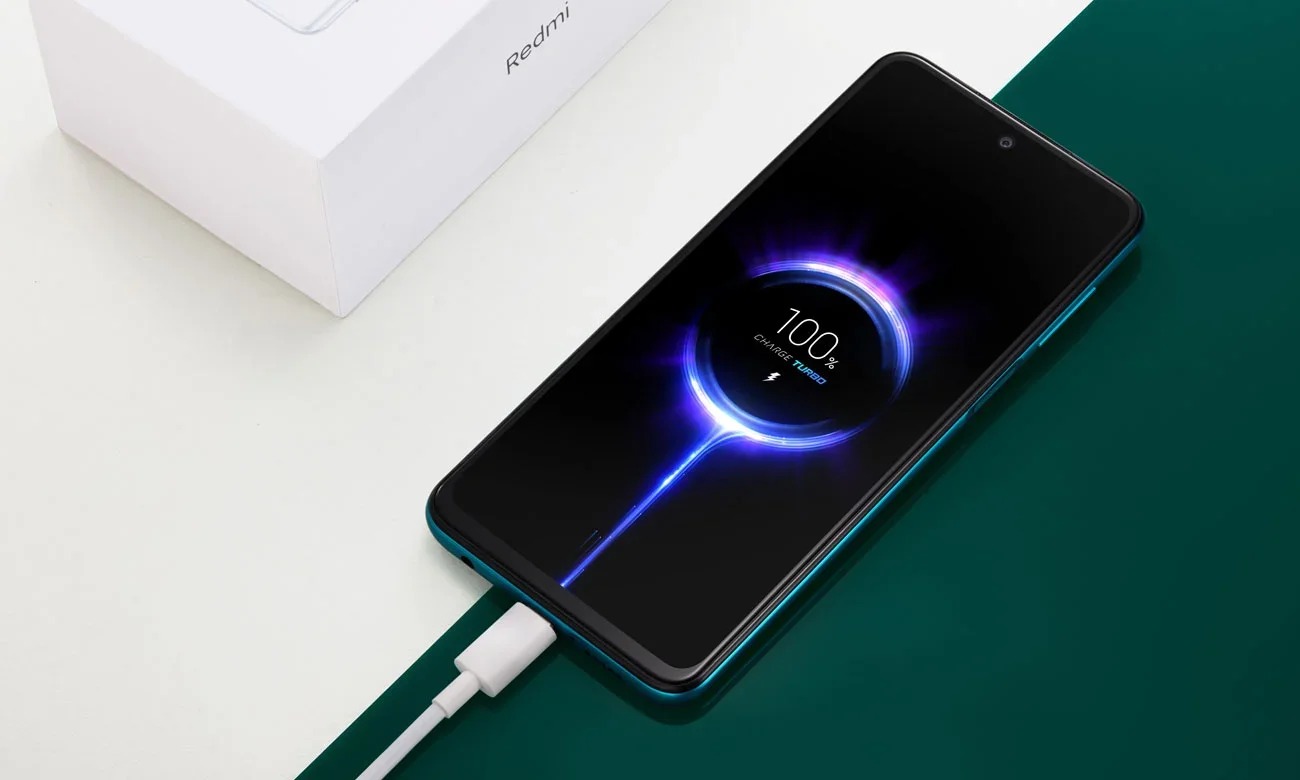
But that doesn't mean you should be afraid to use fast charging. Modern smartphones include extensive thermal and charging management.
They can dynamically reduce charging power when:
the battery becomes too warm;
the state of charge increases;
the phone detects unfavorable conditions.
Manufacturers design these systems specifically to balance charging speed with battery longevity. For most users, the convenience of fast charging is worth it.
Should you disable fast charging
Probably not unless you have a specific reason. If you need your phone charged quickly before leaving the house, use fast charging. That's what the feature is there for.
If you're charging overnight and don't care whether the phone finishes in 40 minutes or four hours, slower charging may generate less heat and make more sense.
You don't have to choose one method forever. Use the charging speed that fits the situation.
How to reduce heat during fast charging
A few simple habits help:
use a reputable charger;
use the correct cable;
avoid charging in direct sunlight;
don't cover the phone;
avoid demanding games while fast charging;
remove a thick insulating case if the phone becomes unusually hot;
use optimized charging features.
Again, the main enemy isn't the words TURBO POWER SUPER FLASH ULTRA FAST CHARGING appearing on the screen. It's excessive heat.
Fast wired charging vs. wireless charging
Wireless charging is convenient, but it typically produces more energy loss than a direct wired connection. Some of that lost energy becomes heat.
That means wireless charging can sometimes make the phone warmer than comparable wired charging, particularly when:
the phone and charging coil are poorly aligned;
the charger is inefficient;
a thick case interferes with charging;
the room is already hot.
Does wireless charging damage the battery
Used normally, wireless chargers aren’t something you need to avoid. Modern devices monitor temperature and adjust charging accordingly. But if your main priority is minimizing heat and maximizing efficiency, wired charging is usually the better option.
Wireless charging is primarily about convenience. If dropping your phone onto a charging stand every evening makes your life easier, that's a perfectly reasonable trade-off.
Alignment matters
With traditional Qi charging, make sure the phone is positioned correctly on the pad. Poor alignment can reduce efficiency and increase heat.
Magnetic systems such as MagSafe and Qi2 help solve this by aligning the charging coils automatically. One less thing to center perfectly before going to sleep.
How should you charge a new phone for the first time
You don't need to do anything special.
Old advice often suggested that a new phone should be:
completely discharged;
charged uninterrupted for many hours;
repeated several times to "format" the battery.
That advice comes from much older battery technologies.
Modern lithium-ion and lithium-polymer batteries don't have the same kind of memory effect.
Do you need to charge a new phone to 100%
No. When you take a new phone out of the box, simply use it normally. If it has enough charge to complete setup, you can start using it immediately.
If the battery is low, plug it in. There's no magical first charging cycle that determines how the battery behaves for the rest of its life.
Should you drain a new phone to 0%
Also no. There's no benefit to deliberately draining a modern smartphone completely before its first charge. You can charge it whenever it's convenient.
The same battery-care principles apply from day one:
avoid extreme heat;
avoid repeatedly draining to 0%;
use appropriate charging equipment;
enable battery optimization features.
Your new phone does not need an initiation ceremony.
Is it bad to charge your phone overnight
For many people, overnight charging is the most convenient option. Modern smartphones are designed to handle it. When the battery reaches full charge, the phone doesn't simply continue forcing full power into it indefinitely.
The charging system manages power automatically. So charging overnight isn't inherently dangerous or something you must stop doing. However, keeping a lithium-ion battery at a very high state of charge for long periods isn't ideal if you're trying to maximize its lifespan over several years.
That's exactly why manufacturers developed optimized charging features.
Use optimized charging
If your phone offers something like Optimized Battery Charging, Adaptive Charging, Battery Protection or Charging Limit enable it. The exact name varies between manufacturers, but the principle is similar.
The phone controls when and how it finishes charging based on your settings or habits. This makes overnight charging far less of a concern.
Don't charge your phone under a pillow
This is much more important. Charging generates heat. A phone lying on a hard surface of your desk or a bedside table can dissipate that heat reasonably well. A phone buried under a pillow, blanket or duvet cannot.

So if you charge overnight place the phone on a hard, open surface. Don't cover it, use a good-quality charger and avoid extreme heat. Your phone doesn't need to be tucked in.
Is leaving your phone at 100% overnight bad
From a pure battery-longevity perspective, spending many hours at 100% isn't ideal. But modern charging management significantly reduces the problem.
If you plan to keep your phone for several years and want to preserve as much battery capacity as possible, features that limit charging to around 80–90% can help.
If you need 100% battery every morning, that's fine too. A battery is ultimately there to be used.
What actually damages phone batteries
If you remember only a few things from this guide, make them these.
1. Heat
Excessive temperature is one of the biggest enemies of lithium-ion batteries. Don't leave your phone roasting in the sun while fast charging.
2. Repeated deep discharge
Regularly running the phone until it shuts down isn't ideal. Plugging in at 15–30% is perfectly fine.
3. Spending excessive time at 100%
Occasional full charging is harmless. Keeping the phone completely full for unnecessary periods every day can add battery stress over the long term.
4. Poor-quality charging equipment
Use chargers and cables from reputable manufacturers. A properly designed third-party charger is fine. An unbranded power adapter with questionable protection circuitry is a different story.
5. Age
Even with perfect charging habits, lithium-ion batteries eventually lose capacity. Battery degradation is a normal chemical process. You can slow it down. You cannot negotiate with chemistry forever.
How to make your phone battery last longer
For the best balance between convenience and long-term battery health:
avoid excessive heat;
keep the battery roughly between 20% and 80–90% when convenient;
don't worry about occasional 100% charges;
avoid regularly draining the battery to 0%;
enable optimized or adaptive charging;
use fast charging when you need it;
use slower charging when speed doesn't matter;
use reputable chargers and cables;
don't cover your phone while it's charging;
replace a worn battery when necessary.
The biggest mistake is turning battery care into a daily source of anxiety. Modern smartphones already do a lot of the work for you.
Use the battery-management features your phone provides, avoid extreme conditions and charge when it makes sense. That's usually enough to keep your battery healthy for years.
Are you interested in a new laptop for collage or for your office work? Check out this guide on how to choose a notebook for school or work.