iPad Ranking 2026 - Which iPad Should You Buy
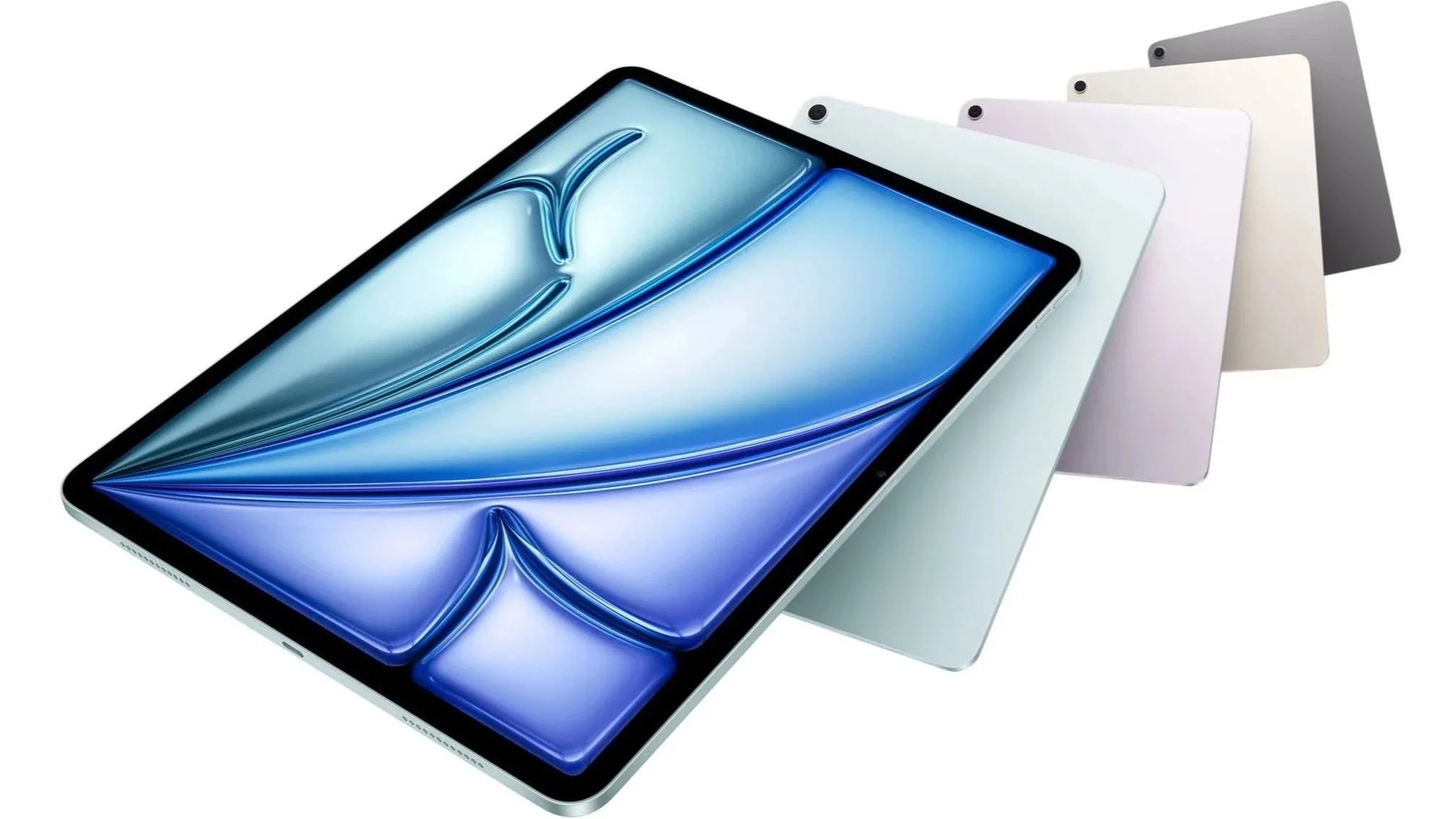
Apple’s iPads remain some of the most popular tablets around — and for good reason. They’re fast, beautifully made, and iPadOS gives them enough flexibility for everything from Netflix marathons to serious creative work. The harder part is choosing the right one, so we’ve picked the five iPads we think are most worth your attention in 2026.
Best iPads of 2026
| Rank | Model | Best for | Rating |
|---|---|---|---|
| 1 | Apple iPad 11th generation | Best overall | 10/10 |
| 2 | Apple iPad Air M4 | Best for most power users | 9.8/10 |
| 3 | Apple iPad Pro M5 | Best premium iPad | 9.7/10 |
| 4 | Apple iPad mini | Best compact iPad | 9.2/10 |
| 5 | Apple iPad 10th generation | Best older budget option | 8.5/10 |
1. Apple iPad 11th generation – best overall
Our rating: 10/10
Cons:
No 120Hz display
No Apple Intelligence
Display isn’t fully laminated
Pros:
Excellent value
Fast A16 chip
11-inch Liquid Retina display
128GB storage in the base model
Apple Pencil support
Available with optional cellular connectivity
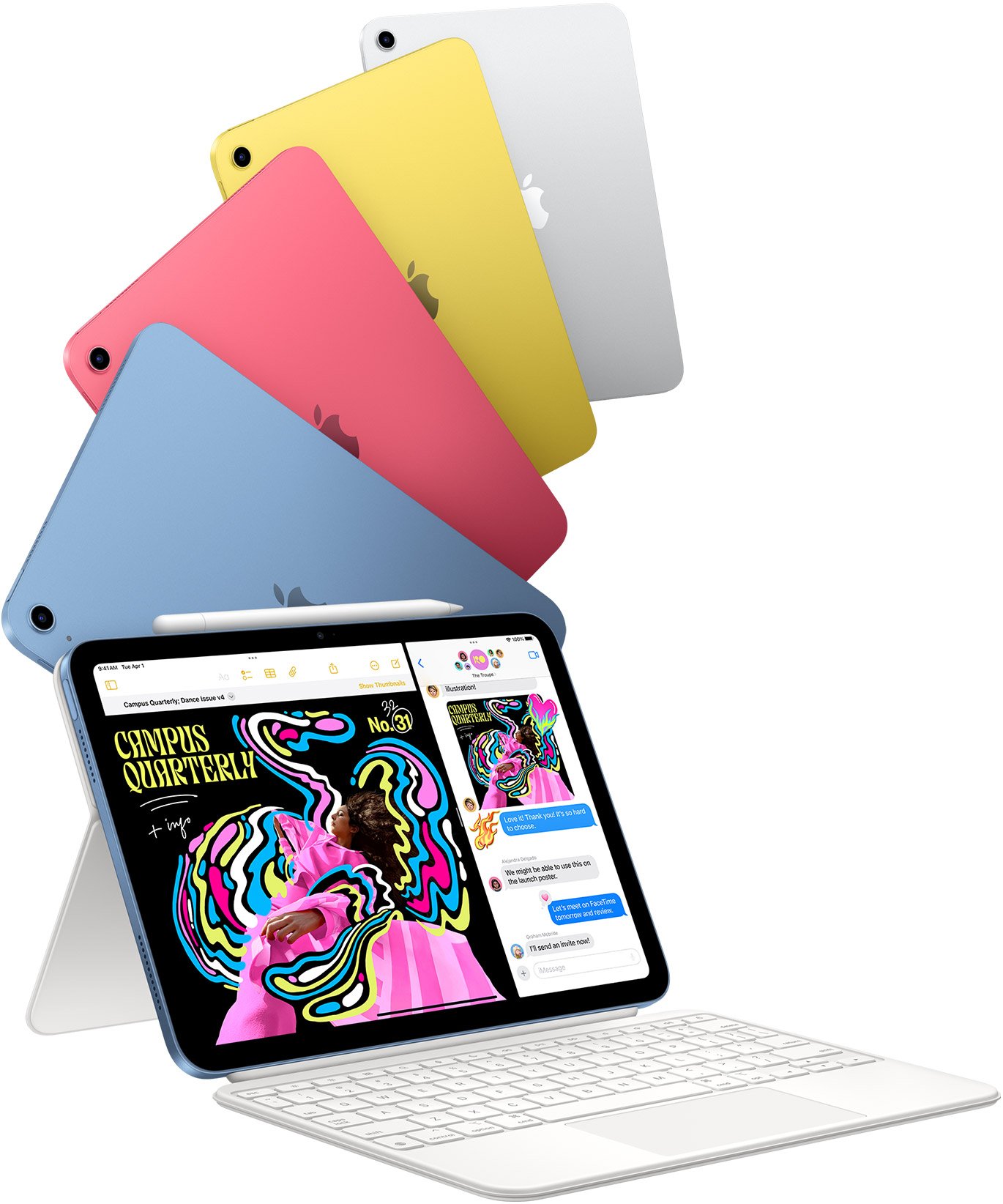
The 11th-generation iPad is our top pick because it gets the basics so right. The A16 chip delivers more than enough performance for browsing, streaming, studying, gaming, office apps, and light creative work, while the 11-inch Liquid Retina display gives you plenty of room without making the tablet cumbersome.
Apple also starts this generation at 128GB of storage, making it considerably easier to recommend than older entry-level iPads. Add Apple Pencil or a keyboard and it can easily become a digital notebook, school computer, or lightweight work machine.
It isn’t the most powerful iPad here — not even close. But for most people, it’s the one that makes the most sense. Sometimes the best iPad is simply the one that does everything you need without requiring a conversation with your bank manager.
2. Apple iPad Air M4 – best for most power users
Our rating: 9.8/10
Cons:
Still limited to a 60Hz display
Gets expensive with more storage and accessories
Pros:
Powerful M4 chip
11-inch and 13-inch options
12GB of unified memory
Apple Intelligence support
Apple Pencil Pro compatibility
Thin and lightweight design
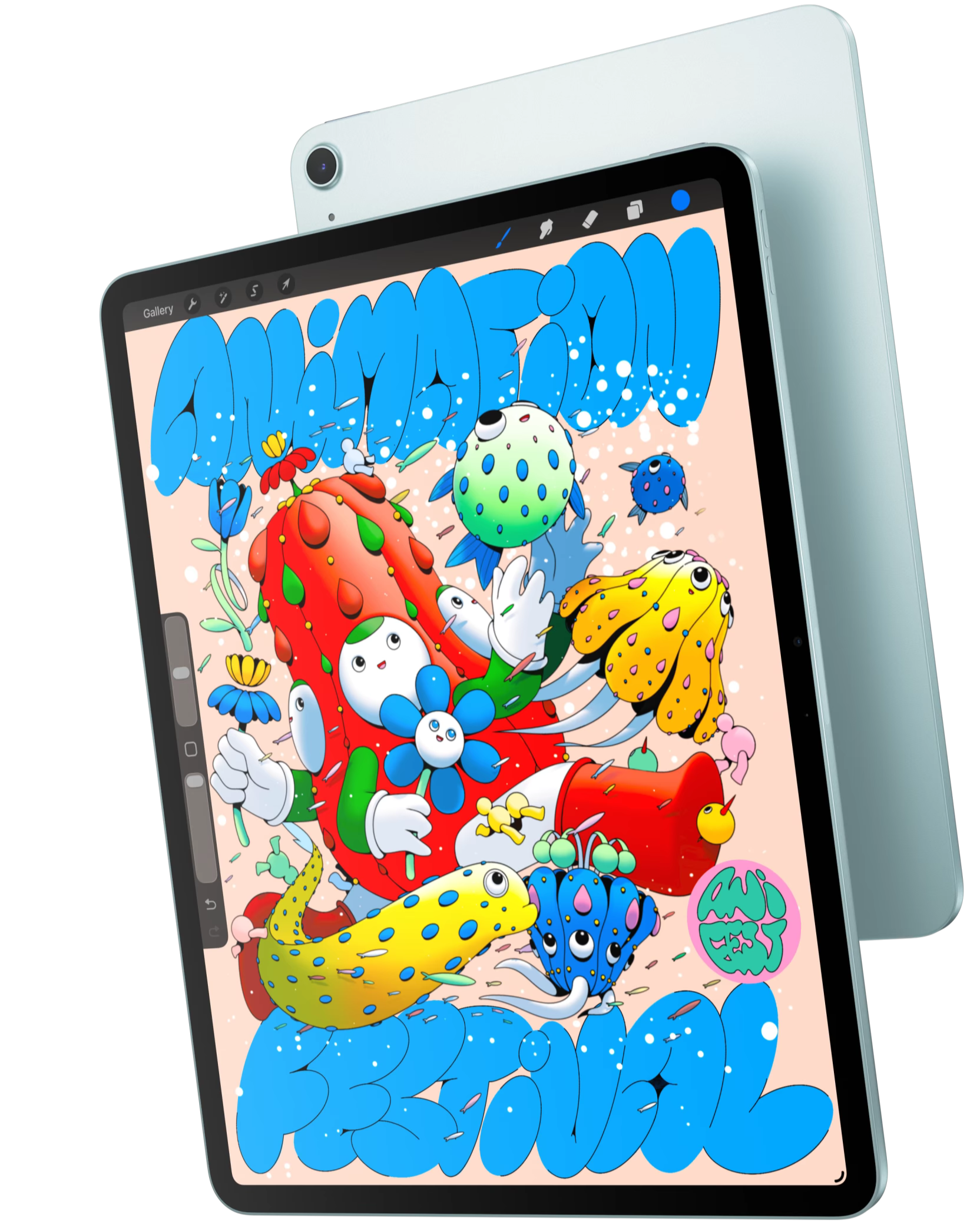
The iPad Air M4 is the model to choose if the regular iPad isn’t quite enough. Its M4 chip and 12GB of unified memory provide a huge performance upgrade, making it much better suited to video editing, graphics, demanding games, multitasking, and AI-powered apps.
You can choose between 11-inch and 13-inch models, and support for Apple Pencil Pro makes the Air especially attractive to students, designers, and creators. It’s powerful enough to replace a laptop for some workflows without carrying the iPad Pro’s flagship price.
The only slightly awkward part is that the display still runs at 60Hz. With this much performance inside, it feels a bit like putting a sports-car engine behind a perfectly sensible family-car dashboard.
3. Apple iPad Pro M5 – best premium iPad
Our rating: 9.5/10
Cons:
Very expensive
Massive overkill for everyday users
Pros:
Exceptional M5 performance
Stunning tandem OLED display
120Hz ProMotion
Extremely thin design
Excellent for professional creative work
Apple Pencil Pro support
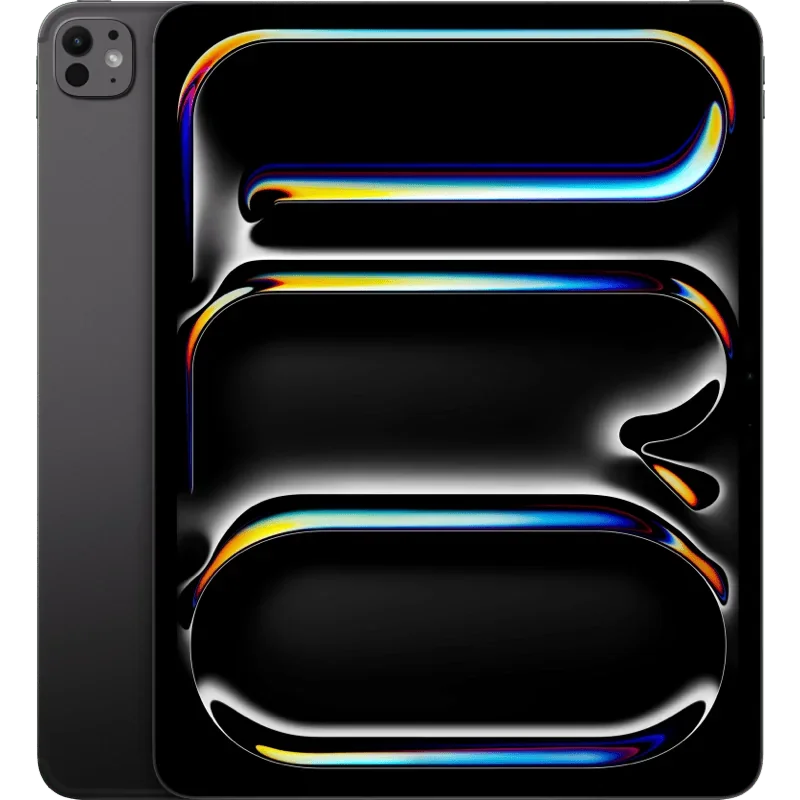
The iPad Pro M5 is the best iPad Apple makes from a purely technical perspective. Its M5 chip delivers enormous performance, while the Ultra Retina XDR tandem OLED display combines deep blacks, excellent HDR, and an adaptive refresh rate of up to 120Hz.
If you need an iPad Pro, you already know that you do… It’s designed for people doing genuinely demanding work — high-resolution video editing, illustration, 3D graphics, music production, and other professional creative tasks. For those users, the additional performance and superior display can absolutely be worth paying for.
For watching YouTube, checking email, and occasionally editing a photo? Not so much. The iPad Pro is fantastic, but buying one for casual use is roughly the tablet equivalent of commuting to work in a Formula 1 car.
4. Apple iPad mini – best compact iPad
Our rating: 9/10
Cons:
Small display isn’t ideal for productivity
Relatively expensive for its size
No 120Hz refresh rate
Pros:
Extremely compact
Powerful A17 Pro chip
Apple Intelligence support
Apple Pencil Pro compatibility
Fully laminated display
Starts with 128GB of storage
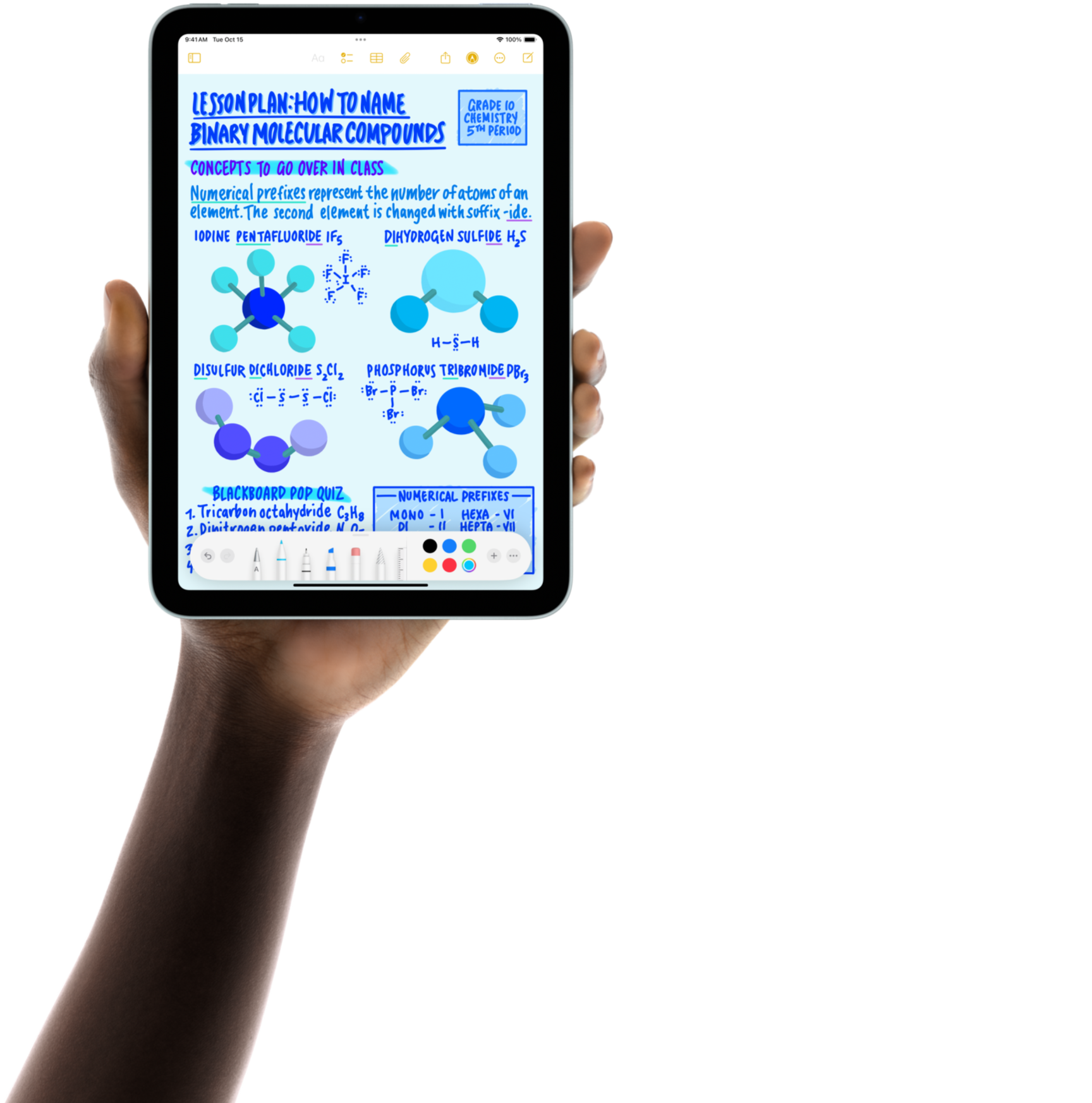
The iPad mini is the odd one out in Apple’s lineup — and that’s exactly why people love it. Its 8.3-inch Liquid Retina display makes it significantly easier to hold with one hand or throw into a small bag, while the A17 Pro chip provides plenty of performance and supports Apple Intelligence.
Apple Pencil Pro compatibility also turns it into an excellent digital notebook, sketchpad, or reading device. For travelers, pilots, students, medical professionals, or anyone who wants maximum portability, there really isn’t another iPad quite like it.
Just remember that “mini” refers mostly to the screen, not necessarily the price. Apple is still Apple…
5. Apple iPad 10th generation – best older budget option
Our rating: 8/10
Cons:
Older A14 chip
Only 64GB in the base version
No Apple Intelligence
Worth buying mainly when heavily discounted
Pros:
Modern design
Good 10.9-inch Liquid Retina display
USB-C
Solid A14 Bionic performance
Apple Pencil support
Available in several bright colors
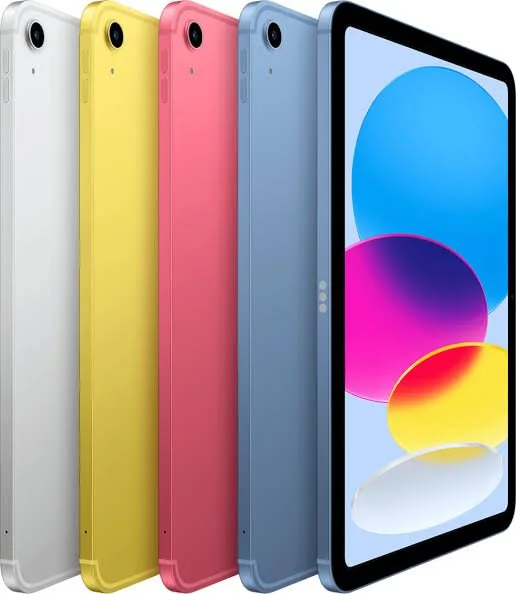
The 10th-generation iPad is now an older model, but it can still make sense if you find one at the right price. Its A14 Bionic chip remains perfectly capable of handling web browsing, streaming, office apps, schoolwork, video calls, and casual games.
You also get a modern all-screen design, USB-C, a 10.9-inch Liquid Retina display, and support for Apple Pencil. The biggest drawback is the entry-level 64GB of storage, which can feel restrictive surprisingly quickly.
That means the iPad 10 is no longer our default budget recommendation — the newer 11th generation is simply better. But find the 10th-gen model on a serious clearance deal, and suddenly it becomes interesting again. Old iPads don’t become bad overnight; they just need a better price tag.
How do you choose the right iPad?
Still not sure which iPad is right for you? Start by thinking about what you’ll actually use it for. It’s surprisingly easy to spend hundreds more on performance that will make absolutely no difference while watching YouTube.
1. Display type and size
A larger display gives you more room for multitasking, drawing, editing, and watching movies, but it also makes the tablet heavier and less portable.
Smaller models are better for travel, while 13-inch versions work well if the iPad is going to be your main creative or productivity device.
The iPad Pro’s OLED screen is the best of the bunch, but not everyone needs Apple’s fanciest display just to read Reddit.
2. Performance
If performance matters, iPad Air and iPad Pro should be at the top of your list.
Their M-series processors are especially useful for video editing, photo editing, illustration, music production, gaming, and professional applications.
For browsing, streaming, notes, and office work, the standard iPad is usually more than enough. There is such a thing as buying too much iPad.
3. Apple Pencil support
Apple Pencil is especially useful for handwritten notes, drawing, photo editing, document annotation, and studying.
It offers excellent precision, low latency, and features such as tilt support. The experience can feel surprisingly close to writing on paper — except this particular pencil occasionally needs charging.
Just make sure you check which Apple Pencil version is compatible with your iPad, because compatibility varies between models.
4. Connectivity
Apple offers both Wi-Fi-only and Wi-Fi + Cellular iPads.
Cellular versions can connect directly to mobile networks, including 5G on compatible models, which is useful if you travel or regularly work away from Wi-Fi.
For everyone else, using your smartphone as a hotspot may be enough and can save you some money.
5. Storage
Storage requirements depend heavily on how you use your tablet.
If you mainly stream content and store documents in the cloud, a smaller capacity should be fine. If you edit video, keep large photo libraries, download big games, or work offline, additional storage becomes much more valuable.
And because you can’t upgrade the internal storage later, it’s worth thinking ahead before choosing the cheapest configuration.
iPad vs. Android tablet — which should you choose?
Choosing between an iPad and an Android tablet comes down to your priorities.
Why choose an iPad?
iPads benefit from tight integration between Apple’s hardware and software, which generally means smooth performance, strong app optimization, long software support, and easy integration with devices such as the iPhone and Mac.

They’re particularly attractive if you already use several Apple products, as features such as iCloud and cross-device syncing make everything work together with very little effort.
The downside is price. Start adding more storage, a keyboard, Apple Pencil, and cellular connectivity, and your innocent little tablet purchase can suddenly cost laptop money. Very Apple.
Why choose an Android tablet?
Android tablets offer much more variety across different prices, screen sizes, and hardware configurations.
Android also provides more freedom when it comes to customization, file management, and installing apps outside the official store.
If you already use Apple products, an iPad will usually be the easiest fit. If you want more hardware choice or greater flexibility at a specific budget, Android may be the better option.
If you want to explore more devices beyond Apple, check out our ranking of the best tablets.
