Which MacBook Should You Buy? MacBook Air vs. Pro Explained
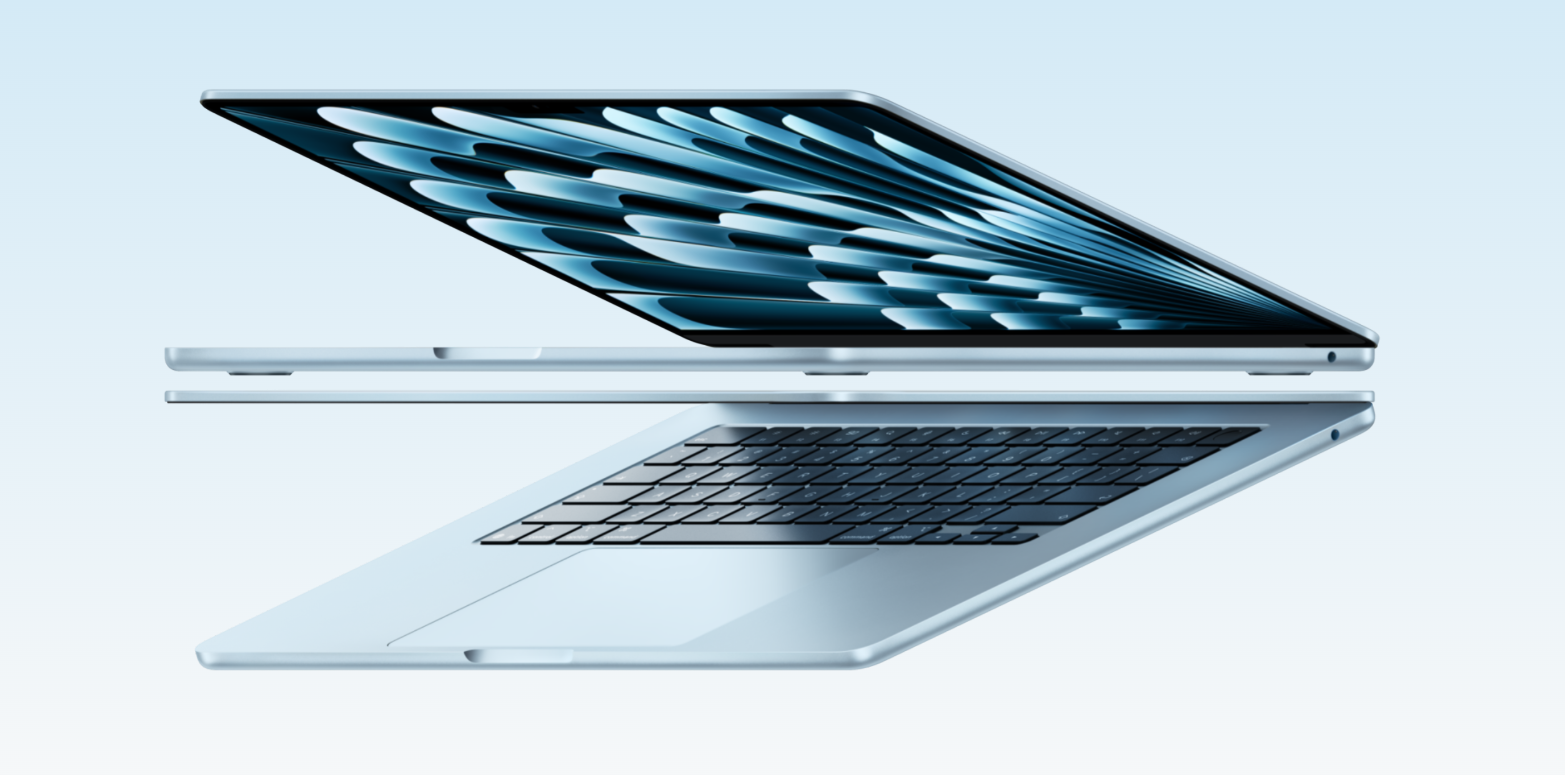
There’s a reason everyone is obsessed with Apple laptops—they’re insanely fast, sleek, and loved by top-tier pros and everyday scrollers alike. But with so many models out there, picking the right one can quickly make your head spin! Let’s break down the biggest differences between the MacBook Air and the MacBook Pro so you can easily figure out which one belongs in your backpack.
Why choose a MacBook in the first place?
MacBooks, like most Apple products, have a fiercely loyal fan base. And while Apple fans aren’t exactly known for keeping their opinions to themselves, there are some pretty good reasons why these laptops remain so popular.
MacBooks combine strong performance with excellent build quality, quiet operation, long battery life, and a compact design. Their relatively small size and low weight make them especially appealing if you’re constantly working on the go — or if your definition of an office changes from “desk” to “coffee shop” several times a week. ☕
Buying a MacBook also gets you access to the wider Apple ecosystem, where the laptop works closely with devices such as the iPhone, iPad, and Apple Watch.

Yes, MacBooks can still cost more than comparable Windows laptops. Apple has never exactly built its reputation around the phrase “bargain bin.” But strong performance, premium construction, long software support, and excellent resale value can make that higher upfront price easier to justify.
And the 2026 lineup covers a wider range of users than ever. The affordable MacBook Neo uses Apple’s A18 Pro chip, the latest MacBook Air runs on M5, while MacBook Pro goes all the way up to M5 Pro and M5 Max. Modern Apple chips also feature powerful Neural Engines and other dedicated hardware for running AI workloads directly on the device.
MacBook Air vs. MacBook Pro — what’s the difference?
MacBook Air and MacBook Pro are Apple’s two main laptop families, but they target slightly different users. Both run macOS, both use Apple silicon, and both deliver excellent everyday performance. The important differences appear when you start pushing them harder.
So, which is better: MacBook Air or MacBook Pro? The real answer is annoyingly predictable: it depends.
MacBook Air
MacBook Air has been Apple’s thin-and-light laptop since the original model famously appeared from inside an envelope in 2008. Thankfully, you no longer need an envelope to demonstrate that your laptop is thin…
Today, MacBook Air remains focused on portability, excellent battery life, silent operation, and strong everyday performance. It’s particularly well suited to students, travelers, office workers, freelancers, and anyone who wants a powerful laptop without carrying around something that feels like gym equipment. 🏋️♂️
And the performance gap between Air and Pro is nowhere near as dramatic as it once was.
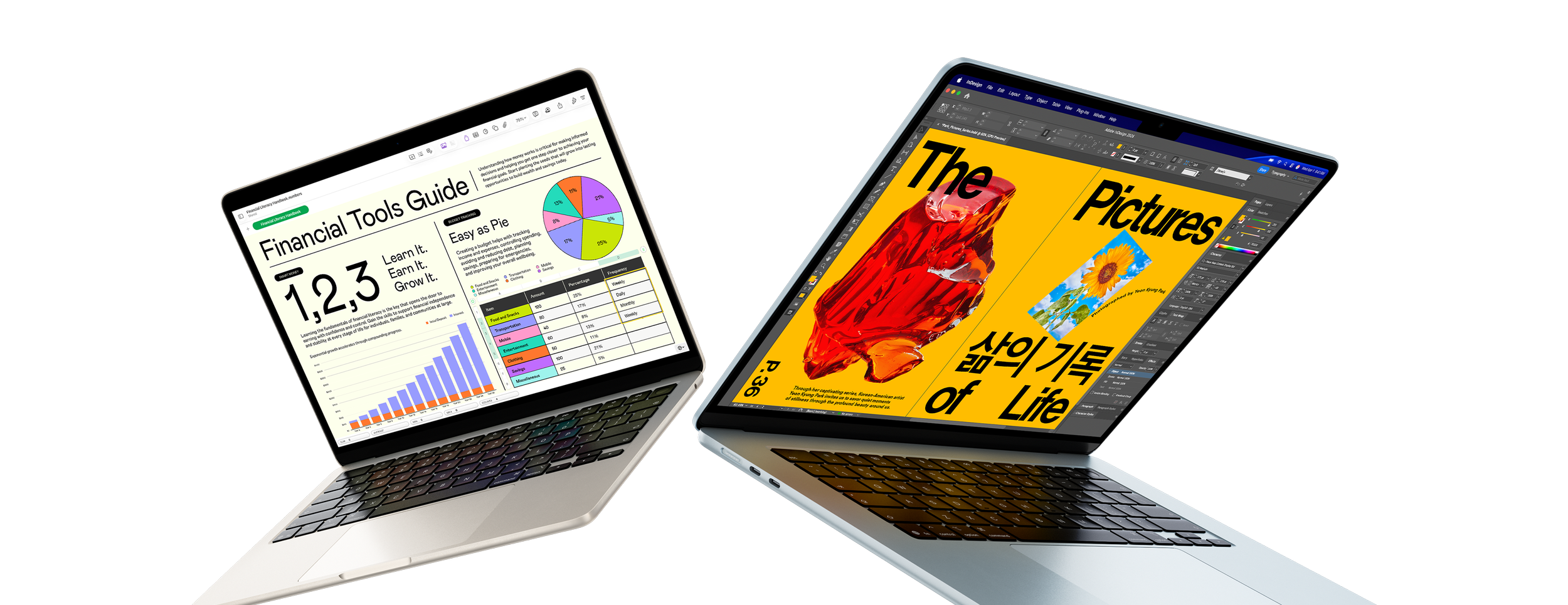
The latest MacBook Air with M5 is available in 13- and 15-inch versions and offers enough performance for much more than email and web browsing. Photo editing, programming, music production, and even fairly demanding video work are all possible.
That means the Air isn’t just the “basic MacBook” anymore. For a lot of people, it’s simply the laptop they should buy.
Its fanless design also means it runs completely silently, which is great for libraries, recording environments, meetings — or anyone who still has traumatic memories of Intel-era laptops preparing for takeoff whenever Chrome opened six tabs. 🛫
For most users who value portability and don’t regularly run sustained professional workloads, MacBook Air is the sweet spot of Apple’s lineup.
What about MacBook Neo?
Apple now also has an option for buyers with a tighter budget. The MacBook Neo is the most affordable laptop in the lineup and uses the A18 Pro chip. It comes with a 13-inch Liquid Retina display and is designed primarily around everyday tasks such as browsing, streaming, documents, communication, photo editing, and lighter creative work.
That makes MacBook Neo an interesting alternative for students, casual users, and people who want macOS and Apple ecosystem features without paying MacBook Air money. 💸
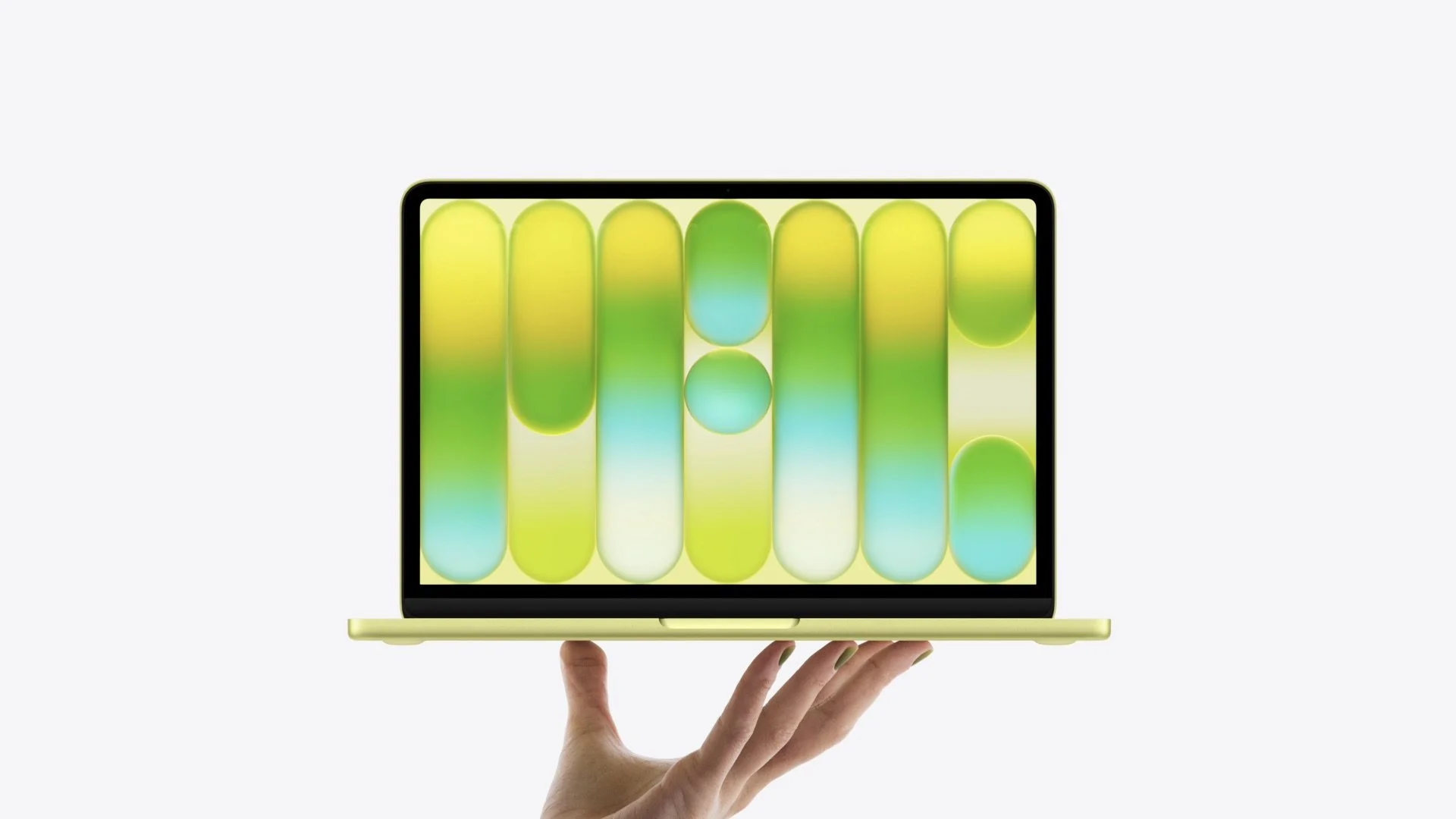
There are compromises, of course. With its entry-level hardware and 8GB of RAM (yikes), it isn’t designed to replace a MacBook Pro for serious creative work.
But that isn’t really the point. Sometimes you just want a Mac that does normal laptop things without your bank account filing a formal complaint.
MacBook Pro
MacBook Pro sits at the other end of Apple’s laptop lineup. For years, it has been associated with professional performance, high-end displays, more ports, stronger sustained performance, and hardware designed for demanding workloads.
To put it simply, MacBook Pro is aimed at users working with advanced software, multimedia production, software development, large creative projects, AI workloads, and other tasks that can genuinely take advantage of faster hardware. 🚀
Current models are available with 14- and 16-inch displays, with configurations based on M5, M5 Pro, and M5 Max chips. The Pro models also offer advantages that go beyond raw speed.
They’re better suited to sustained heavy workloads, provide more connectivity, and feature Apple’s excellent Liquid Retina XDR displays. Higher-end configurations also support considerably more unified memory, making them much better equipped for massive video projects, professional graphics work, complex software development, and demanding AI applications.

So who actually needs a MacBook Pro? Professional video editors, photographers working with large libraries, musicians with complex projects, developers, designers, engineers, 3D artists, and other users whose laptop is a primary production tool are the obvious audience.
It also makes particular sense if you plan to take full advantage of creative apps such as Final Cut Pro, Logic Pro, or Pixelmator Pro — especially if your projects regularly involve large files, multiple layers, high-resolution video, or long export times.
For everyone else, there’s an important question to ask before spending the extra money: will your work actually benefit from the additional performance?
If the most demanding thing you do is keep 27 Safari tabs open while watching YouTube and editing a Word document, an M5 Max may be slightly excessive…
What should you look for when buying a MacBook?
So, you’ve decided you want a MacBook. Great! Now comes the slightly more difficult question: which MacBook should you actually buy?
The answer mostly depends on what you plan to do with it…
For everyday tasks, studying, office work, web browsing, and lighter creative projects, MacBook Air will usually offer more than enough performance. MacBook Pro is designed for people with heavier workloads, such as professional video editing, software development, 3D work, audio production, or other demanding creative applications.
Choose the right chip
If performance is a priority, the processor is one of the first things to consider. Apple’s current MacBook family includes different chip classes rather than one simple performance ladder. The A18 Pro powers MacBook Neo, M5 is used in MacBook Air and MacBook Pro, while higher-end MacBook Pro configurations offer M5 Pro and M5 Max.
So don’t simply assume that a bigger generation number automatically means a faster computer in every situation. An older Pro-class chip, for example, can outperform a newer base chip in certain demanding workloads.
The simple version?
A18 Pro: everyday computing and lighter workloads
M5: excellent all-around performance
M5 Pro: demanding professional work
M5 Max: very demanding creative and technical workflows where waiting for a progress bar becomes a personal insult
Older MacBooks with M1, M2, M3, and M4 chips are also still widely available and can be worth considering at the right price.
How much memory do you need?
Unified memory (RAM) is another important factor. More memory allows you to keep more applications and larger projects open at the same time without slowing down the system. It becomes especially important for video editing, large photo libraries, development tools, professional audio software, and AI applications.
For everyday use, a basic configuration may be enough. For more advanced work, investing in additional memory can help extend the useful life of the laptop.
And remember: memory in modern MacBooks can’t be upgraded later. This is one decision where “I’ll deal with that in a couple of years” unfortunately isn’t an option.
Think about screen size
Current MacBooks cover several display sizes, ranging from the compact 13-inch MacBook Neo and MacBook Air to the larger 15-inch Air and 14- and 16-inch MacBook Pro models. Larger screens give you more workspace and can make editing video, working with timelines, coding, or juggling multiple windows considerably more comfortable.
The trade-off is portability. Bigger display = bigger laptop = heavier backpack.
If your MacBook spends most of its time connected to an external monitor, you may prefer a smaller model. If the laptop itself is going to be your main workstation, the larger screen may be worth the extra weight.
MacBook Air or MacBook Pro — which one should you choose?
For most people, MacBook Air is the better buy. It’s lighter, quieter, less expensive, and still remarkably powerful.
Choose MacBook Air if you mainly use your laptop for:
web browsing and everyday tasks;
school or college;
office work;
photo editing;
lighter video editing;
coding;
content creation;
travel and mobile work.
Choose MacBook Pro if you regularly work with:
professional video production;
large photo projects;
advanced music production;
3D graphics;
demanding development workloads;
large AI models or AI-powered professional applications;
other sustained tasks that push the CPU and GPU for long periods.
And consider MacBook Neo if price is your main concern and your needs are relatively straightforward.
In short, don’t automatically buy the most powerful MacBook you can afford. Buy the one whose performance you can actually use. Your wallet will appreciate the restraint. 😉
The Apple ecosystem — why is it such a big deal?
The Apple ecosystem is one of the strongest arguments for choosing a MacBook, especially if you already own an iPhone or iPad. Photos, documents, notes, passwords, and other data can stay synced through iCloud, while Apple’s Continuity features make moving between devices feel surprisingly effortless.
Start something on one device and continue it on another. Send a photo from your iPhone to your Mac without emailing it to yourself like it’s 2009. Copy something on one device and paste it on another. And in 2026, that ecosystem has become increasingly important for creative work too.
Apple introduced Apple Creator Studio, a subscription that brings together apps including Final Cut Pro, Logic Pro, Pixelmator Pro, Motion, Compressor, and MainStage, along with additional intelligent features and premium content for apps such as Keynote, Pages, and Numbers.
For video editors, musicians, designers, and content creators, it effectively gives the Mac an integrated creative software suite to go with all that powerful hardware. Think of it as Apple getting increasingly serious about the creative-suite business — because apparently selling you the laptop was only step one.
If you want to know exactly what’s included, how the subscription works, and whether it makes sense compared with buying the apps separately, check out our guide to Apple Creator Studio — what it is and how it works.
