Best Tablets 2026: iPad, Galaxy Tab, Xiaomi and Lenovo Ranked
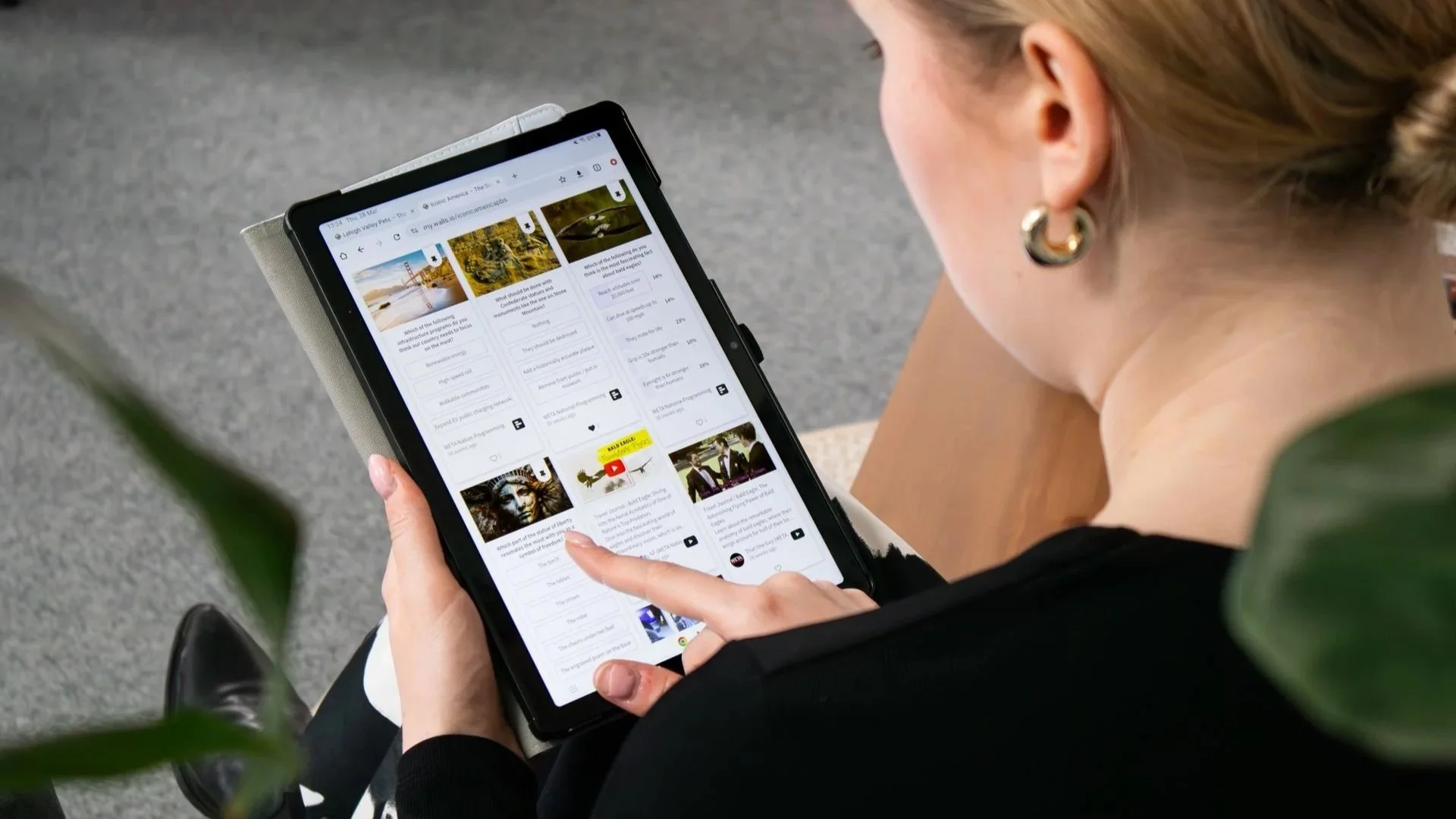
The tablet market is a lot more interesting in 2026 than it used to be. Apple still makes some of the best tablets around, but Samsung, Xiaomi, and Lenovo now offer genuinely strong alternatives — sometimes with better displays, more accessories in the box, or simply more hardware for your money. Here are the five tablets we think deserve the most attention this year.
| Rank | Model | Best for | Rating |
|---|---|---|---|
| 1 | Apple iPad Air M4 | Best overall | 10/10 |
| 2 | Samsung Galaxy Tab S11 | Best Android tablet | 9.8/10 |
| 3 | Apple iPad 11th generation | Best value | 9.6/10 |
| 4 | Xiaomi Pad 8 Pro | Best performance for the money | 9.5/10 |
| 5 | Lenovo Yoga Tab 11.1 | Best for entertainment and creativity | 9.2/10 |
1. Apple iPad Air M4 – best tablet overall
Our rating: 10/10
Cons:
Still a 60Hz display
Keyboard and Pencil quickly increase the total price
Pros:
Extremely powerful M4 chip
Available in 11-inch and 13-inch sizes
12GB of unified memory
Apple Intelligence support
Apple Pencil Pro compatibility
Excellent app ecosystem
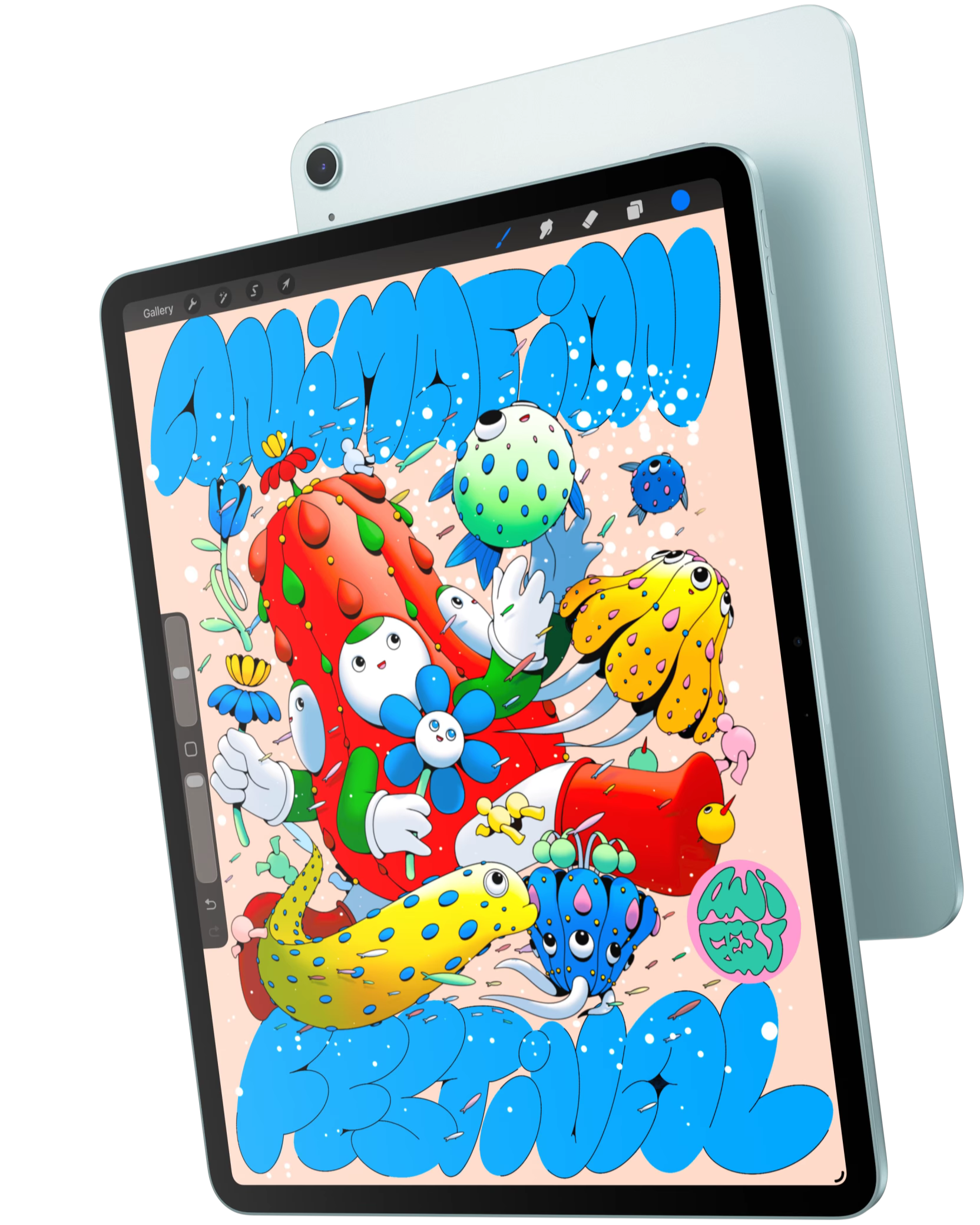
The iPad Air M4 hits the sweet spot better than any other tablet in 2026. Apple’s M4 chip and 12GB of unified memory give it enough power for video editing, illustration, gaming, multitasking, and serious creative applications, while the 11- and 13-inch versions let you choose between portability and a larger workspace.
It also works with Apple Pencil Pro and fits neatly into Apple’s huge tablet-app ecosystem. You’re getting most of what makes the much more expensive iPad Pro attractive without having to explain the purchase to your accountant.
The biggest drawback? Apple still limits the Air to a 60Hz display. When the processor inside is this fast, that refresh rate feels a little like putting economy tires on a sports car.
2. Samsung Galaxy Tab S11 – best Android tablet
Our rating: 9.8/10
Cons:
More expensive than many Android competitors
Android tablet apps can still be inconsistent
Pros:
Excellent 11-inch Dynamic AMOLED 2X display
S Pen included
12GB RAM
Samsung DeX
Expandable storage up to 2TB
Strong multitasking features
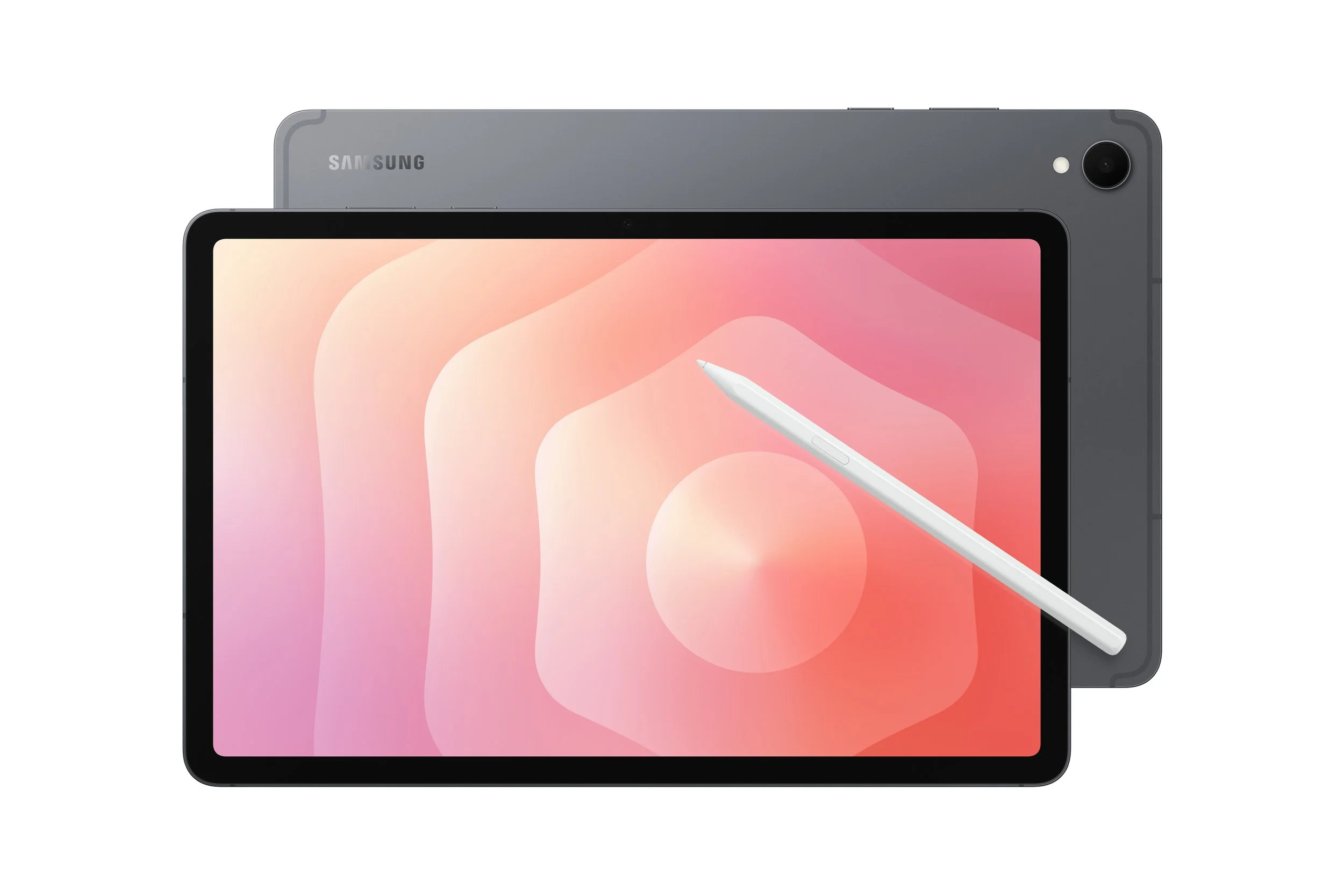
If you want Android, the Galaxy Tab S11 is one of the easiest tablets to recommend. Its 11-inch Dynamic AMOLED 2X display is excellent, it comes with 12GB of RAM, and Samsung includes S Pen support instead of making the stylus another item on your shopping list. Storage can also be expanded by up to 2TB using microSD.
Samsung DeX is another major advantage, especially if you want to use a tablet for actual work. Connect a keyboard and the interface becomes much closer to a traditional desktop environment, making multitasking significantly more comfortable.
The Galaxy Tab S11 also proves that you don’t need Samsung’s enormous Ultra model to get the premium experience. Unless your dream tablet is roughly the size of a cafeteria tray, the regular S11 is probably the smarter choice.
3. Apple iPad 11th generation – best value
Our rating: 9.6/10
Cons:
No Apple Intelligence
Non-laminated 60Hz display
Less suitable for professional creative workloads
Pros:
Excellent price-to-performance ratio
Fast A16 chip
11-inch Liquid Retina display
Starts at 128GB
Apple Pencil support
Great selection of tablet apps
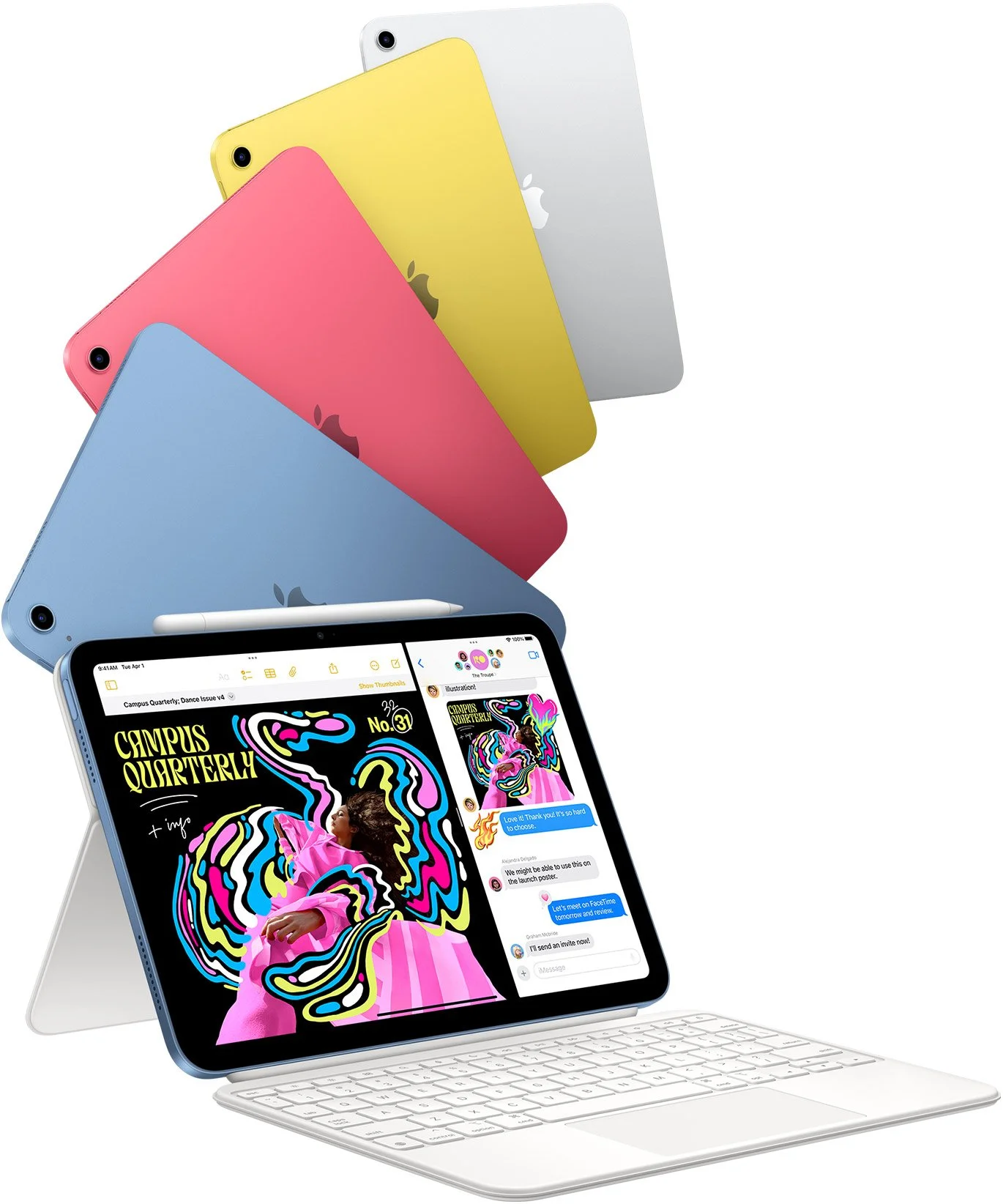
The 11th-generation iPad is still arguably the tablet most people actually need. Its A16 processor handles browsing, streaming, games, schoolwork, office apps, drawing, and everyday multitasking with ease, while Apple has finally made 128GB the starting storage capacity.
You also get an 11-inch Liquid Retina screen, USB-C, Apple Pencil support, and access to one of the strongest tablet app libraries on the market. It doesn’t have the M-series horsepower of the Air or Pro, but for normal use that often matters about as much as the top speed of your washing machine.
If your tablet is primarily for entertainment, studying, browsing, notes, and occasional work, spending significantly more may simply not be necessary.
4. Xiaomi Pad 8 Pro – best performance for the money
Our rating: 9.5/10
Cons:
Software ecosystem isn’t as polished as Apple or Samsung
Some AI features vary by region
Pros:
Snapdragon 8 Elite processor
Excellent 11.2-inch 3.2K display
Up to 144Hz refresh rate
Up to 12GB RAM and 512GB storage
9,200mAh battery
67W fast charging
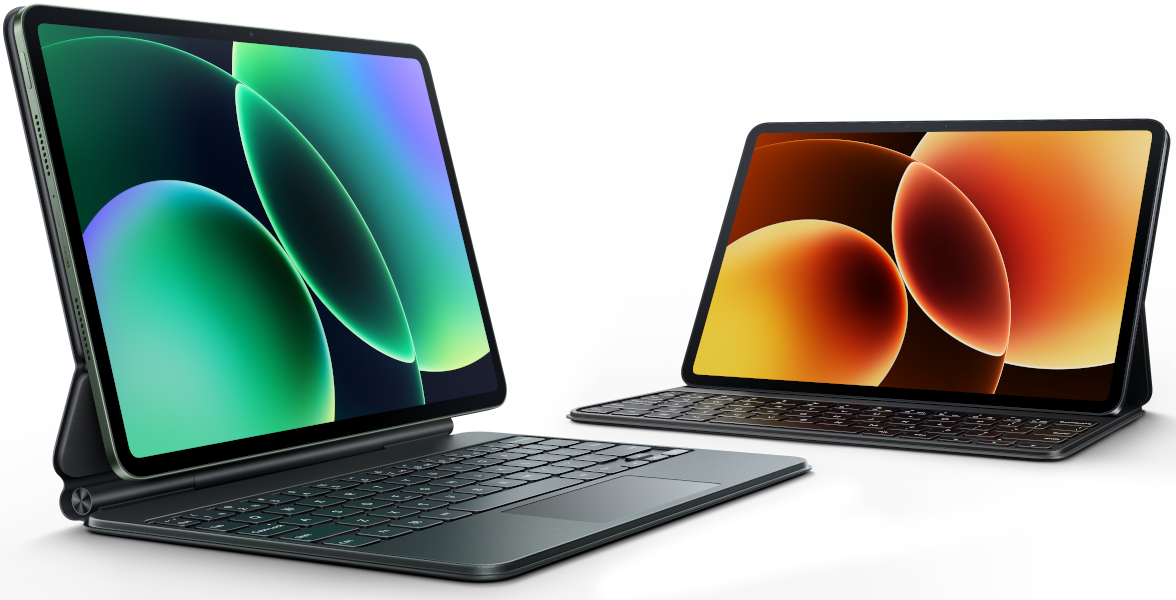
The Xiaomi Pad 8 Pro is where the spec sheet starts becoming slightly ridiculous for the money. It combines Qualcomm’s Snapdragon 8 Elite with an 11.2-inch 3.2K display running at up to 144Hz, up to 12GB of RAM, fast UFS 4.1 storage, and a large 9,200mAh battery with 67W charging.
That makes it a particularly strong choice for gaming, entertainment, multitasking, and users who want flagship-level Android performance without paying flagship Apple or Samsung prices. The optional Focus Pen Pro also gives it serious creative potential.
The trade-off is software. Xiaomi’s hardware is excellent, but Apple and Samsung still have the advantage when it comes to mature tablet apps and broader ecosystem integration. If raw hardware value is your priority, though, Xiaomi makes a very convincing argument.
5. Lenovo Yoga Tab 11.1 – best for entertainment and creativity
Our rating: 9.2/10
Cons:
No cellular version
Lenovo’s tablet ecosystem is smaller than Samsung’s or Apple’s
Pros:
Sharp 11.1-inch 3.2K display
144Hz refresh rate
Up to 12GB RAM
Lenovo Tab Pen Pro support
Dolby Vision
Lightweight metal design
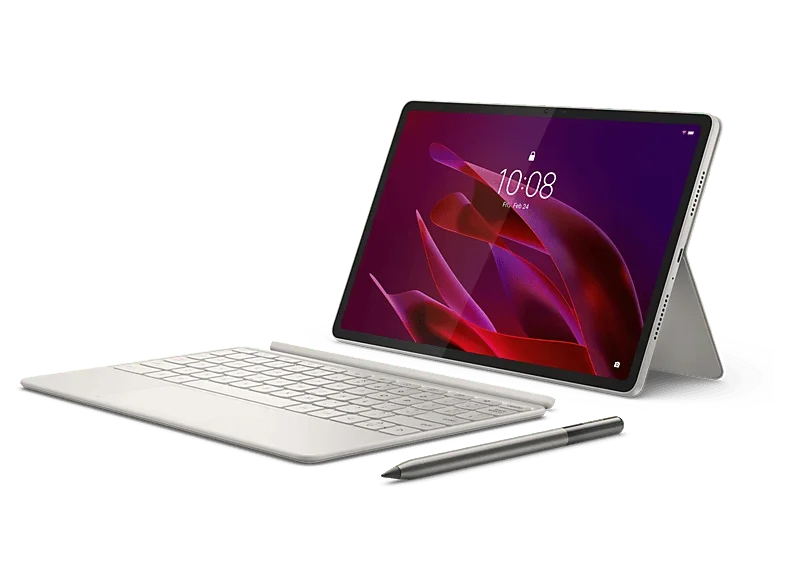
The Lenovo Yoga Tab 11.1 is one of the more interesting Android alternatives in 2026. Its 11.1-inch PureSight Pro display combines a 3200 × 2000 resolution with a 144Hz refresh rate, Dolby Vision, up to 800 nits of peak brightness, and a lightweight metal body weighing around 458 grams.
It also supports the Lenovo Tab Pen Pro, including pressure sensitivity, tilt detection, haptic feedback, and wireless charging, making it especially attractive for note-taking, drawing, and creative work.
Lenovo doesn’t have an ecosystem as extensive as Apple or Samsung, but that may not matter if you simply want a fast Android tablet with an excellent screen and stylus support. Sometimes a tablet can just be a really good tablet. Revolutionary concept, we know.
How to Choose a Tablet: What Should You Look For?
When choosing a tablet, start with the most important question: what are you actually going to use it for?
For browsing, streaming, and simple apps, a basic model will usually be enough. For school, work, multitasking, or more demanding software, it’s worth choosing a faster tablet with more memory and storage.
The operating system, screen size, connectivity, and support for accessories such as a stylus or keyboard can also make a big difference.
Which tablet operating system is best: Android, iPadOS, or HarmonyOS?
Android gives you the widest selection of tablets across almost every price range and works particularly well with Google services.
iPadOS is worth considering if you already use Apple devices or want access to a large selection of apps designed specifically for tablets. If you’re leaning toward Apple, check out our ranking of the best iPads.
HarmonyOS, used on Huawei tablets, comes with its own ecosystem of apps and services. Before buying, make sure the apps you rely on every day are available — discovering that your favorite app is missing after checkout is not the kind of unboxing surprise anyone wants.
What tablet screen size should you choose?
Tablets around 8–9 inches are lightweight, compact, and great for travel.
Models around 10–11 inches offer the best balance between portability and comfort for watching movies, studying, browsing, and getting some work done.
A 12-inch or larger display gives you more room for multitasking, drawing, documents, and entertainment, but it also makes the tablet larger and heavier. Bigger is better — right up until you have to carry it all day.
How much RAM and storage does a tablet need?
For basic everyday use, 4GB of RAM can still be enough, but 6–8GB gives you more breathing room when multitasking or using more demanding apps.
For heavier workloads, 12GB or more is worth considering.
When it comes to storage, 128GB is a sensible starting point for most users, while 256GB or more is useful if you keep lots of apps, games, photos, videos, or offline files on your device.
It’s also worth checking whether the tablet supports microSD memory cards, since expandable storage can be an inexpensive way to add more space later.
Wi-Fi or LTE/5G tablet?
If you mostly use your tablet at home, school, or the office, a Wi-Fi model will usually be enough.
A tablet with LTE or 5G can connect directly to mobile networks without relying on your smartphone as a hotspot, which makes it much more convenient while traveling or working away from Wi-Fi.
The downside is that cellular models usually cost more and may require a separate data plan. Convenience, as usual, has a subscription attached to it.
When is a tablet with a stylus and keyboard worth it?
A tablet with a stylus is particularly useful for handwritten notes, studying, sketching, calculations, annotations, and creative work.
A keyboard becomes valuable if you regularly write longer documents, answer emails, work with spreadsheets, or use the tablet as a lightweight laptop replacement.
If you plan to use either accessory frequently, check both compatibility and whether the stylus or keyboard is actually included in the box. Buying them separately can make a seemingly affordable tablet considerably more expensive.
If drawing and digital design are your main priorities, you may also want to check out our ranking of the best graphics tablets.
What tablet is best for school, work, and entertainment?
For school or college, look for a tablet with roughly a 10–12-inch display, at least 6GB of RAM, and 128GB of storage. Stylus support is especially useful for handwritten notes, while a keyboard makes longer assignments much easier. You can find more recommendations in our guide to tablets for taking notes at college.
For work, prioritize performance, at least 8GB of RAM, a larger display, and keyboard support. If you regularly work away from home or the office, LTE or 5G connectivity can also be worth paying for.
For movies and entertainment, focus on display quality and resolution, speakers, and battery life. A larger screen makes movies and shows more immersive, but if you carry the tablet around every day, finding the right balance between screen size and portability is more important than simply buying the biggest model available.
FAQ: Common Questions About Tablets
Is it worth buying a tablet instead of a laptop?
Yes — if you mainly need a device for browsing, entertainment, note-taking, studying, and basic office tasks.
Tablets are generally lighter and easier to carry, while a stylus and keyboard can make them surprisingly versatile.
For specialized desktop software, complex workflows, or demanding professional applications, however, a laptop is usually still the better choice.
Can a tablet replace an e-reader?
Yes, especially if you want one device for books, magazines, documents, browsing, and multimedia.
For long reading sessions, though, a dedicated e-reader with an E Ink display may be more comfortable. E Ink looks more like printed paper, is easier on the eyes in many situations, and generally uses much less power.
So yes, an iPad can display a novel beautifully. Your eyes may still prefer the boring little Kindle after three hours.
How long should a good tablet battery last?
A good tablet should comfortably deliver many hours of typical use between charges.
Don’t judge battery life only by its capacity in mAh. Real-world endurance also depends on the display, processor, brightness, connectivity, and what you’re doing with the tablet.
The best comparison is usually the manufacturer’s battery-life estimate for similar tasks, such as video playback or web browsing.
How long do tablets receive software updates?
That depends on the manufacturer and the specific model.
Some tablets receive several years of operating-system and security updates, while cheaper devices may have much shorter support periods.
If you plan to keep your tablet for several years, check the manufacturer’s promised update policy before buying. Longer support improves security and makes it more likely that new apps will continue working properly as the device gets older.
