What Is Ambilight? How It Works and the Best Alternatives
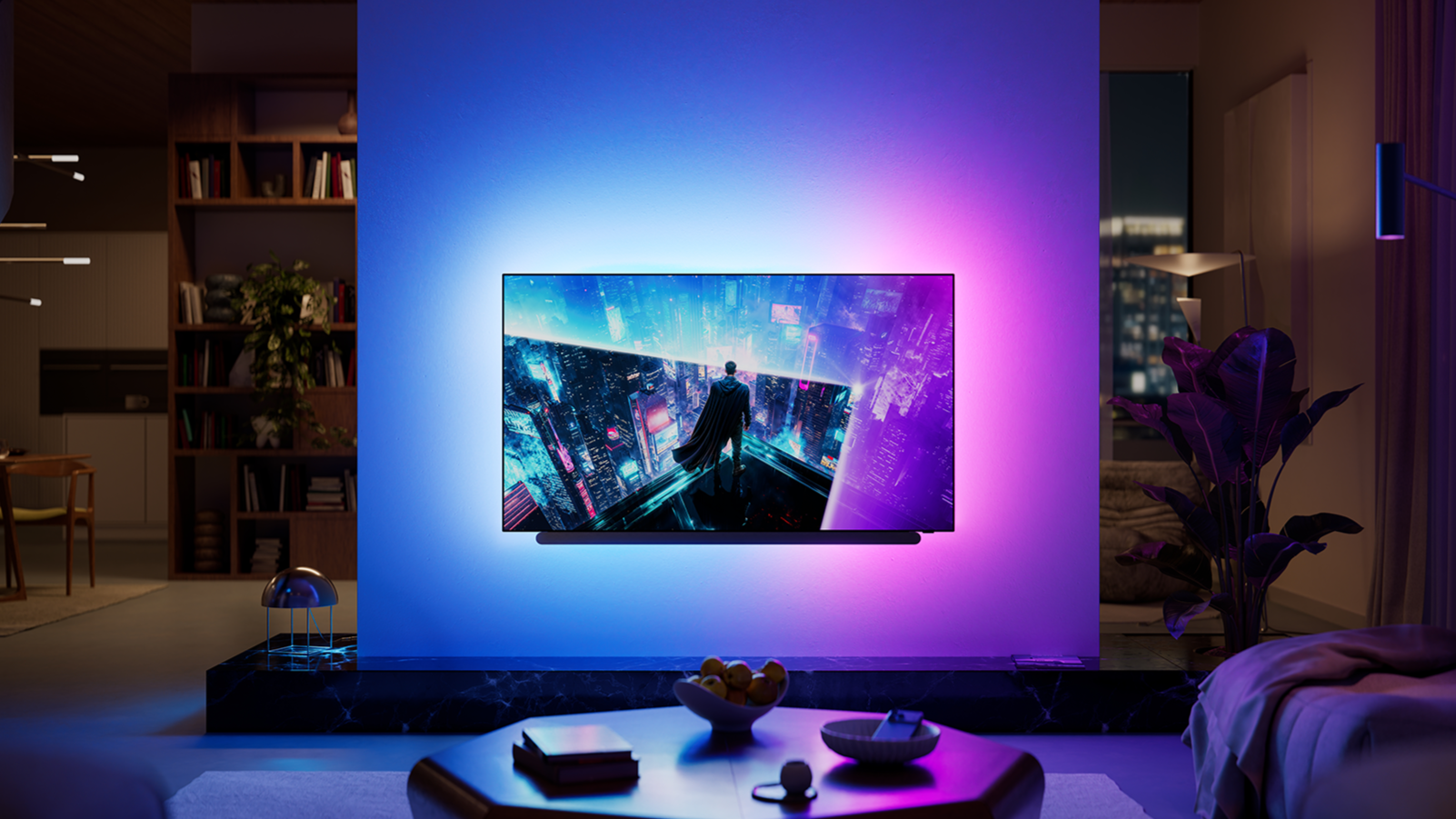
Ambilight is one of those TV features that can sound a little gimmicky until you actually see it working. Built into selected Philips TVs, it uses LEDs on the back of the screen to project colors onto the wall behind the TV, matching what’s happening on screen in real time.
A blue ocean scene might fill the wall with blue light. An explosion can spread orange and red beyond the edges of the display. Switch to a football match and the wall may take on the green tones of the pitch.
The result is that the picture can feel larger and the room more immersive—without actually buying a bigger TV.
But how does Ambilight work, is it genuinely useful, and can you get something similar if you own a Samsung, LG, Sony or another TV?
Table of Contents
- What is Ambilight
- Does Ambilight actually make a difference
- Three-sided vs. four-sided Ambilight
- Does the wall behind your TV matter
- Can you turn Ambilight off
- Ambilight is getting more connected
- Is Ambilight only available on Philips TVs
- Alternative 1: camera-based TV backlighting
- Alternative 2: HDMI sync boxes
- Camera or HDMI sync box: which is better
- What about a normal LED strip
- Is Ambilight worth it
What is Ambilight
Ambilight is a Philips TV technology that uses LEDs built into the rear of the television.
The TV analyzes the colors appearing near the edges of the picture and adjusts those LEDs accordingly. The light is then projected onto the wall behind the TV, effectively extending the colors beyond the physical boundaries of the display. Philips describes the system as reacting to both the color and intensity of what's happening on screen in real time.
Unlike a regular RGB LED strip behind a TV, Ambilight isn't simply displaying a fixed color. Different areas can display different colors depending on the content. If the left side of the screen is blue while the right side is orange, the lighting behind the TV can reflect that separation. That's what creates the illusion that the picture continues beyond the display.
Does Ambilight actually make a difference
Yes—but mostly to the viewing experience, not the actual image quality of the panel. Ambilight doesn't improve the TV's native resolution, brightness or black levels. Instead, it changes how you perceive the picture and the environment around it.
It can make the screen feel bigger
This is probably the most noticeable effect. Because the colors extend onto the surrounding wall, the hard boundary between the television and the room becomes less obvious.
On a large, colorful movie or game, the effect can be surprisingly convincing. It doesn't turn a 55-inch TV into a 75-inch one, obviously. But your eyes get more visual information across a wider area, so the whole setup can feel larger and more immersive.
It's particularly good in a dark room
Ambilight makes the most sense when you watch TV in the evening. Watching a very bright screen in a completely dark room creates a large contrast between the display and everything around it. Adding soft lighting behind the screen reduces that difference.
Ambilight was originally developed partly with this kind of viewing comfort in mind, alongside the perceived increase in contrast and immersion.
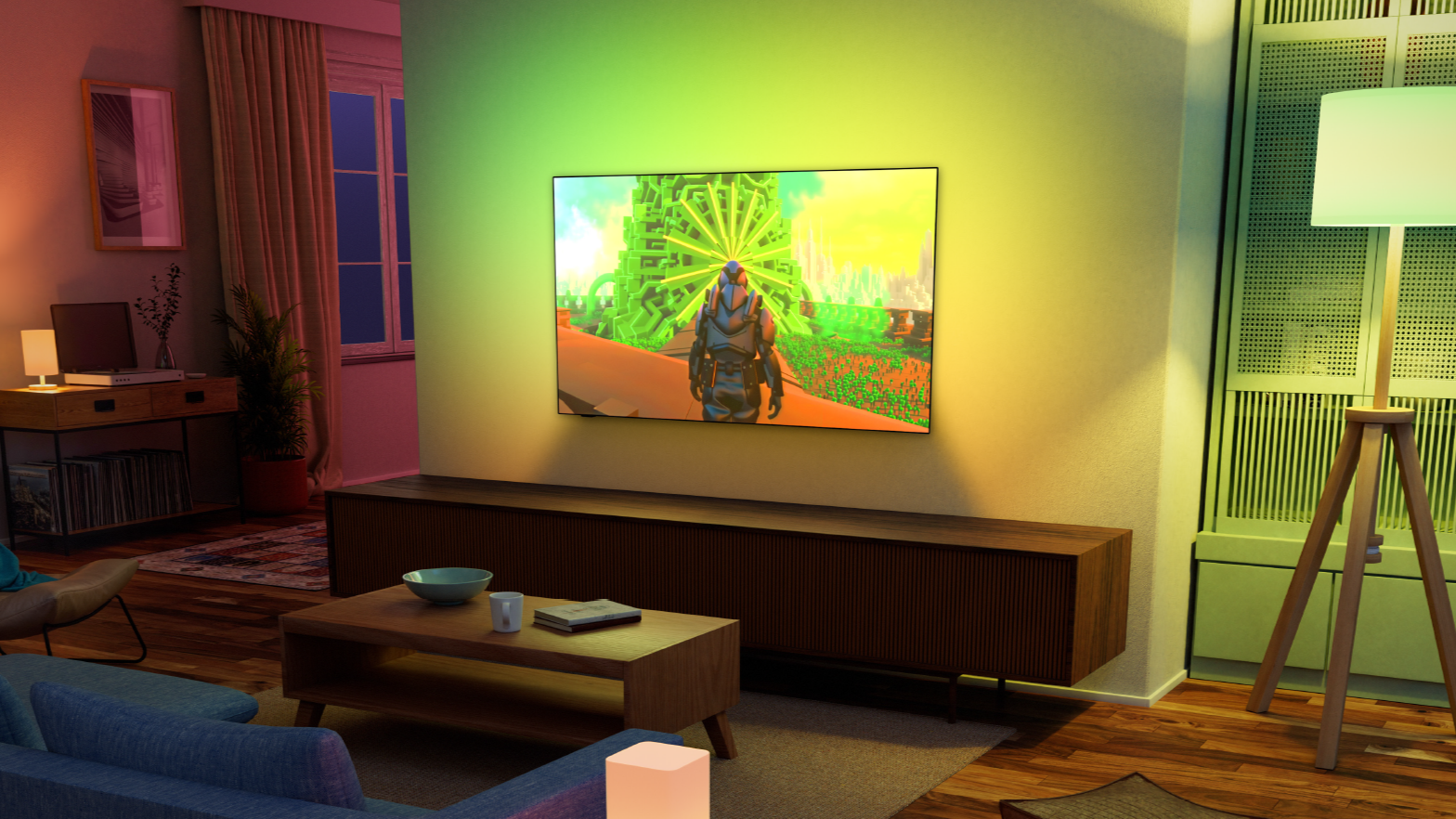
You could achieve a similar basic benefit with a simple white bias light behind any TV. Ambilight goes further by making that lighting dynamic.
Gaming is where it gets fun
Games are particularly well suited to reactive lighting. Drive through a neon-lit city and those colors spread onto the wall. Walk into a dark cave and the whole room becomes darker. An explosion can briefly illuminate the area around the screen.
It's not going to improve your frame rate or suddenly make you better at Call of Duty. But visually, it can make a game feel much more involving.
Three-sided vs. four-sided Ambilight
Not every Ambilight TV uses exactly the same lighting configuration. Many Philips models use three-sided Ambilight, with LEDs running along the top and both sides of the television.
Some higher-end models use four-sided Ambilight, adding lighting along the bottom as well. For example, Philips' 2026 OLED+951 and OLED+911 use four-sided Ambilight, while several other 2026 OLED, Mini-LED and QLED models use three-sided systems.
The difference matters most when the TV is wall-mounted. With a TV sitting on a media cabinet, the lower part of the screen is already relatively close to furniture, so three-sided lighting can look perfectly natural.
A wall-mounted TV has open wall space underneath it, making four-sided lighting more visually complete. I wouldn't choose an otherwise worse television just because it has one additional strip of Ambilight LEDs, though. Picture quality still matters more.
Does the wall behind your TV matter
Very much. Ambilight works by reflecting light off the wall, so your surroundings affect the final result. A white or light neutral wall gives you the most accurate colors. A blue wall, for example, naturally changes how certain colors appear when reflected from it.
Philips does provide wall-color adjustment options on compatible Ambilight TVs to compensate for colored surfaces, so having anything other than a white wall doesn't automatically rule Ambilight out.
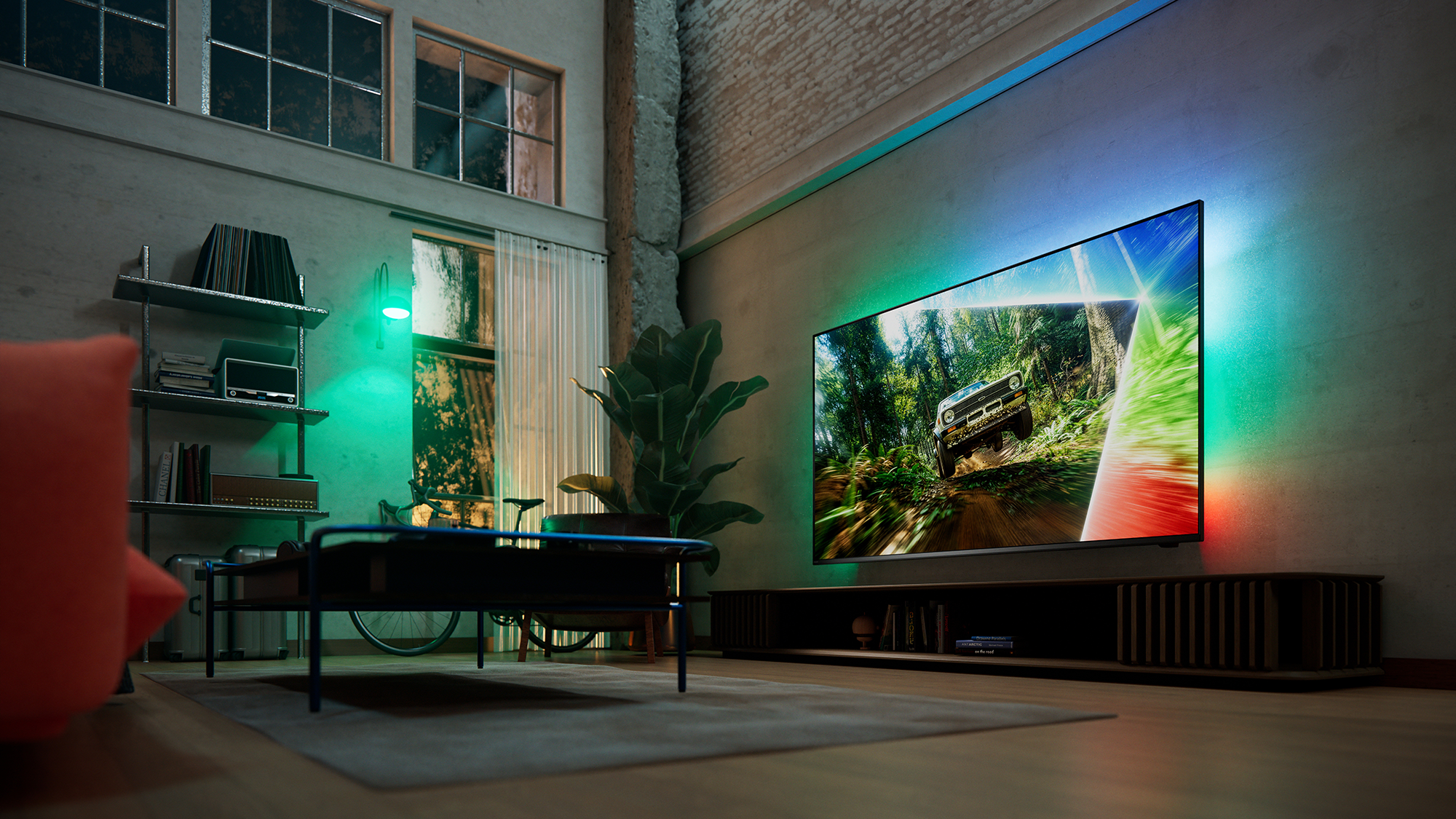
Highly patterned wallpaper is more difficult. You'll still see the lighting effect, but it won't look as clean as it does on a relatively plain surface.
The distance between the TV and wall matters too. You need enough room behind the television for the LEDs to create a soft, diffused glow rather than a very concentrated line of light.
Can you turn Ambilight off
Yes. You don't have to use Ambilight every time you switch the television on. You can turn the system off or adjust how it behaves depending on what you're watching.
That's useful because dynamic lighting isn't ideal for everything. Sometimes you might want the full reactive effect for gaming or a movie. Other times, you may prefer a calmer background light—or no additional light at all.
This is important because Ambilight should be thought of as an optional part of the experience, not something you're forced to look at every time you want to watch the news.
Ambilight is getting more connected
Philips has continued developing the system beyond the LEDs physically built into the TV.
For its 2026 lineup, TP Vision introduced AmbiScape, which allows compatible Ambilight TVs to extend the effect to additional smart lights around the room. The full 2026 implementation can control up to four compatible smart lights, effectively spreading the colors beyond the wall directly behind the television.
That's interesting because it brings Ambilight closer to the kind of whole-room synchronized lighting systems previously associated with setups such as Philips Hue.
But for most people, the built-in lighting behind the TV remains the main attraction.
Is Ambilight only available on Philips TVs
Yes, Ambilight itself is a Philips TV feature. You can't buy an LG or Samsung television with genuine Ambilight built in. That doesn't mean you're out of luck if you already own another TV, though.
There are several external systems designed to produce a very similar effect. The key difference is how they figure out what's happening on your screen.
There are two main approaches:
a camera looking at the TV;
an HDMI sync box analyzing the video signal.
Alternative 1: camera-based TV backlighting
Camera systems are usually the easiest way to add Ambilight-style lighting to an existing television. You attach an LED strip to the rear of the TV and place a small camera above or below the screen. The camera watches the picture, detects the colors and tells the LEDs what to display.
Govee TV Backlight
Govee is one of the best-known brands using this approach. Its current TV Backlight 3 Pro, for example, uses a triple-camera system to analyze the screen and divide the lighting into multiple reactive zones. It's designed for 55–65-inch and 75–85-inch TVs.
The big advantage is compatibility. Because the camera is literally looking at the screen, it doesn't particularly care whether the picture comes from a Netflix, Apple TV or a YouTube app built into your TV, a gaming console or anything else displayed on the screen.
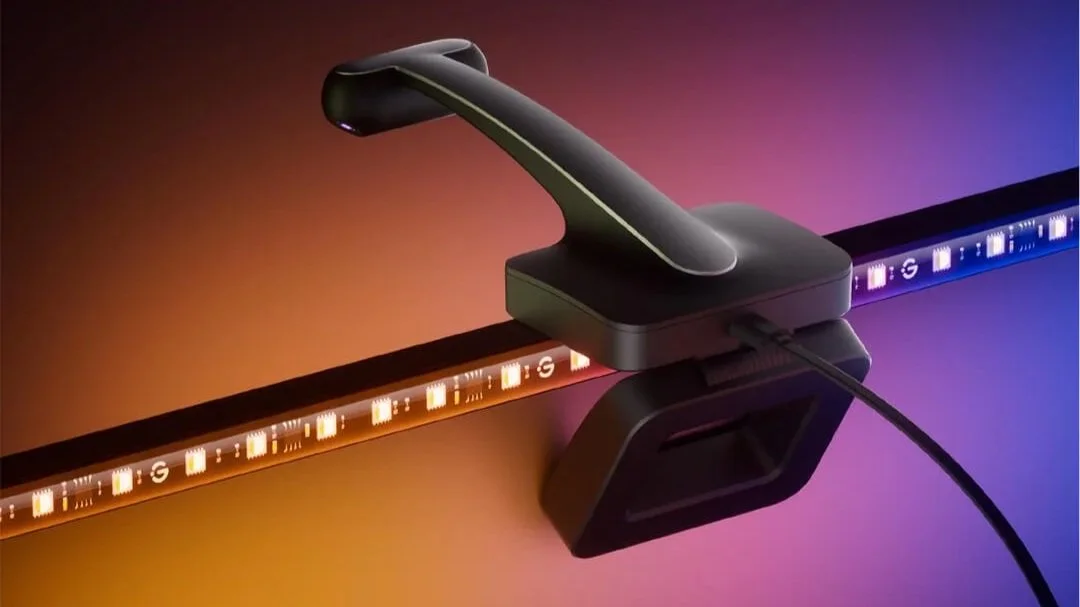
The downside? There's a camera sitting above or below your television. Whether that bothers you depends entirely on your tolerance for having a small plastic eye staring at your TV.
Nanoleaf 4D
Nanoleaf 4D works on a similar principle. A camera reads the colors on the TV and maps them onto an RGB light strip mounted behind it. Nanoleaf lets you choose different levels of synchronization, from a subtler ambient glow to full screen mirroring.
Its Sync+ system can also extend the effect to additional compatible Nanoleaf lights around the room. Again, the big benefit is that the system works with whatever is actually visible on the television. There's no need for the video signal to pass through another HDMI device.
Alternative 2: HDMI sync boxes
The other option is more sophisticated. Instead of watching the screen with a camera, an HDMI sync box analyzes the video signal before it reaches the TV.
That can produce more precise and responsive lighting because there's no camera trying to interpret the screen from the outside.
Philips Hue Play HDMI Sync Box
One of the best-known examples is the Philips Hue Play HDMI Sync Box. The current 8K version supports HDMI 2.1, including video up to 8K at 60Hz or 4K at 120Hz, and can synchronize compatible Hue lighting with devices connected through HDMI.
For a gaming setup with a PS5 or Xbox Series X, that's a much better proposition than older sync boxes that could become a bottleneck for high-refresh-rate gaming.
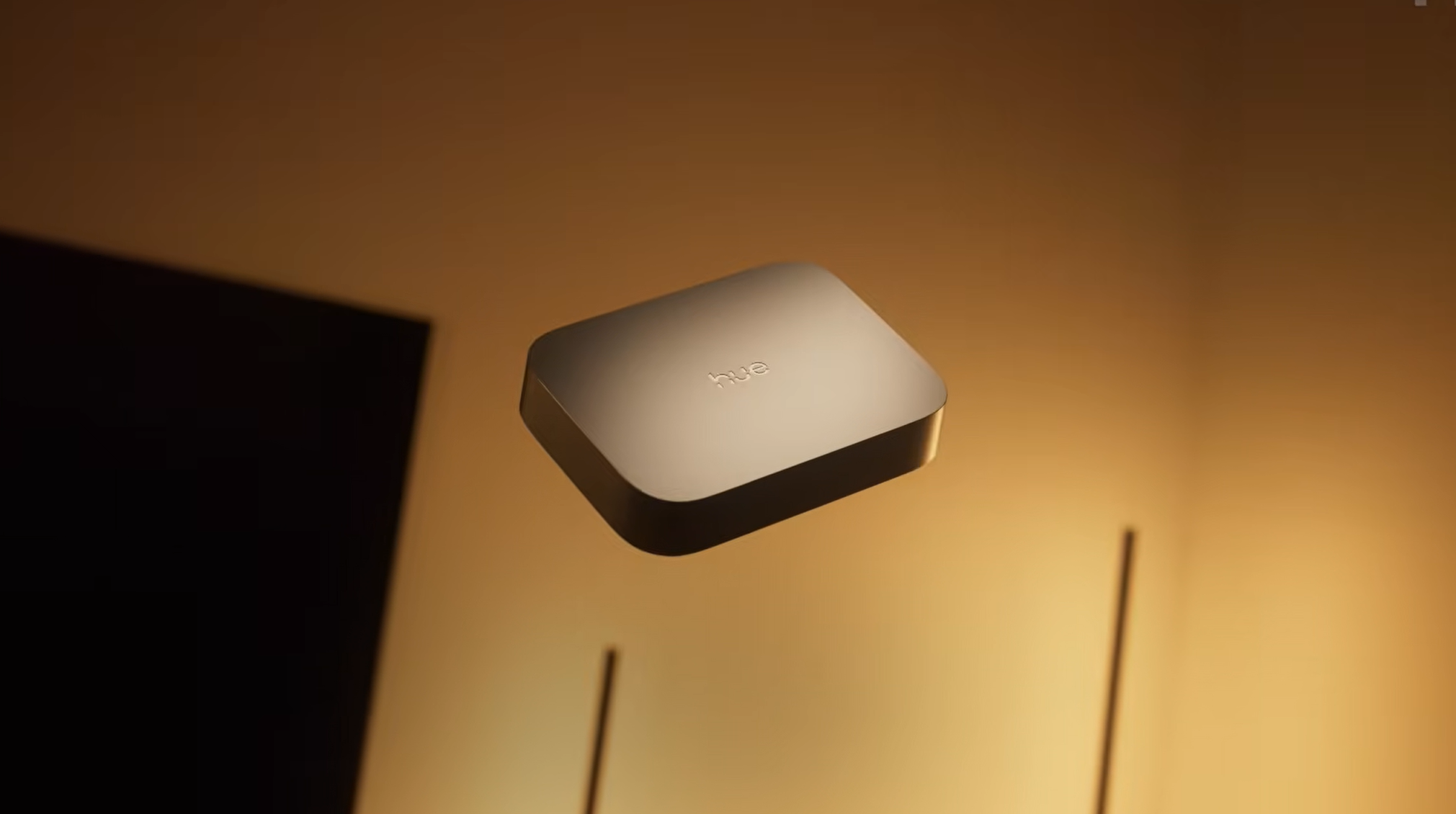
But there's an important limitation. The box can analyze devices that pass through it, such as:
game consoles;
Apple TV;
streaming boxes;
Blu-ray players.
It generally can't see content produced directly by your TV's built-in apps, because that video never passes through the external HDMI box. Philips makes this distinction explicitly in its current Hue Sync guidance.
Depending on your setup, that can be a major drawback.
Govee AI Sync Box 2
Govee also offers an HDMI-based alternative with its AI Sync Box Kit 2. It supports HDMI 2.1 with up to 8K/60Hz and 4K/144Hz, along with gaming features such as VRR and ALLM.
Again, it's particularly interesting for gaming because the lighting reacts directly to the HDMI signal without requiring a camera pointed at the screen.
Camera or HDMI sync box: which is better
The choice is actually fairly simple.
Choose a camera-based system if:
you mostly use built-in TV apps;
you want something that works with virtually everything displayed on the screen;
you want a cheaper and simpler setup;
you don't mind seeing a small camera.
Choose an HDMI sync box if:
you mainly use consoles or external streaming boxes;
you want more precise synchronization;
you dislike the appearance of a camera;
you're willing to spend more.
And if you're buying a new TV anyway, Philips Ambilight remains the cleanest solution of all because everything is already built into the television.
✓ No cameras.
✓ No HDMI box.
✓ No extra light strip stuck to the back.
What about a normal LED strip
There's one much cheaper alternative worth mentioning. You can simply install a regular LED strip behind your television.
It won't automatically react to the picture unless you add additional hardware, but a static white or warm-white backlight can still make watching TV in a dark room more comfortable.
RGB strips also let you choose a color that suits the room. You lose the main party trick—the colors following what happens on screen—but you can get much of the basic bias-lighting benefit for considerably less money.
If reducing the harsh contrast between a bright TV and a dark room is your main goal, you may not need a full Ambilight-style system at all.
Is Ambilight worth it
I know people who would choose a television based on Ambilight alone, but I’m not one of them. For me, the panel quality, HDR performance, processing, gaming features and price are still more important.
But if two TVs are otherwise relatively close, Ambilight can be a genuinely compelling reason to choose the Philips.
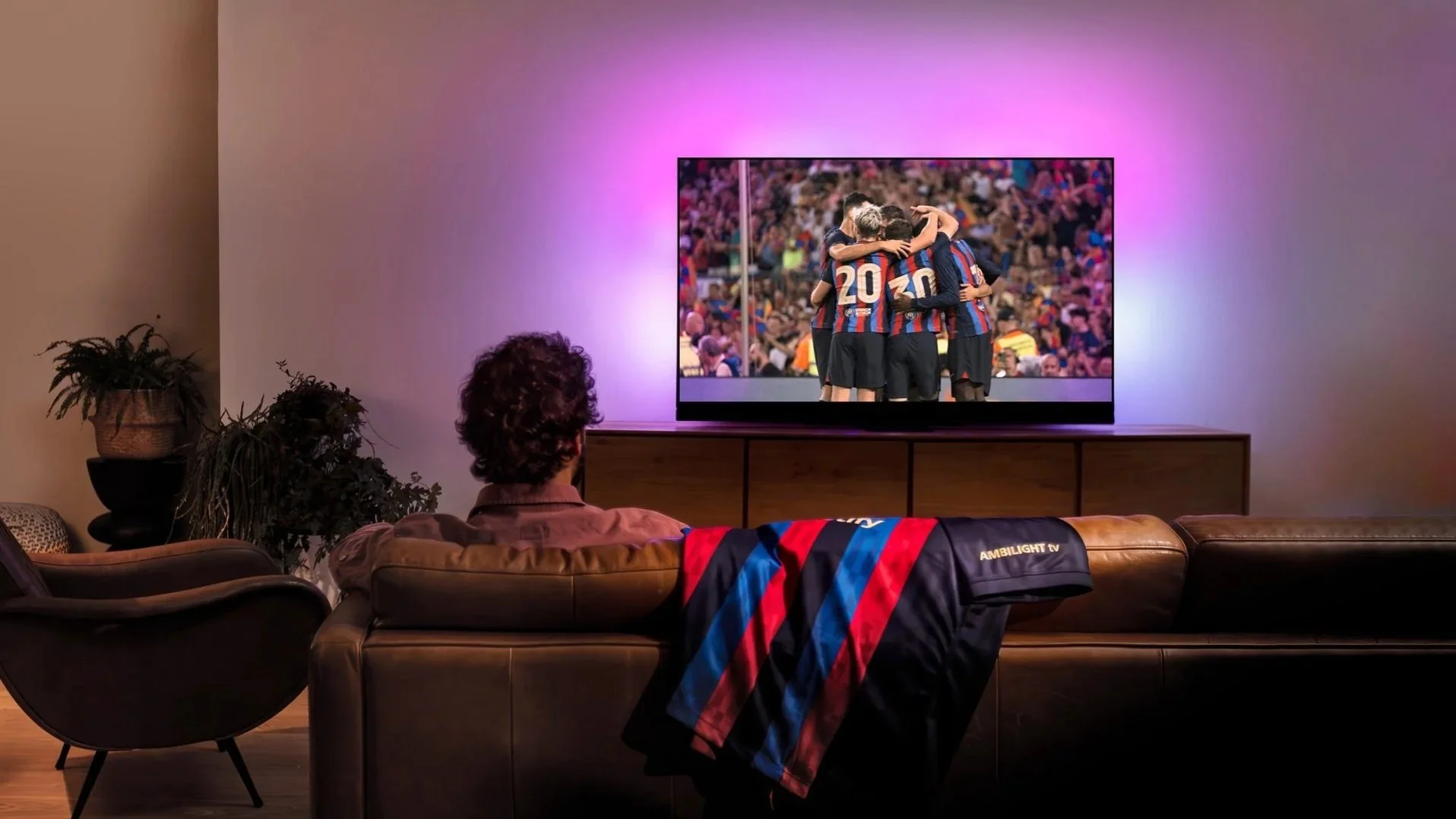
It's particularly worthwhile if:
you watch lots of movies in the evening;
you regularly play games;
your TV sits against a relatively clear wall;
you enjoy atmospheric lighting;
you want the effect without installing additional hardware.
It's less important if you mostly watch television in a bright room or simply don't like colorful lighting around your screen. And that's ultimately the nice thing about Ambilight.
It doesn't fundamentally change what your television can display. It changes what the television feels like to watch. Once you've spent an evening with a good Ambilight setup, a normal dark wall behind the TV can suddenly look surprisingly empty.
